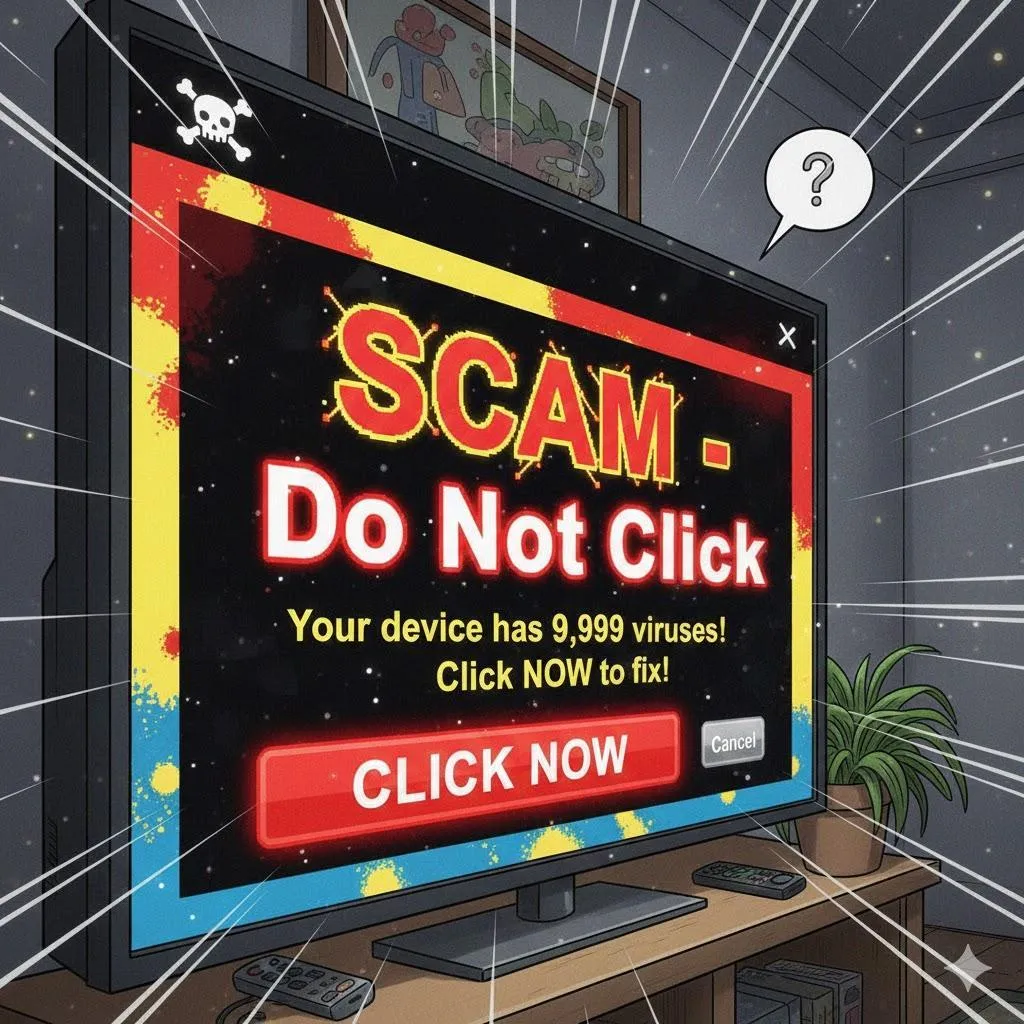
How to Avoid Fake Tech Support Scams
Scammers pretend to be “Microsoft,” “Apple,” or “your bank” to trick you into giving access to your computer or sending money. This guide teaches you the red flags and how to protect yourself online and on the phone.
Imagine This Scenario
You’re checking email when suddenly:
A loud beep!
A scary message!
“Your computer is infected! Call NOW!”
Or your phone rings:
“Hello, this is Microsoft. Your computer is compromised.”
Don’t panic—these are 100% scams.
1. The 3 Most Common Tech Scams
Summary: They all look scary on purpose.
1. Phone calls
Scammer says:
“Your computer has a virus.”
“We detected unusual activity.”
“You must pay to continue using your computer.”
REAL companies never call you first.
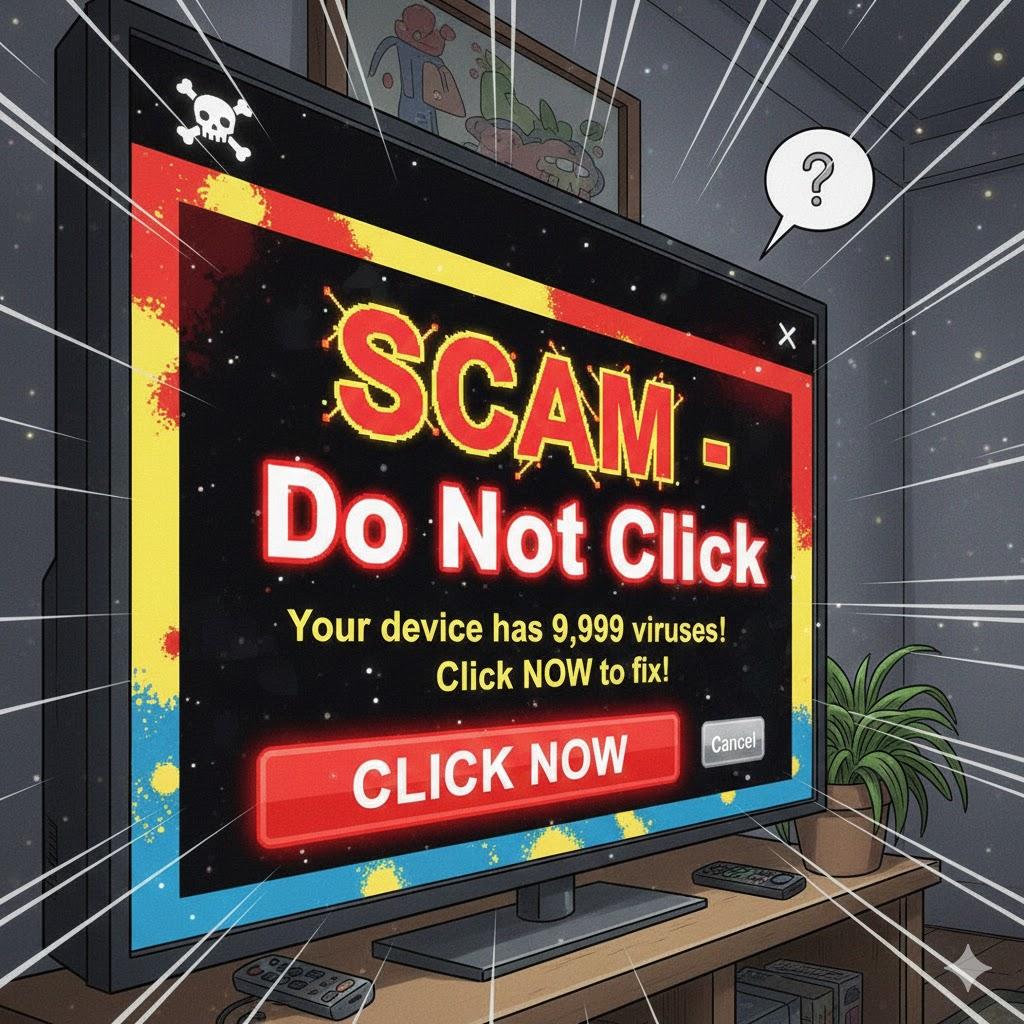
2. Pop-Up Warnings
Messages that say:
“Your computer is locked.”
“Call this number now!”
They may beep loudly or freeze your screen, but they cannot hurt your computer unless you interact.
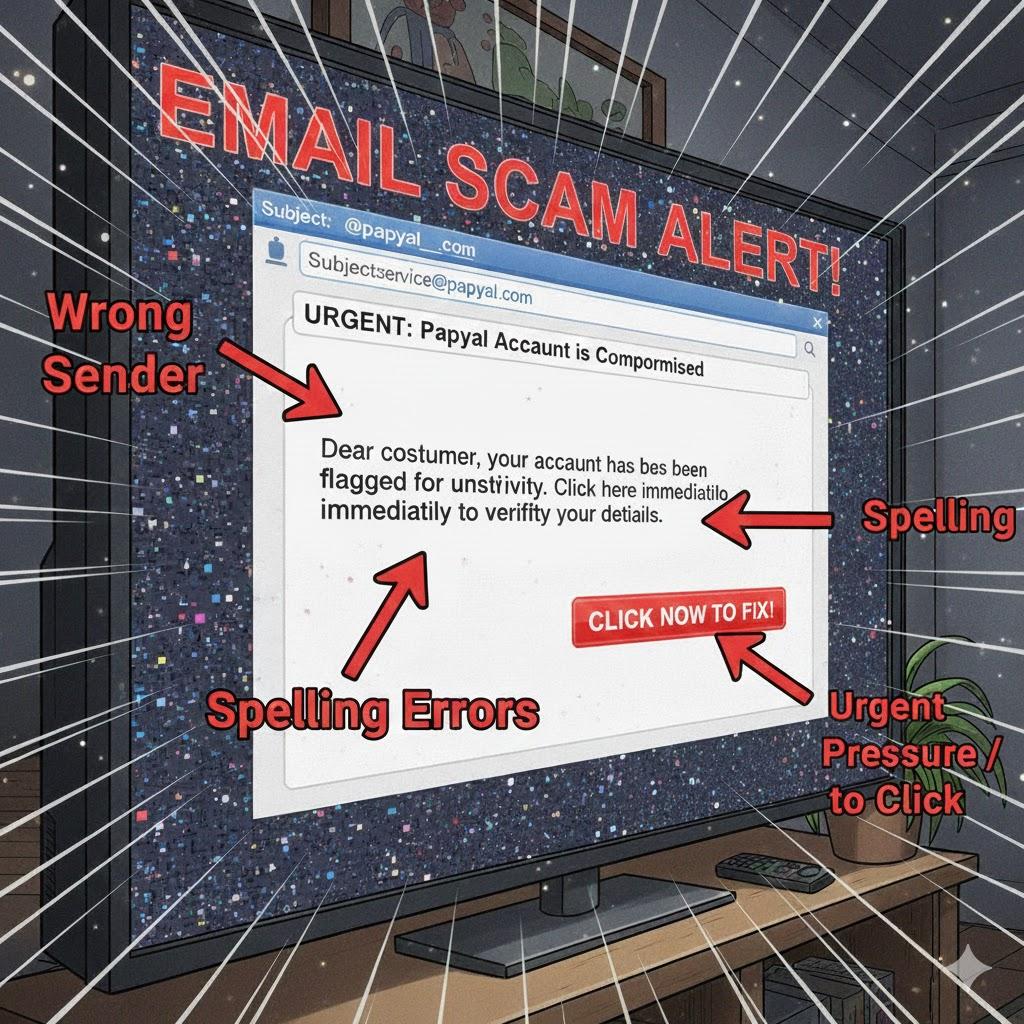
3. Fake Emails
Emails pretending to be from:
Microsoft
Apple
PayPal
Your bank
Netflix
They want you to click a fake link.
2. The Biggest Red Flags
Summary: If it pressures you, it’s fake.
Demands money
Says “urgent” or “immediate action”
Wants remote access
Asks for passwords
Uses fear (“your files will be deleted”)
Has a phone number in a pop-up
Poor spelling or grammar
Email from a strange address
3. What to Do When a Pop-Up Appears
Summary: Stay calm. It’s fake.
Don’t click anything.
Press Ctrl + Alt + Delete (Windows) or Option + Command + Esc (Mac).
Close your browser.
Restart your computer.
That’s it—the scam is gone.
“Need a hand? Your friends at FriendlyHelp are just a click away—book your appointment today!
4. What Real Tech Support Will Never Do
Real companies will never:
Call you unexpectedly
Ask you to install remote software
Request payment cards
Demand your password
Use pop-up phone numbers
If they do—it’s a scammer.
5. How to Stay Safe
Summary: A few habits protect you every day.
Keep antivirus updated
Don’t answer calls from unknown numbers
Never click a link in an email unless you’re sure
Type website names manually
Use strong passwords
Ask a trusted person first
FAQ: Tech Support Scams
Q1: Should I call the number on the pop-up?
Never. It’s always a scam.
Q2: Is my computer damaged?
No—the pop-up just tries to scare you.
Q3: What if I already gave remote access?
Turn off your computer and get real help immediately.
The 5 Golden Rules of Scam Safety
Hang up on unexpected tech calls.
Never call numbers shown in pop-ups.
Never give passwords to anyone.
If it scares you—it’s fake.
Ask FriendlyHelp before acting.
Scammers succeed by creating fear and urgency—not because you did anything wrong.
Real tech companies don’t scare, rush, or demand access. When you know the red flags and stay calm, these scams lose their power completely. And if something ever feels suspicious or unsettling, FriendlyHelp is here to help you check it safely, explain what’s real, and guide you through the next steps—so you never have to face it alone.
