
The Easiest Ways to Clean and Maintain Your Devices (Phone, Laptop, Tablet)
Quick Summary
Keeping your devices clean and healthy isn’t complicated. A few simple habits help your phone, laptop, and tablet run faster, last longer, and stay germ-free.
Imagine This Scenario
You pick up your phone and notice fingerprints, dust in the charging port, and crumbs between your keyboard keys.
Your device feels slow and your battery drains quickly.
Good news: you can fix most of this in minutes.
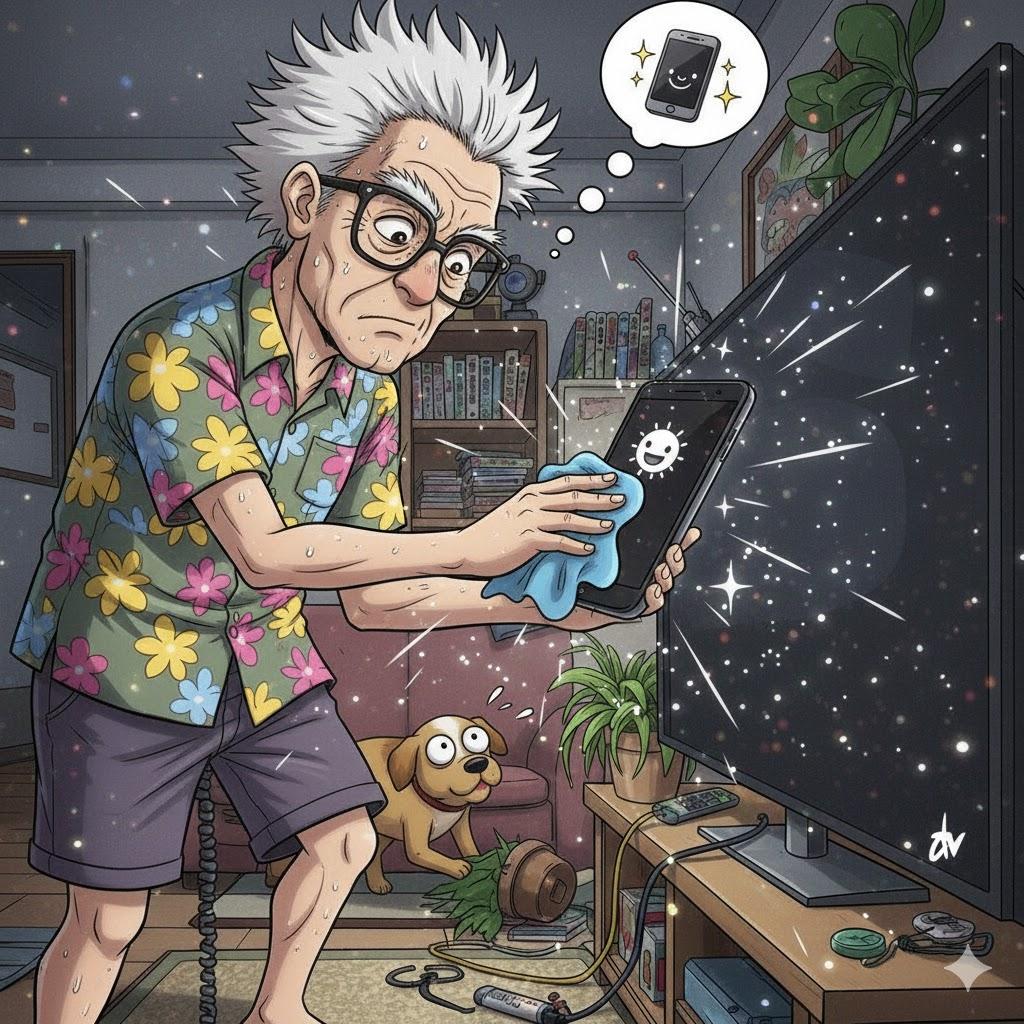
1. Cleaning the Outside
Summary: Shine on the outside, safe on the inside.
Use:
Microfiber cloth
Slightly damp wipe
Small brush or soft cotton swab
Avoid:
Paper towels
Spraying directly on screens
Bleach or alcohol on screens
Wipe in circles. Keep liquids away from openings.
2. Cleaning the Charging Ports
Summary: Dust = bad connection.
Turn off your device
Use a toothpick or soft brush
Gently remove lint
Never use metal tools.
3. Battery Care
Summary: Healthy battery = longer life.
Don’t let your device drain to 0% often
Unplug once fully charged
Avoid extreme heat
Close unused apps
Reduce screen brightness
4. Internal Maintenance (Software Care)
Summary: Keep the inside clean too.
Update apps and system regularly
Restart weekly
Delete apps you no longer use
Clear old files and photos
Empty “Trash” or “Recycle Bin”
This improves speed instantly.
“Need a hand? Your friends at FriendlyHelp are just a click away—book your appointment today!
5. Keep Your Device Safe
Summary: Protect from drops, dust, and spills.
Use a good case
Add a screen protector
Keep devices off couches or beds (they fall easily)
Don’t eat over your laptop
Keep drinks away from keyboards

FAQ: Device Cleaning & Care
Q1: How often should I clean my phone?
Once a week is enough.
Q2: Can I use alcohol wipes?
Only for the back/sides—not the screen.
Q3: Why is my phone still slow?
You may need to delete apps or restart it.
The 5 Golden Rules of Device Care
Soft cloths only.
Keep ports clean.
Restart weekly.
Avoid heat.
Update regularly.
Taking care of your devices doesn’t require special tools or technical know-how.
A few gentle cleaning habits and regular check-ins can keep your phone, laptop, and tablet running smoothly and feeling good to use. Small efforts now often prevent bigger problems later. And if you’re unsure what’s safe to clean, how to maintain performance, or just want a second set of eyes, FriendlyHelp is here to help you care for your devices calmly and confidently—no stress, no guesswork.
