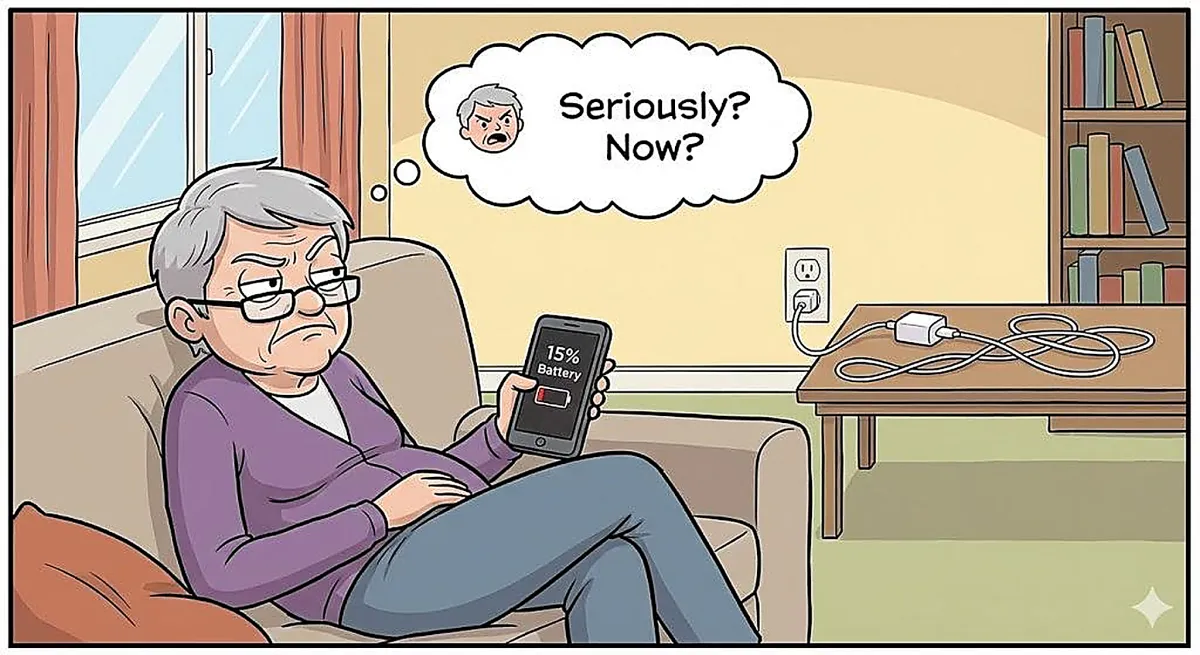
Why Does My Phone Battery Die So Fast? A Friendly Guide to Making It Last Longer
Quick Summary
If your phone battery seems to drain faster than your morning coffee cools down, you’re not alone. Most battery problems aren’t caused by a “bad phone” — they’re caused by settings and habits you can easily adjust.
Imagine This Scenario
You charge your phone overnight.
You unplug it at 8 a.m.
By lunchtime… it’s already at 32%.
Let’s fix the battery drain — without buying a new phone.
1. Your Screen Is the Biggest Battery Hog
Summary: Bright screens drain batteries fast.
The brighter your screen, the harder your phone works.
Easy Fix:
Lower screen brightness
Turn on Auto-Brightness
Shorten screen timeout
Your eyes won’t mind — and your battery will thank you.
2. Apps Are Running Even When You’re Not Using Them
Summary: Some apps never sleep.
Apps like social media, email, and weather refresh constantly.
Easy Fix:
Close unused apps
Turn off Background App Refresh
“Need a hand? Your friends at FriendlyHelp are just a click away—book your appointment today!
3. Notifications Are Sneaky Battery Drainers
Summary: Buzzing costs power.
Every buzz, ding, and screen wake uses energy.
Easy Fix:
Turn off notifications you don’t need
Keep calls and messages on
4. Location Services Are Always Watching
Summary: GPS drains batteries quickly.
Some apps track your location constantly.
Easy Fix:
Set apps to “Only While Using”
Turn off location for apps that don’t need it
“Need a hand? Your friends at FriendlyHelp are just a click away—book your appointment today!
5. Old Batteries Don’t Hold Power Like They Used To
Summary: Batteries age — phones don’t tell you.
If your phone is 3+ years old, the battery may simply be tired.
A battery replacement is often cheaper than a new phone.
6. Charging Habits Matter More Than You Think
Summary: Small habits make big differences.
Avoid:
❌ Letting battery hit 0% often
❌ Leaving it plugged in all night every night
Aim for:
✔️ Charging between 20%–80% when possible
7. Power-Saving Mode Is Not Cheating
Summary: It exists for a reason.
Turn on Low Power Mode when battery drops below 30%.
Your phone will quietly conserve energy.
FAQ: Phone Battery Issues
Q1: Is closing apps helpful?
Yes — especially for heavy apps.
Q2: Should I buy a new phone immediately?
No — try these fixes first.
Q3: Do chargers affect battery life?
Cheap chargers can — stick to reliable ones.
The 5 Golden Rules of Battery Life
Lower screen brightness.
Limit background apps.
Reduce notifications.
Use power-saving mode.
Batteries age — that’s normal.
Fast battery drain is usually about habits and settings—not a broken phone.
A few small adjustments can dramatically extend your battery life and reduce daily charging stress. Most phones just need a little tuning to work more efficiently. And if your battery still struggles or you’d like help reviewing settings together, FriendlyHelp is here to help you get the most out of your phone—calmly, clearly, and without pressure.
