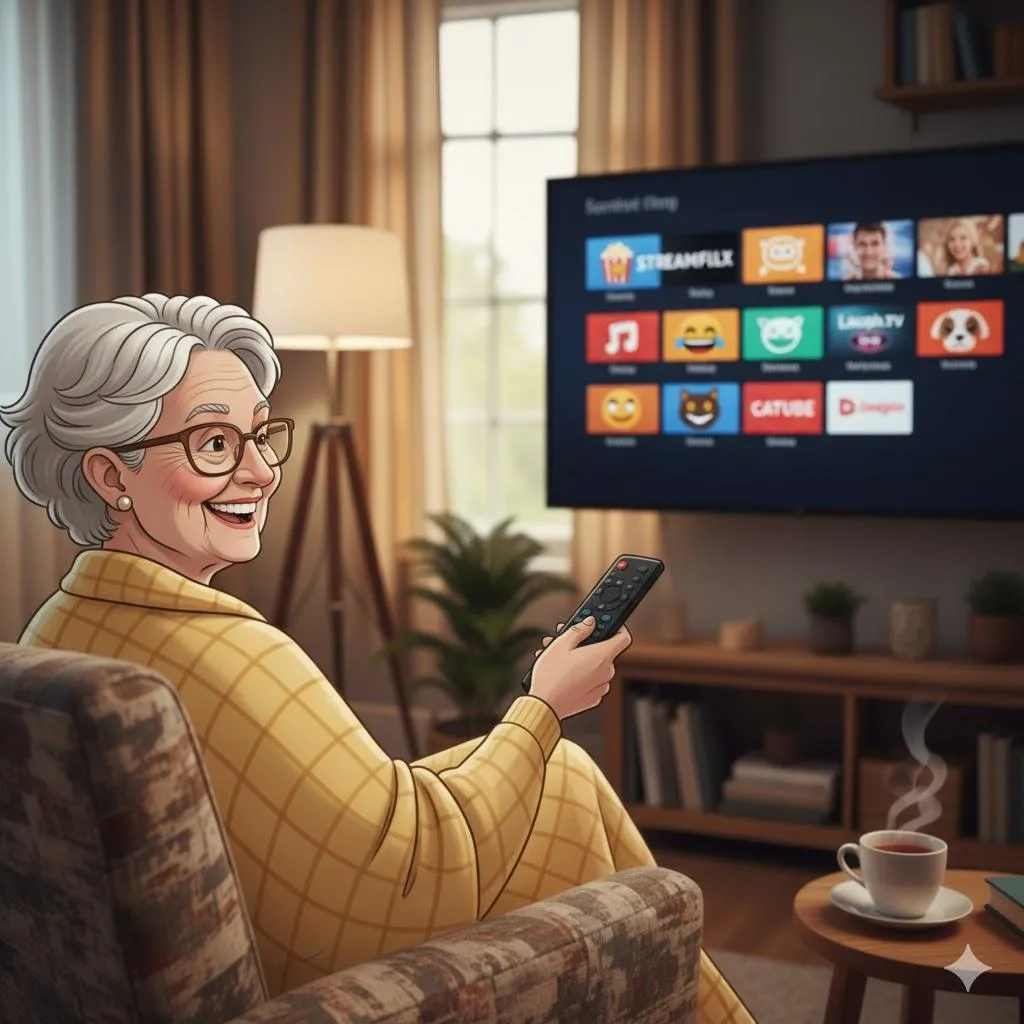
Streaming Made Simple: How to Watch Netflix, YouTube, and Disney+ Without Confusion
Quick Summary
Streaming lets you watch shows and movies instantly—no cable box, no commercials, no schedule. You choose what to watch and when to watch it. Here’s the easiest guide to Netflix, Disney+, and YouTube.
Imagine This Scenario
You sit down after dinner, press “TV,” and… nothing happens.
You’re stuck between HDMI buttons and confusing menus.
Streaming fixes all that. With one remote and a simple app, you can watch anything—from cooking videos to classic movies—with zero frustration.
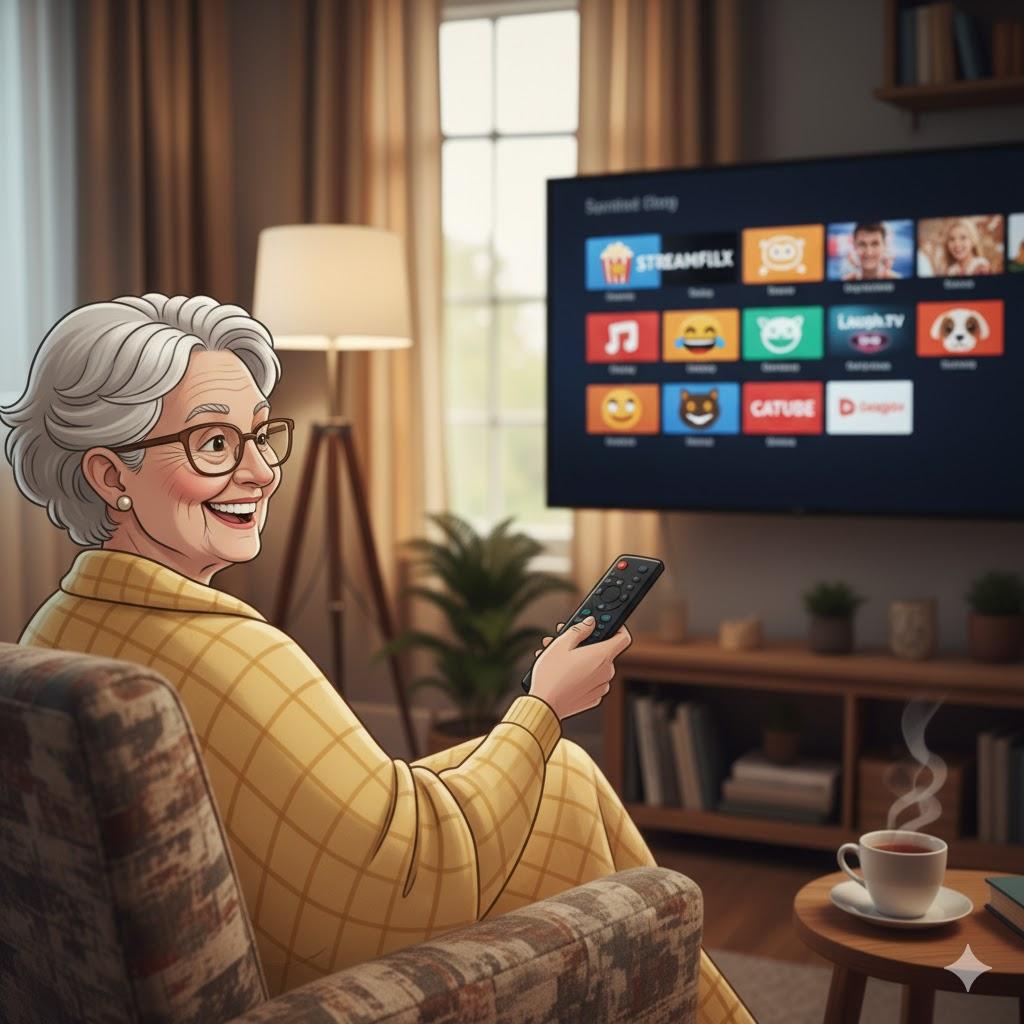
1. What Is Streaming?
Summary: Watching over the internet—no downloads.
Streaming = playing movies or videos through Wi-Fi.
Examples:
Netflix
YouTube
Disney+
Amazon Prime
Hulu
Think of it as a giant library you can open anytime.
2. What You Need
Summary: Just 3 things.
A smart TV or streaming device (Roku, Fire Stick, Apple TV)
A good Wi-Fi connection
A streaming account (Netflix, Disney+, etc.)
“Need a hand? Your friends at FriendlyHelp are just a click away—book your appointment today!
3. How to Use Netflix
Summary: Thousands of movies and shows.
Open Netflix
Choose your profile
Browse categories (“Comedy,” “Drama,” “Kids”)
Tap Play
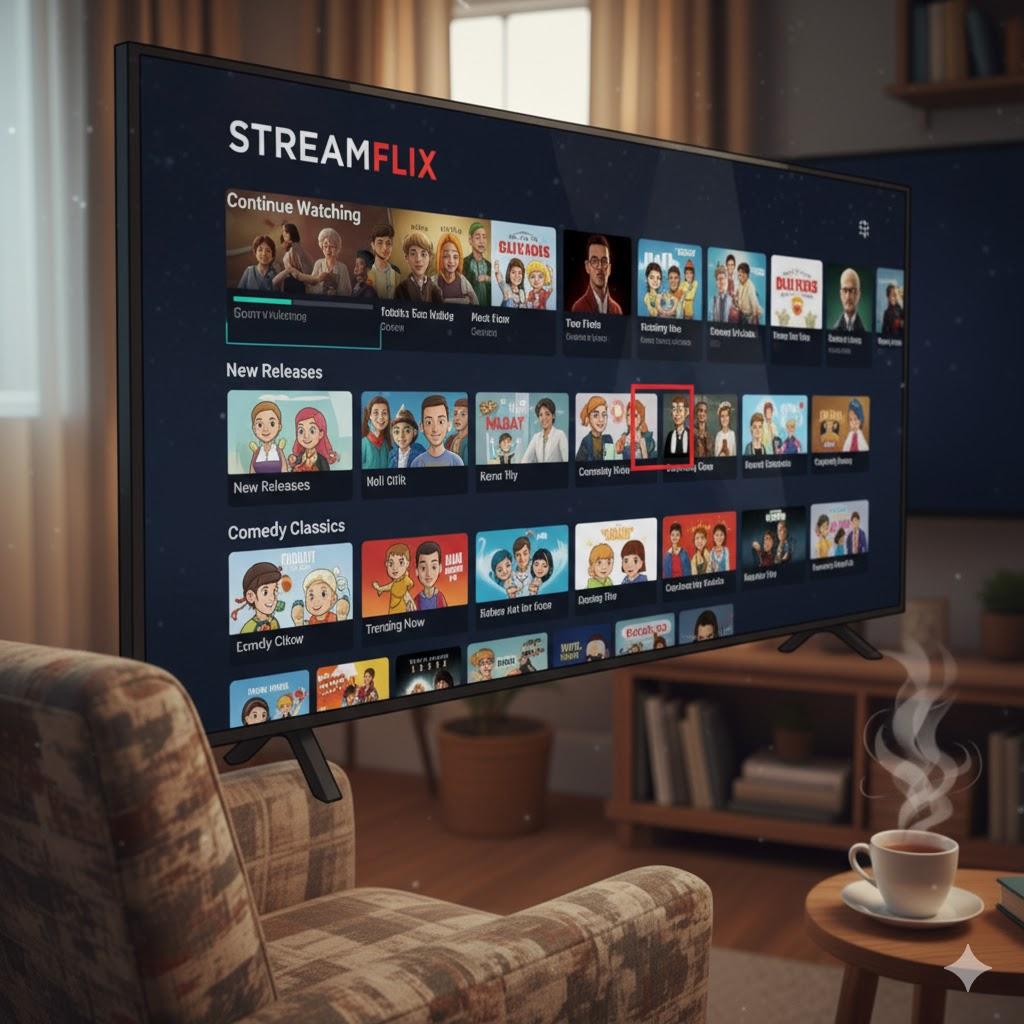
💡 Tip: Use the Search bar to type show names instead of scrolling forever.
4. How to Use Disney+
Perfect for Pixar, Marvel, Star Wars, documentaries, and classic animations.
To use:
Open the Disney+ app
Choose a movie or show
Press Play
You can also create kids-only profiles for young family members.
5. How to Use YouTube
Summary: Free videos on ANY topic.
Examples seniors love:
Chair exercises
Cooking tutorials
Travel videos
Church livestreams
Music playlists
To use:
Open YouTube
Tap Search
Type anything you want to watch
6. Common Streaming Problems (and Fixes)
Summary: Most are Wi-Fi issues.
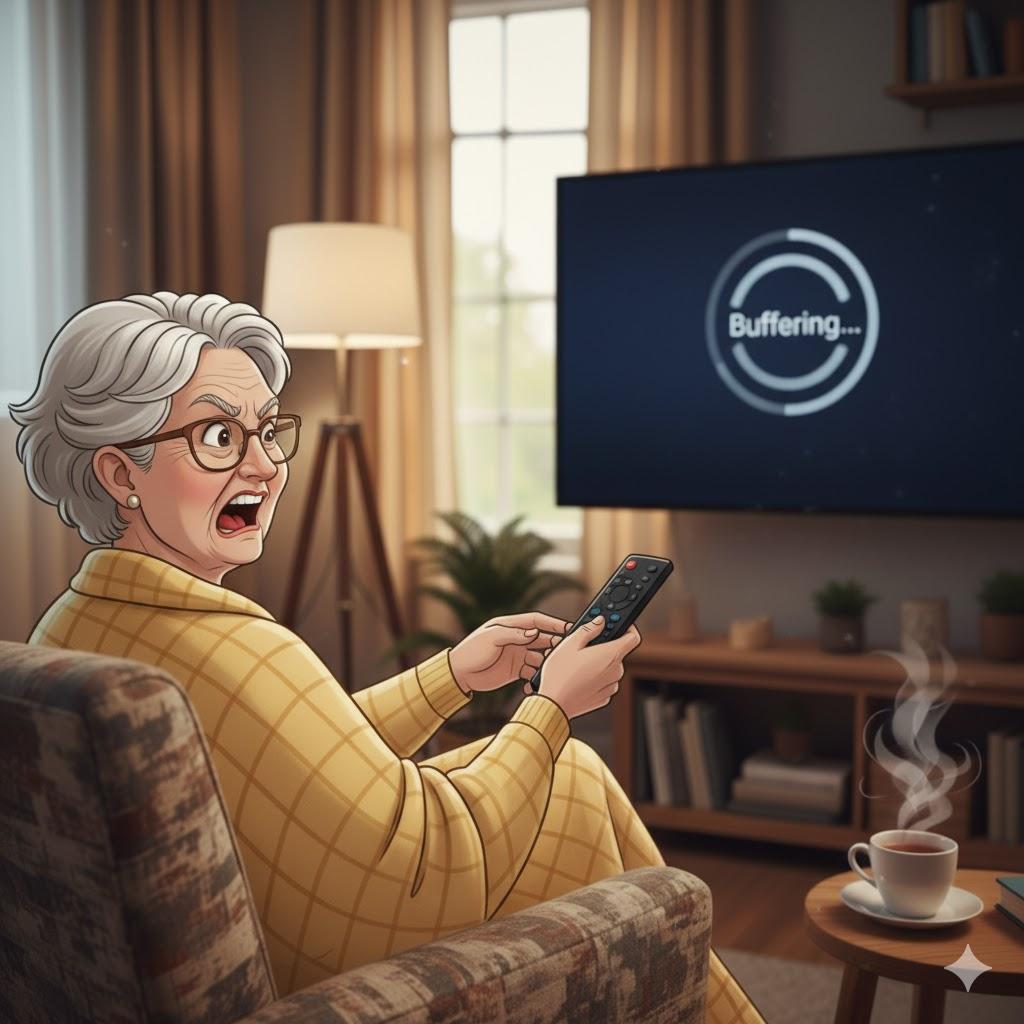
Buffering (spinning circle) → move closer to router or restart Wi-Fi
No sound → press volume up or try TV sound settings
Wrong HDMI → press “Input” until apps appear
“Need a hand? Your friends at FriendlyHelp are just a click away—book your appointment today!
FAQ: Streaming Basics
Q1: Is streaming free?
YouTube is free; Netflix and Disney+ require a subscription.
Q2: Do I need cable?
No—Wi-Fi is enough.
Q3: Can I watch on my phone or tablet?
Absolutely.
The 5 Golden Rules of Streaming
Use the Search button—don’t scroll aimlessly.
Keep Wi-Fi strong and close.
Save favorites using “My List.”
Press pause anytime.
Enjoy—it’s easier than it looks!
Streaming is meant to be relaxing—not confusing.
Once you understand the basics, watching your favorite shows becomes as simple as pressing play. A little familiarity goes a long way, and most problems have easy fixes. And if setting things up or navigating menus still feels frustrating, FriendlyHelp is here to help you get comfortable with streaming—so movie night stays cozy, not complicated.
