Why Do My Emails Bounce Back? A Simple Guide to Delivery Failures
If you’ve ever sent an email only to have it return with strange error codes and phrases like “Delivery Status Notification,” don’t panic. Email “bounce backs” are common — and usually easy to fix.
Imagine This Scenario
You send an important email.
You feel productive.
Two minutes later…
DING.
“Your message could not be delivered.”
Now you’re staring at a wall of robotic text like it personally offended you.
Let’s decode it calmly.
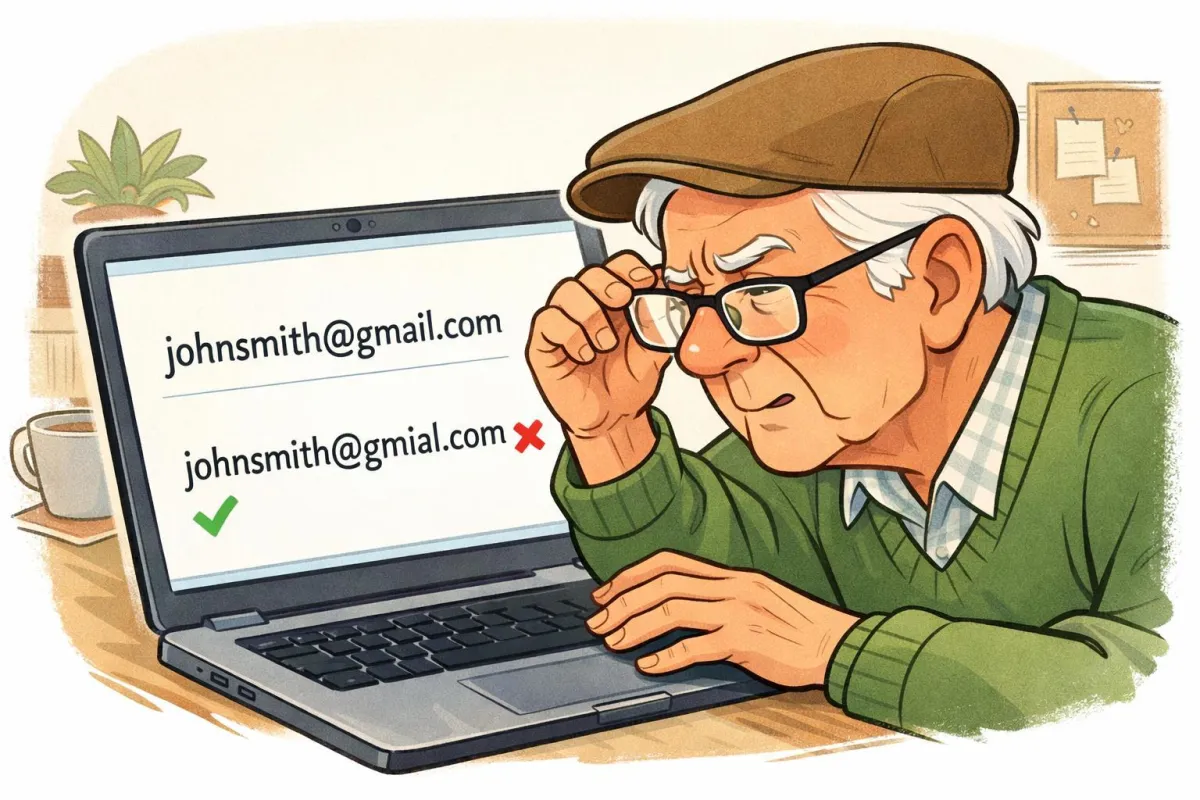
1. The Email Address Might Be Misspelled
Summary: Even one missing dot causes failure.
If the address says:
[email protected]
instead of
[email protected]
The message has nowhere to go.

✔ ️ Fix: Double-check spelling carefully before resending.
2. The Recipient’s Inbox Is Full
Summary: Yes, inboxes fill up.
If their storage is full, your message bounces back automatically.
✔️ Fix: Contact them another way and let them know.
“Need a hand? Your friends at FriendlyHelp are just a click away—book your appointment
3. The Attachment Is Too Large
Summary: Big files cause big problems.
Large PDFs or photos can exceed sending limits.
✔️ Fix:
• Compress the file
• Send fewer photos
• Use Google Drive or Dropbox
4. The Server Is Temporarily Busy
Summary: Sometimes it’s just traffic.
Email servers occasionally delay or reject messages during heavy usage.
✔️ Fix: Wait 10–15 minutes and resend.
“Need a hand? Your friends at FriendlyHelp are just a click away—book your appointment

5. You May Be Blocked
Summary: It happens — rarely.
If someone blocked your email, messages won’t deliver.
✔️ Fix: Confirm with the person politely.
FAQ
Q1: Did I break something?
No — bounce backs are normal.
Q2: What does “Mail Delivery Subsystem” mean?
It’s just the email system reporting a failure.
Q3: Is this a scam?
Only if the bounce message asks for money. Real ones never do.
The 5 Golden Rules of Email Delivery
• Double-check spelling
• Keep attachments small
• Use cloud links when needed
• Wait before resending
• Don’t panic
FriendlyHelp provides calm, patient tech support for older adults and families who want technology explained clearly — without jargon, pressure, or judgment. From email troubleshooting to attachment help and account recovery, we walk you through it step by step.
If your emails keep bouncing back or error messages feel confusing, you don’t have to figure it out alone.
