Why Do My Apps Keep Changing? A Calm Guide to Updates, New Looks, and Missing Buttons
Apps change often—and no, you didn’t imagine it. Buttons move, colors change, and things look different overnight. This guide explains why apps change and how to stay calm when they do.
Imagine This Scenario
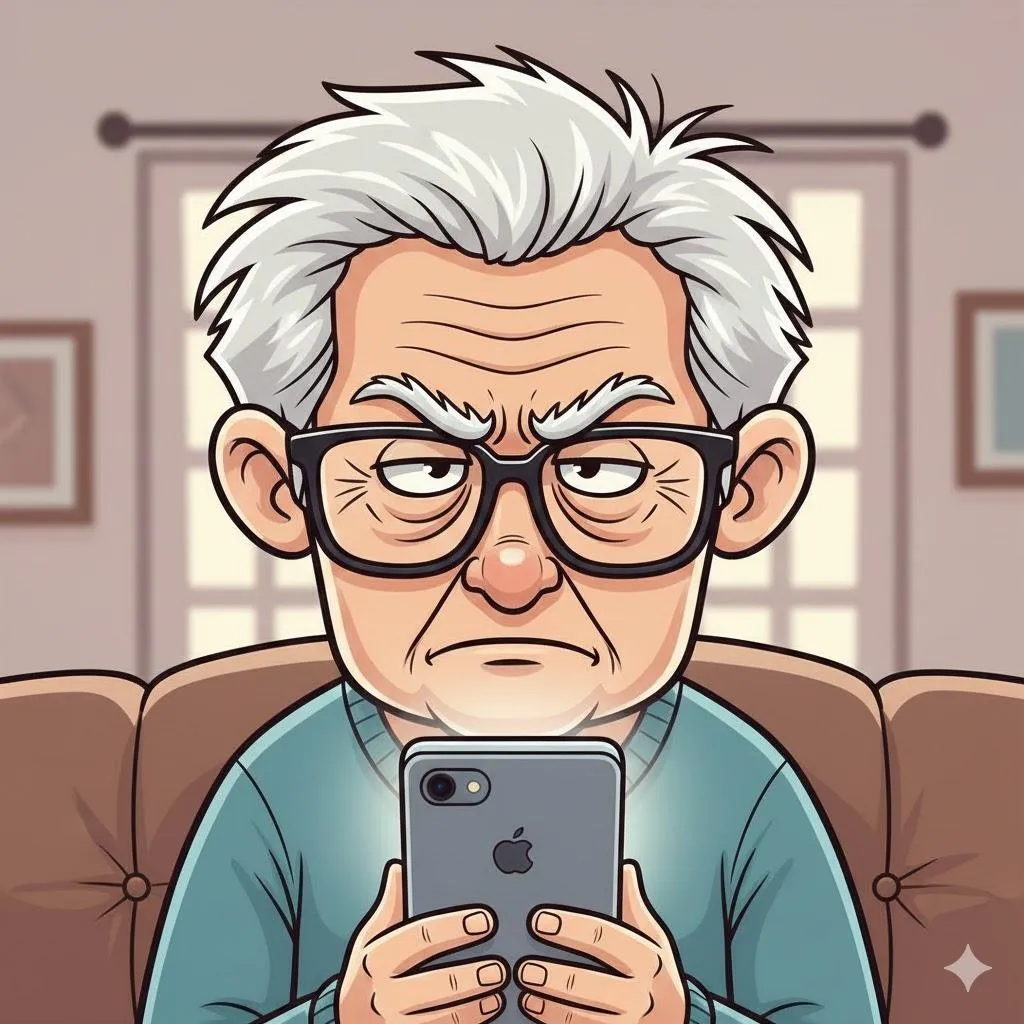
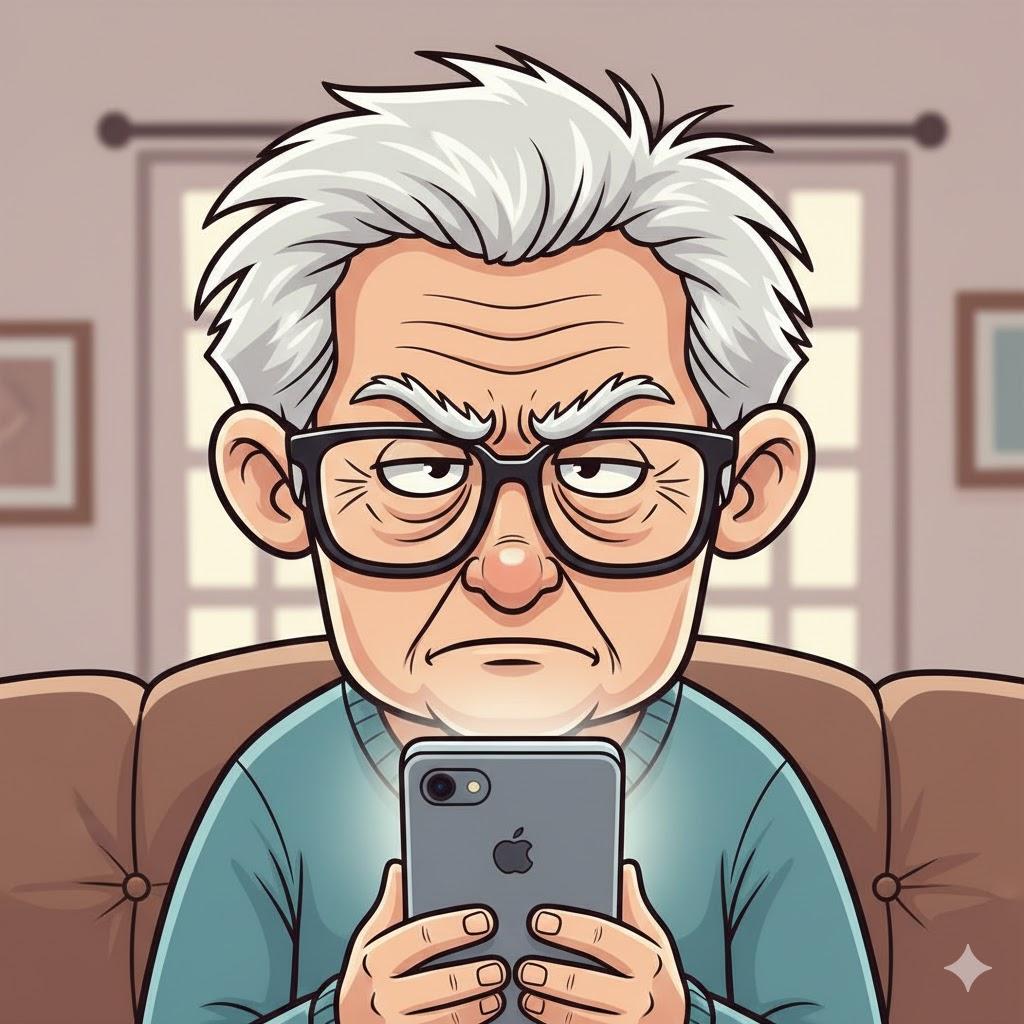
You open an app you use every day.
Suddenly…
The button is gone.
The screen looks different.
You mutter:
“I swear this wasn’t here yesterday.”
You’re not losing your mind. The app really did change.
1. Why Apps Change at All
Summary: Updates are constant—and unavoidable.
App companies update to:
Fix problems
Add features
Change layouts
Compete with other apps
They don’t ask permission. They just… change things.
2. Buttons Usually Move—They Rarely Disappear
Summary: The feature is still there, just hiding.
If something seems missing:
Look under “Menu”
Look for three dots (…)
Check “Settings”
3. Why Updates Happen at the Worst Time
Summary: Devices update when idle.
Apps update:
Overnight
While charging
When connected to Wi-Fi
That’s why things look different in the morning.
4. How to Prepare for App Changes
Summary: Expect change—don’t fight it.
Tips:
Update apps when you’re not rushed
Use familiar apps consistently
Ignore new features until you’re ready
“Need a hand? Your friends at FriendlyHelp are just a click away—book your appointment today!
5. When NOT to Update Immediately
Summary: Waiting is allowed.
If you rely on an app daily:
Wait a few days
Let others discover bugs first
Stability beats novelty.
6. You Didn’t “Mess Anything Up”
Summary: Changes are not your fault.
Apps update automatically.
You didn’t press the wrong thing.
You didn’t break anything.
FAQ: App Changes
Q1: Can I go back to the old version?
Usually no—but most changes are cosmetic.
Q2: Why does every app change differently?
Different companies, different styles.
Q3: Should I stop using apps because of updates?
No—just use the parts you recognize.
The 5 Golden Rules for App Changes
Expect movement, not disappearance.
Look for menus and settings.
Update when relaxed.
Ignore new features at first.
You’re not behind—you’re adapting.
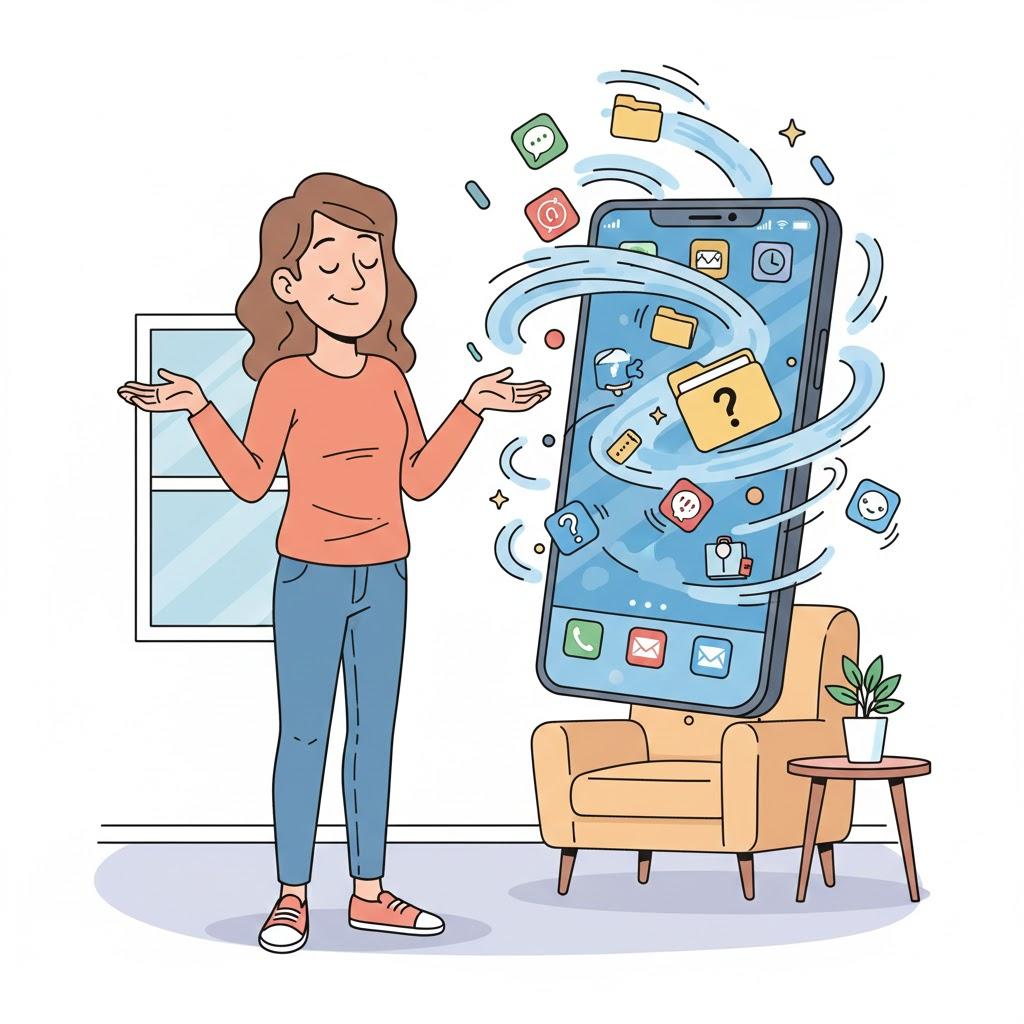
App changes can feel unsettling—but they’re a normal part of modern technology.
Most updates don’t remove what you use; they simply rearrange it. Taking a breath, exploring slowly, and giving yourself time to adjust can make changes feel far less stressful. And when something feels confusing or frustrating, FriendlyHelp is here to help you find what moved, explain what changed, and get you comfortable again—without pressure or judgment.
