Why Does My Email Look Different When I Send It?
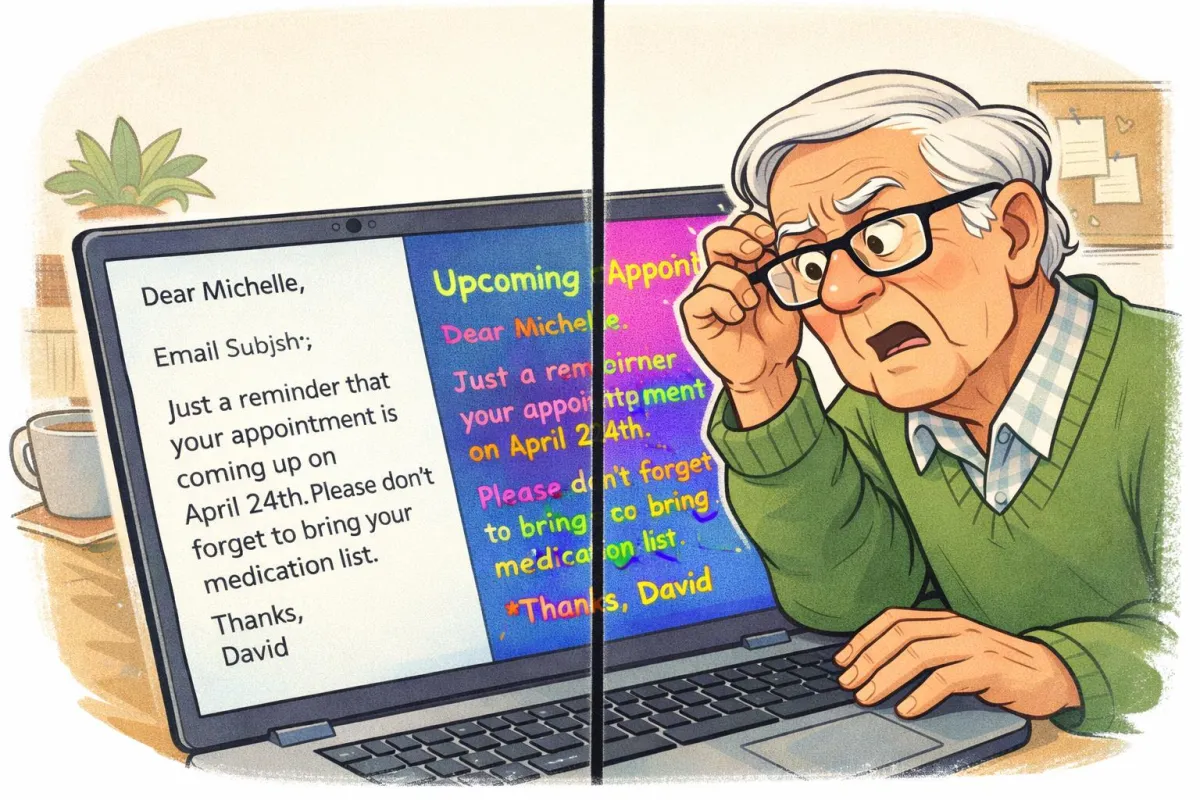
If your email looks perfect when you type it but strange when it arrives — fonts change, spacing shifts, or colors disappear — you’re not imagining things. Email formatting behaves differently across devices.
Imagine This Scenario
You carefully type a message.
Nice spacing.
Clean font.
Maybe even bold headings.
You hit Send.
The reply says:
“Why is everything in purple Comic Sans?”
Let’s fix that.
1. Different Devices Display Fonts Differently
Not all devices have the same fonts installed.
If you choose an unusual font, the recipient’s device substitutes something else.
✔️ Fix: Use safe fonts:
• Arial
• Calibri
• Times New Roman
“Need a hand? Your friends at FriendlyHelp are just a click away—book your appointment

2. Mobile Phones Rearrange Everything
Phones stack text vertically and shrink spacing.
What looks organized on a computer may appear cramped on mobile.
✔️ Fix:
• Keep paragraphs short
• Avoid excessive bolding
• Use simple formatting
3. Copy-Paste From Word Adds Hidden Code
When copying from Microsoft Word, invisible formatting tags come along.
✔️ Fix:
Paste as “Plain Text” before sending.
4. Email Providers Interpret Code Differently
Gmail, Outlook, Yahoo — they all read formatting differently.
✔️ Fix: Keep layout simple and minimal.
5. Dark Mode Changes Colors
If someone uses dark mode, bright text colors may appear odd.
✔️ Fix: Avoid colored fonts unless necessary.
FAQ
Q1: Should I stop formatting emails entirely?
No — just keep it simple.
Q2: Why do my bullet points shift?
Mobile display compression.
Q3: Is it my fault?
No — email is just quirky technology.
The 5 Golden Rules of Clean Email Formatting
• Use standard fonts
• Keep paragraphs short
• Avoid fancy colors
• Paste as plain text
• Preview before sending
FriendlyHelp helps simplify everyday technology — including email formatting, attachments, and online communication. We specialize in making things make sense at a comfortable pace.
If your messages look strange, fonts change unexpectedly, or formatting gets messy, we can help you clean things up quickly and clearly.
