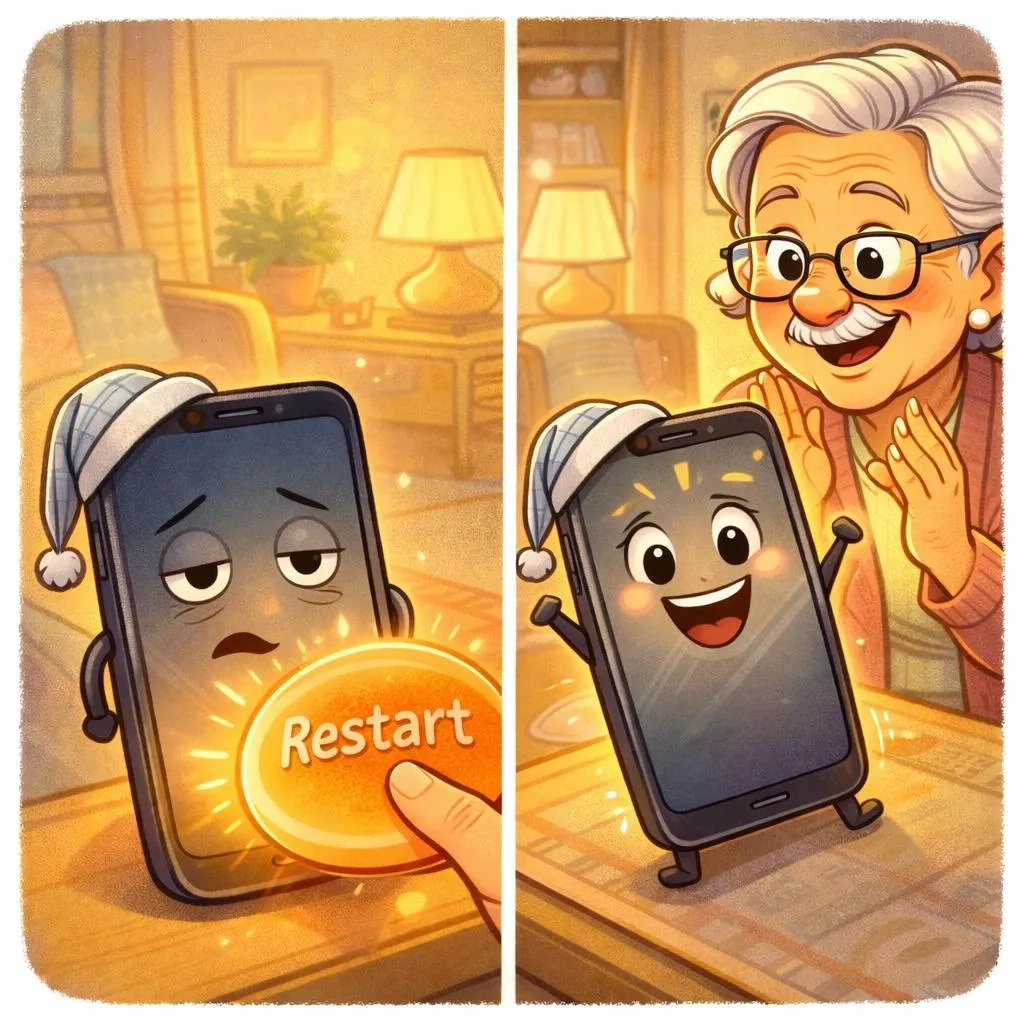
6 Daily Tech Habits That Make Your Devices Less Stressful
Technology becomes stressful when it feels unpredictable.
Simple routines make it feel familiar again.
Imagine This Scenario
Your phone says:
“Storage Almost Full.”
You didn’t download anything.
You didn’t change settings.
Now it feels urgent.
Pause.
Let’s break it down.
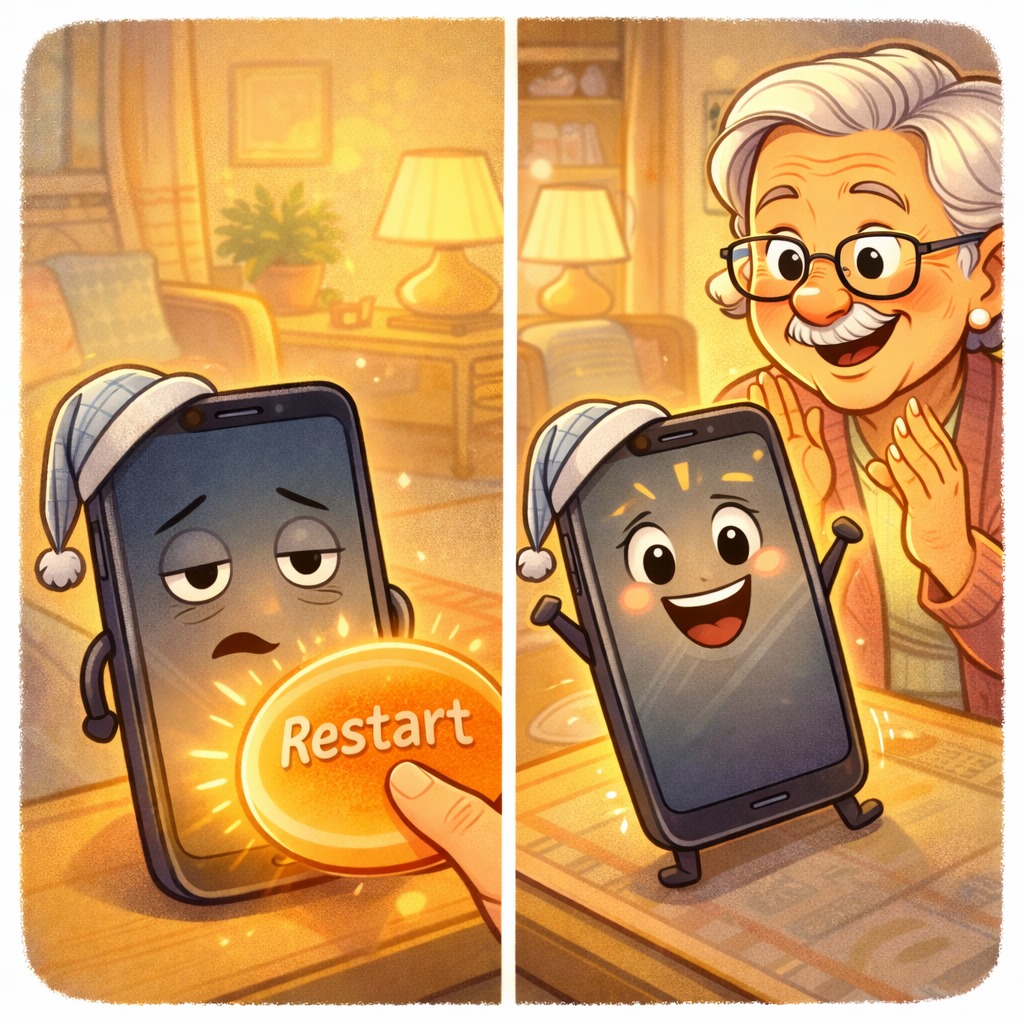
1. Restart Once a Week
A simple restart:
• Clears small glitches
• Improves speed
• Fixes minor issues
✔️ Fix: Hold the power button. Tap Restart.
2. Delete 10 Photos a Day
Photos fill storage quietly.
Instead of deleting hundreds at once, remove 10 daily.
✔️ Fix: Open Photos → Select → Delete 10.
3. Increase Text Size
If you’re squinting, change it.
✔️ Fix: Settings → Display → Text Size.
“Need a hand? Your friends at FriendlyHelp are just a click away—book your appointment
4. Pause Before Clicking Links
Messages that say:
“Urgent.”
“Last warning.”
“Act now.”
Are designed to rush you.
✔️ Fix: Call the company directly instead of clicking.

5. Update Apps Monthly
Updates improve security and stability.
✔️ Fix: Open your App Store → Update All.
“Need a hand? Your friends at FriendlyHelp are just a click away—book your appointment
6. Write Down Important Information
Keep a notebook with:
• Wi-Fi password
• Important account emails
• Simple step-by-step instructions
✔️ Fix: Write once. Relax later.
FAQ
Q1: Is it really necessary to restart my phone?
Yes. It clears temporary system issues.
Q2: Will deleting photos remove them forever?
Not immediately. Most phones keep them in “Recently Deleted” for about 30 days.
Q3: Are updates safe?
Yes. Updates fix known problems and improve protection.
The 6 Golden Device Habits
• Restart weekly
• Delete small amounts daily
• Adjust for comfort
• Avoid urgency traps
• Update regularly
• Write steps down
FriendlyHelp helps individuals and families build safe, steady digital habits — so technology works for you, not against you.
If something feels stressful, pause before reacting.
