Why Can’t People Hear Me on Calls? A Friendly Guide to Phone Audio Problems
Quick Summary
If people keep saying “You’re breaking up,” “You’re on mute,” or “I can’t hear you,” your phone isn’t broken — it’s usually a small setting, a blocked microphone, or a sneaky button causing the trouble. This guide walks through the fixes calmly and clearly.
Imagine This Scenario
You answer a call.
You say hello.
Silence.
Then the other person says:
“I can see you talking… but I can’t hear you.”
You start talking louder.
Then slower.
Then like you’re in a dramatic movie scene.
Let’s fix this once and for all.
1. The Mute Button Is the Usual Culprit
Summary: The most common issue — and the sneakiest.
Phones love to mute themselves accidentally.
A cheek tap, finger slip, or screen brush can silence you.
What to check:
Look for a microphone icon with a line through it
Tap it once to unmute
If people suddenly hear you again — mystery solved.
2. Your Phone’s Microphone Might Be Blocked
Summary: Phones need to breathe too.
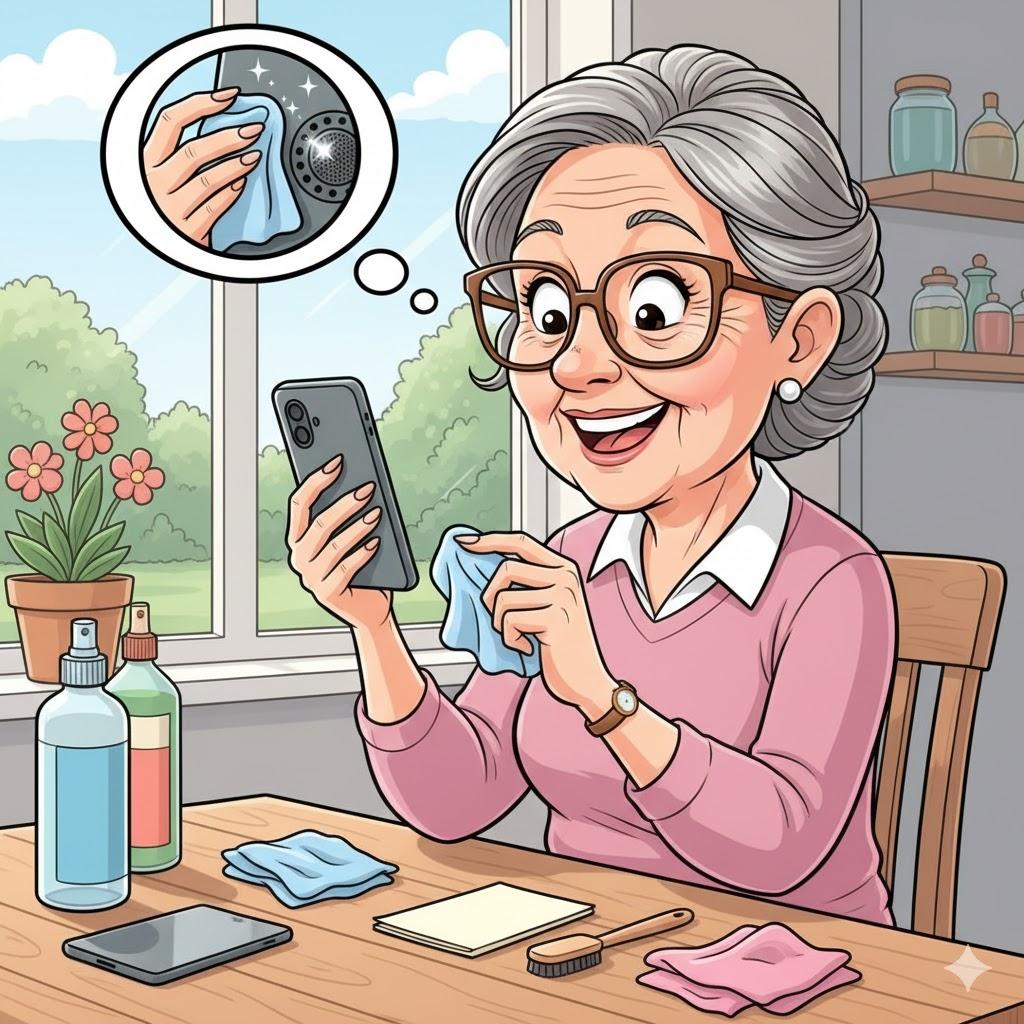
Microphones are tiny holes, often near the bottom of the phone.
They get blocked by:
Phone cases
Dust
Pocket lint
Fingers covering the hole
Quick fix:
Remove the case
Wipe gently with a dry cloth
Don’t use sharp objects
3. Speakerphone vs. Regular Calls
Summary: Speakerphone changes how sound travels.
A speakerphone is great — unless you’re too far away.
If people can’t hear you:
Move closer
Speak toward the phone
Switch back to regular call mode
Sometimes simpler is better.
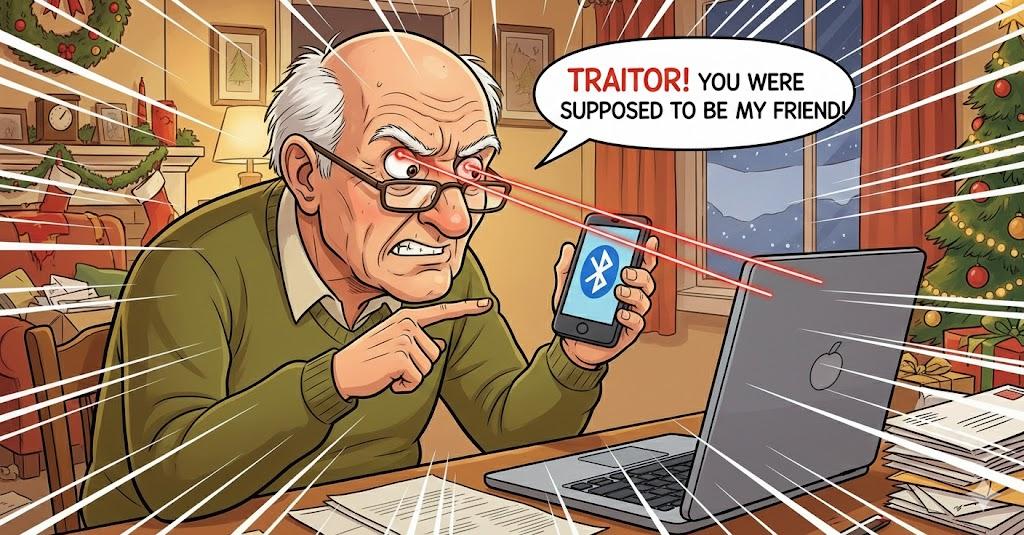
4. Bluetooth Is Stealing Your Sound
Summary: Your phone might be talking to something else.
If Bluetooth is on, your voice might be going to:
Old headphones
A car system
A forgotten speaker
Quick check:
Turn Bluetooth OFF and try again.
5. Weak Signal Makes Voices Disappear
Summary: Bad signal = broken conversations.
If your signal is weak:
Move closer to a window
Step outside
Switch to Wi-Fi calling if available
Dropped words are often signal issues, not phone problems.
6. Video Calls Have Their Own Audio Rules
Summary: Zoom, FaceTime, and WhatsApp use different microphones.
Check inside the app:
Make sure the correct microphone is selected
Make sure you’re not muted inside the app
Close other apps that might be using audio
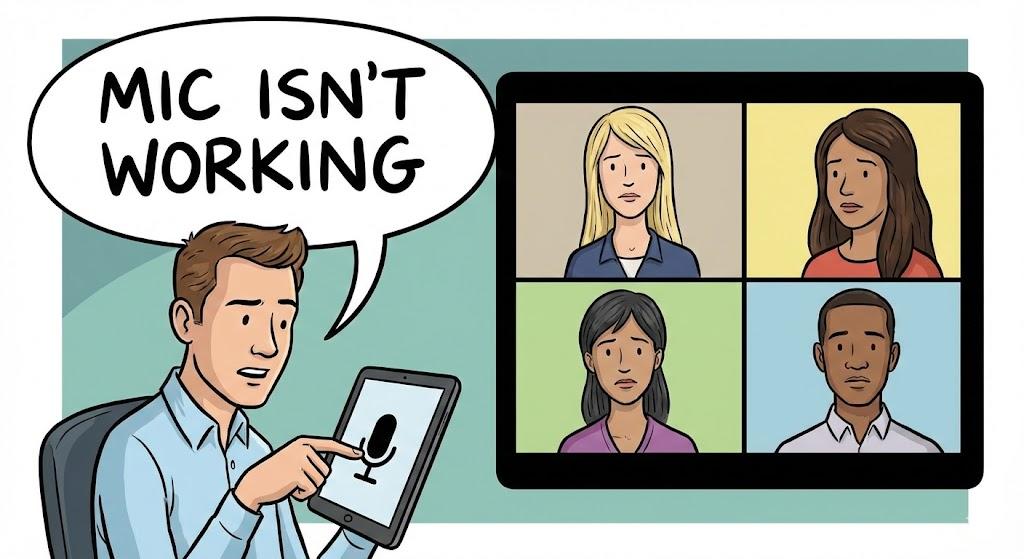
“Need a hand? Your friends at FriendlyHelp are just a click away—book your appointment today!
FAQ: Call Audio Problems
Q1: Why does this happen suddenly?
Settings change easily — sometimes by accident.
Q2: Do I need a new phone?
Almost never. This is usually a small fix.
Q3: Should I use headphones?
Yes — they often improve sound clarity.
The 5 Golden Rules of Call Clarity
Always check mute first.
Keep microphones clean.
Turn off Bluetooth when not using it.
Move closer when using a speakerphone.
Blame the signal before blaming yourself.
Call audio problems are almost always about settings—not skill or hardware.
A muted button, blocked microphone, or sneaky Bluetooth connection can silence you without warning. Once you know where to look, these issues are quick to fix and easy to prevent next time. And if calls are still frustrating or you’d like help checking things together, FriendlyHelp is here to help you sound clear and confident again—without stress or guesswork.
