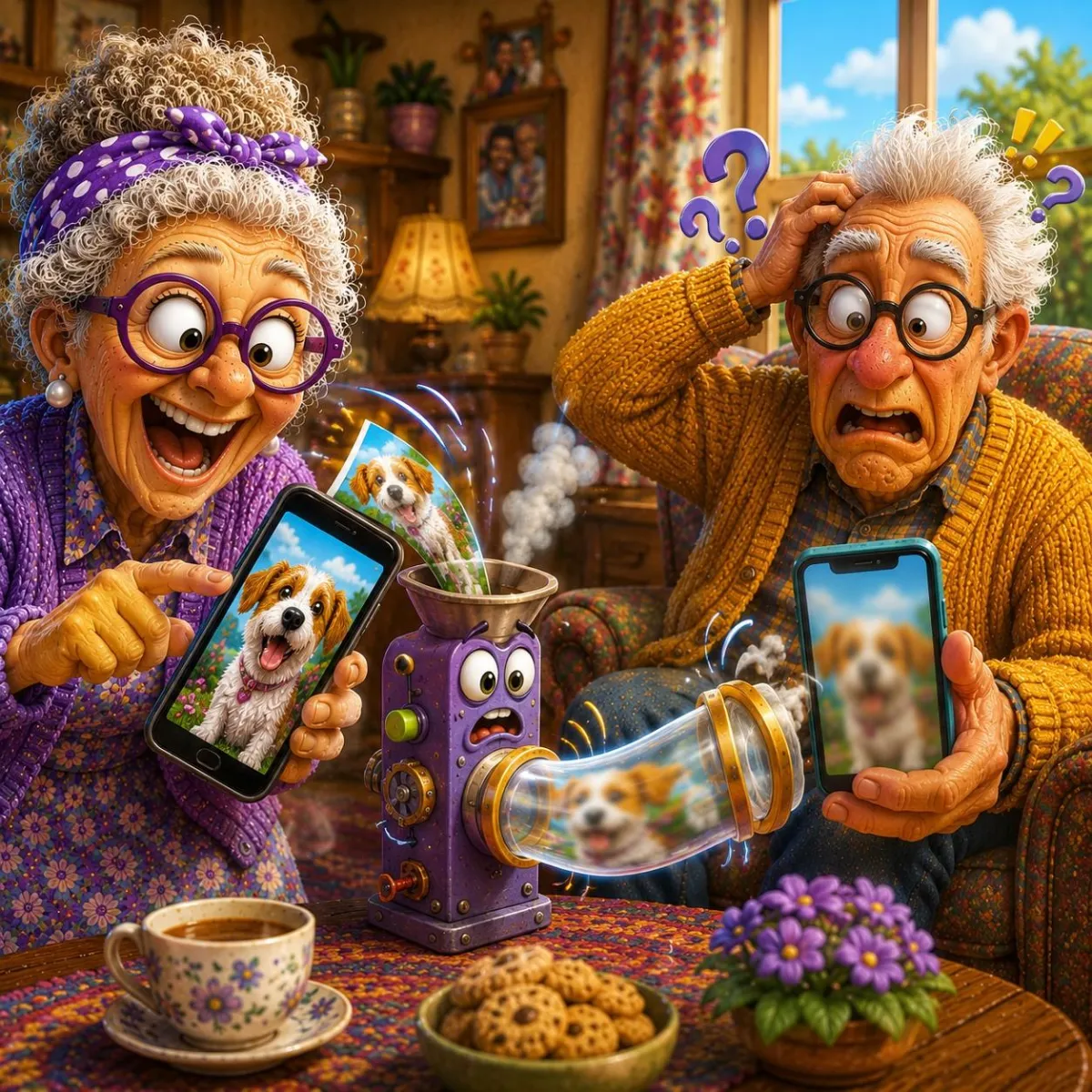
Why Do My Photos Look Blurry After I Send Them?
Have you ever taken a perfectly clear photo, only to discover it looks blurry after sending it to someone? In many cases, the photo itself isn't the problem—it's how messaging apps handle images.
Imagine This Scenario
You take a great picture.
The lighting is good.
The image is sharp.
You send it to family.
Later, they reply:
"Why is the photo blurry?"
You check the version you sent.
They're right.
The photo looks much worse than the original.
What happened?
1. Messaging Apps Often Compress Photos
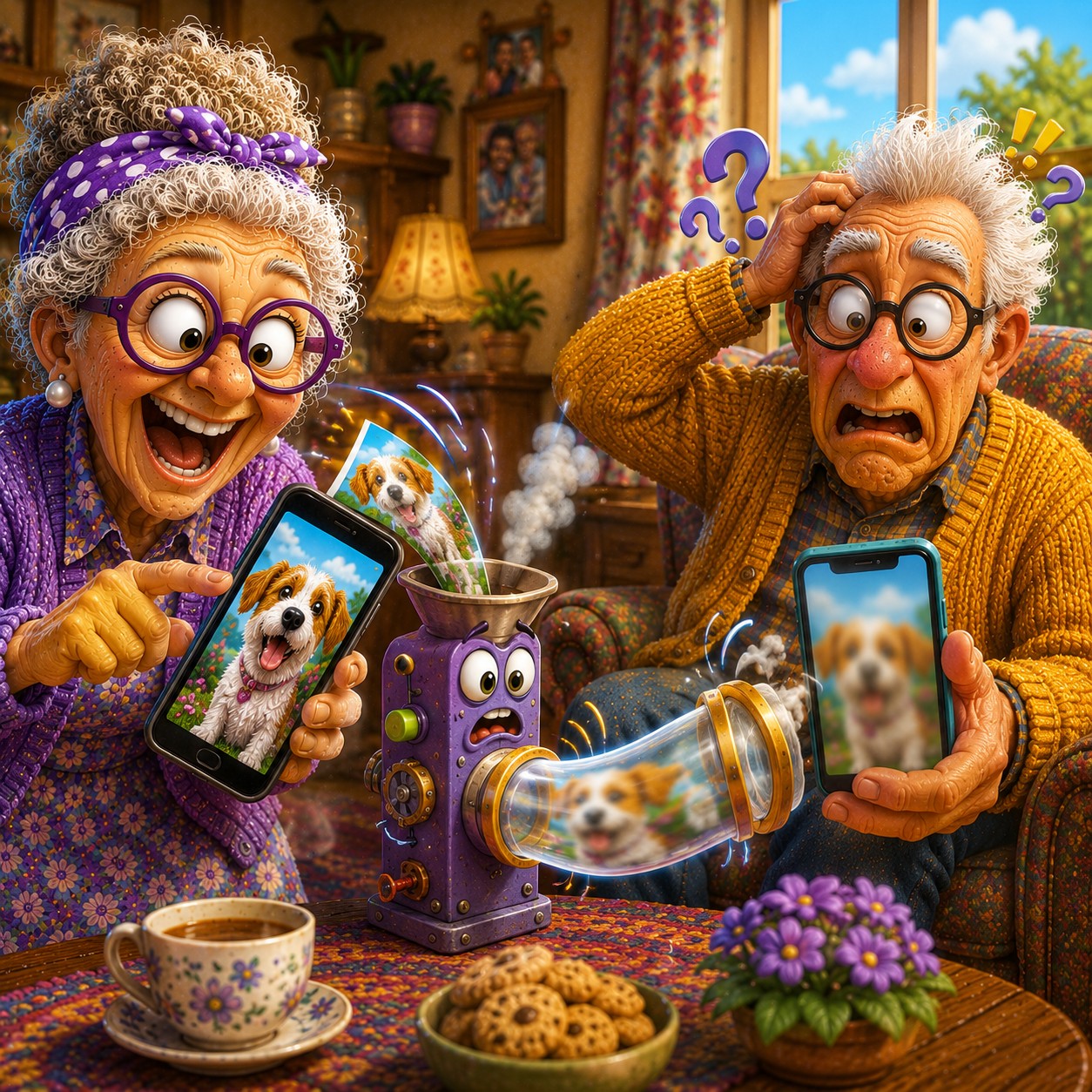
Many apps reduce photo size automatically.
This process is called compression.
Compression helps:
send photos faster
use less data
save storage space
But it can reduce image quality.
✔️ Common apps that compress photos:
Messenger
WhatsApp
Some email services
2. Screenshots Often Reduce Quality
Some people take screenshots of photos before sending them.
This creates a copy of a copy.
✔️ Better option:
Send the original image whenever possible.
3. Use "Send as File" When Available
Some apps allow photos to be sent as files instead of pictures.
This preserves quality.
✔️ Example (WhatsApp):
Open chat
Tap attachment icon
Select Document
Choose photo
This often keeps the original quality.
“Need a hand? Your friends at FriendlyHelp are just a click away—book your appointment
4. Email Can Preserve Better Quality
If quality matters:
✔️ Consider sending photos by email instead.
Many email services preserve more detail than messaging apps.
5. Internet Speed Doesn't Cause Blurry Photos
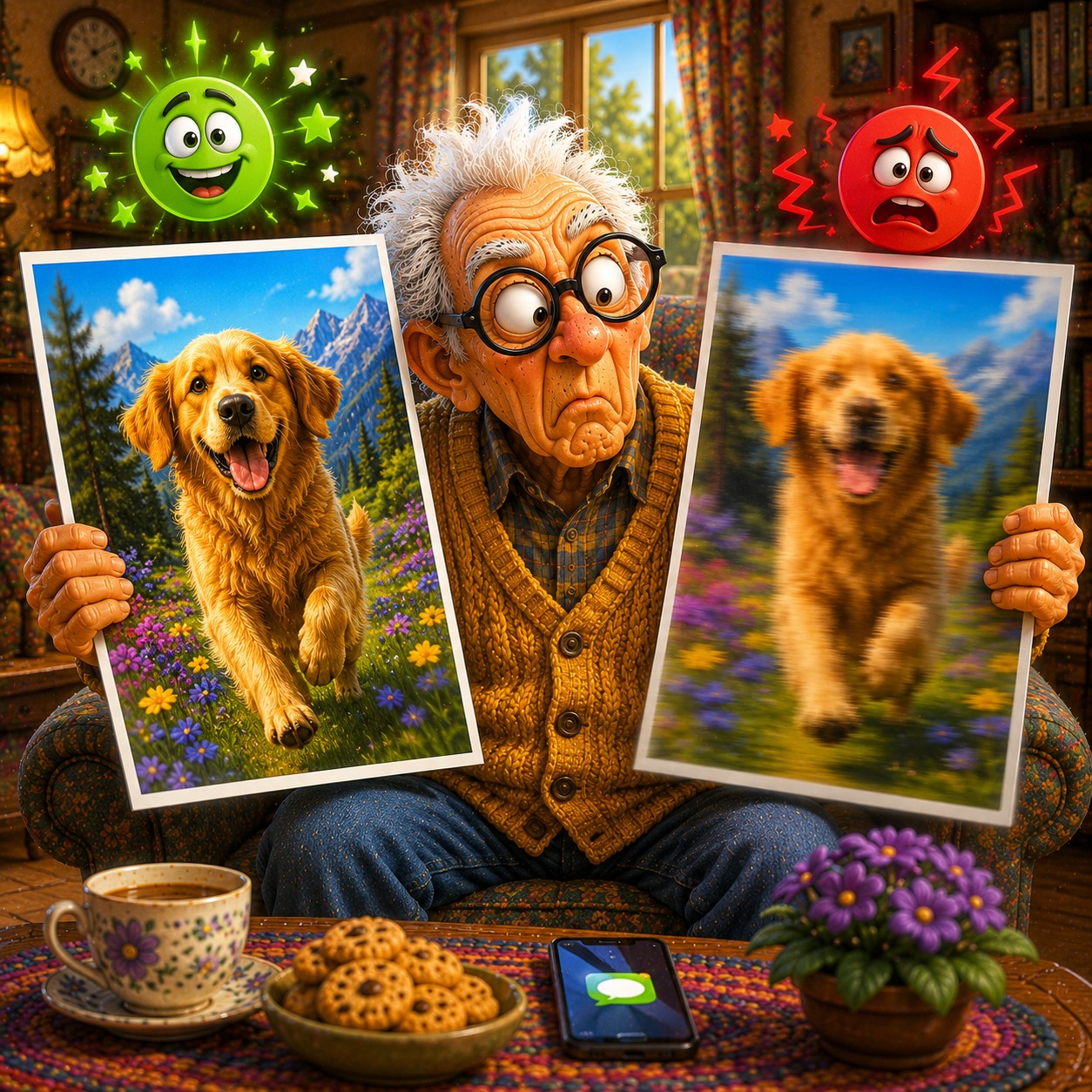
Many people assume slow internet creates blurry photos.
Usually, the app compressed the image before sending.
The quality reduction happened before transmission.
FAQ
Q1: Is my camera causing the blur?
Usually not.
Q2: Do all apps compress photos?
Many do, but not all.
Q3: What's the best way to keep quality?
Send the original file when possible.
The 5 Better Photo Sharing Habits
• Send originals when possible
• Avoid screenshots
• Use file attachments
• Email important photos
• Understand compression
FriendlyHelp helps make photo sharing easier—because great memories deserve great quality.
