Why Aren’t My Emails Showing Up? A Friendly Guide to Missing Messages
Quick Summary
If you’re expecting an email that never seems to arrive, your inbox isn’t broken — the message is usually hiding, delayed, or quietly sent somewhere else. This guide helps you find missing emails without panic.
Imagine This Scenario
You’re waiting for an important email.
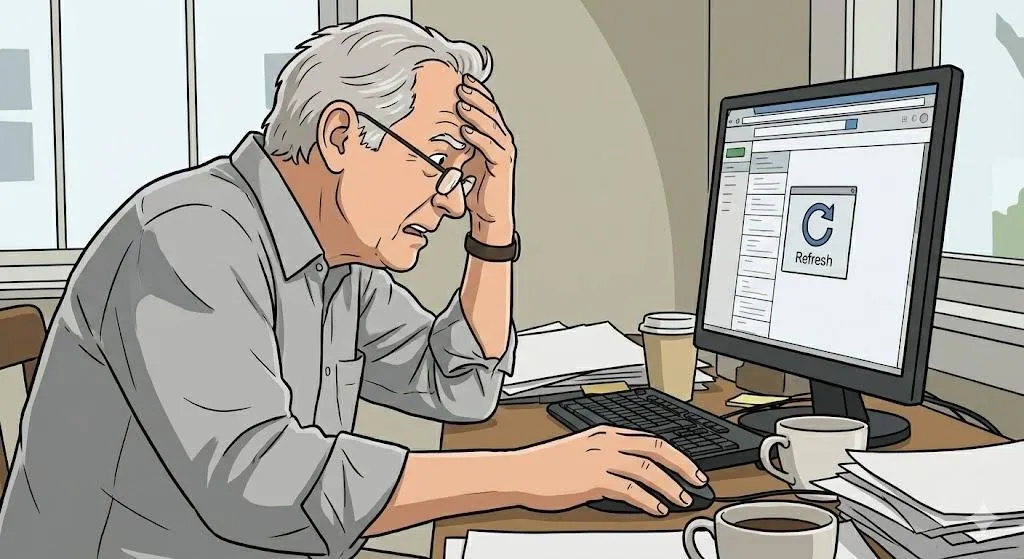
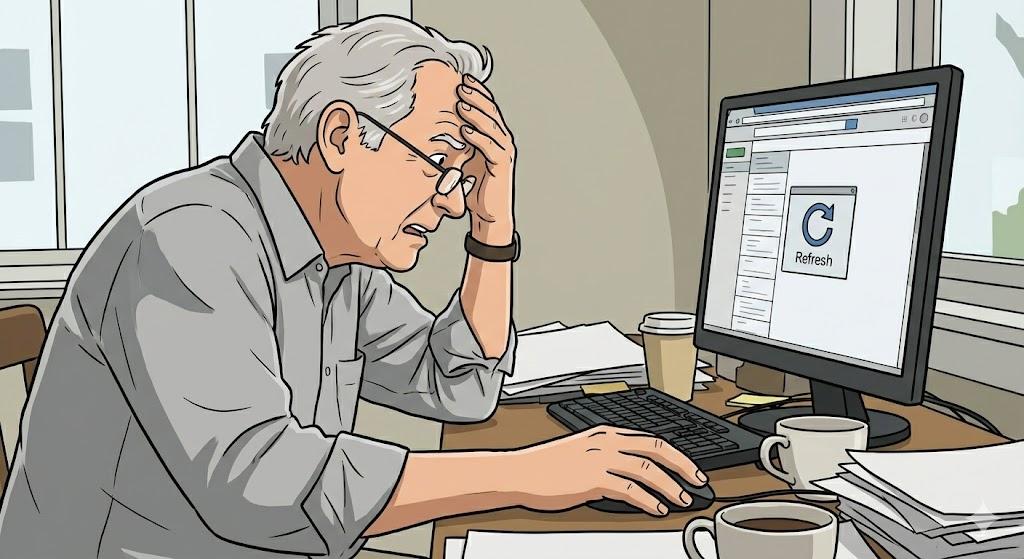
You refresh.
Nothing.
You refresh again.
Still nothing.
You start wondering:
“Did they forget me… or did my email disappear?”
Let’s track that email down.
1. Check the Spam or Junk Folder First
Summary: Emails love hiding there.
Many perfectly normal emails get sent to Spam by mistake — especially new senders.
What to do:
Open Spam/Junk
Look for the missing message
Mark it as “Not Spam”
That tells your email to behave better next time.
2. Look in Other Tabs or Folders
Summary: Emails get sorted automatically now.
Some email services sort messages into folders like:
Promotions
Updates
Social
Your email may be there, quietly waiting.
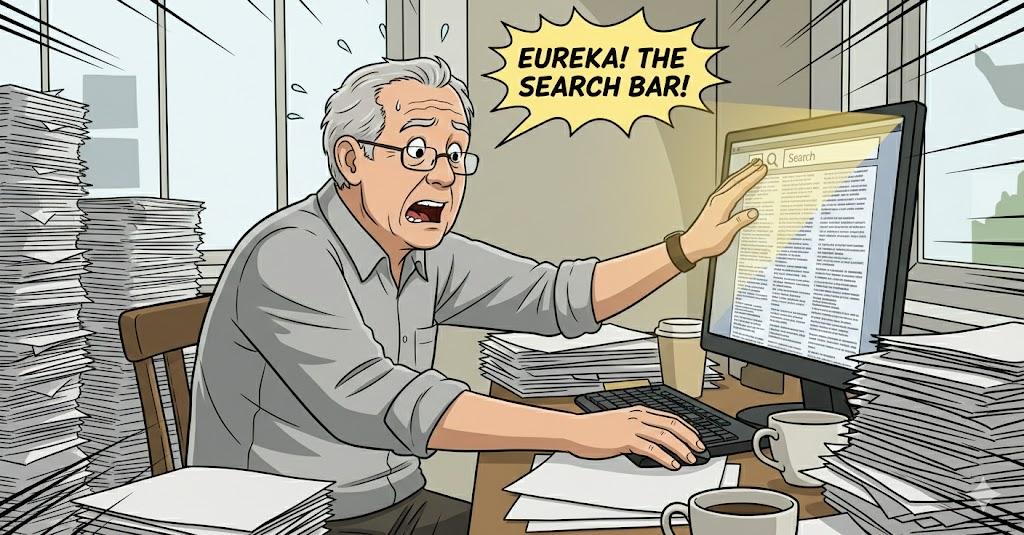
3. Search Instead of Scrolling
Summary: Search is faster than scrolling forever.
Use the search bar and type:
Sender’s name
A keyword
Part of the subject
4. Emails Can Be Delayed
Summary: Not everything is instant.
Emails can be delayed due to:
Busy servers
Internet issues
Large attachments
Wait a few minutes and refresh calmly.
5. The Sender Might Have Used the Wrong Address
Summary: Typos happen.
Ask the sender to double-check your email spelling — even one missing dot matters.
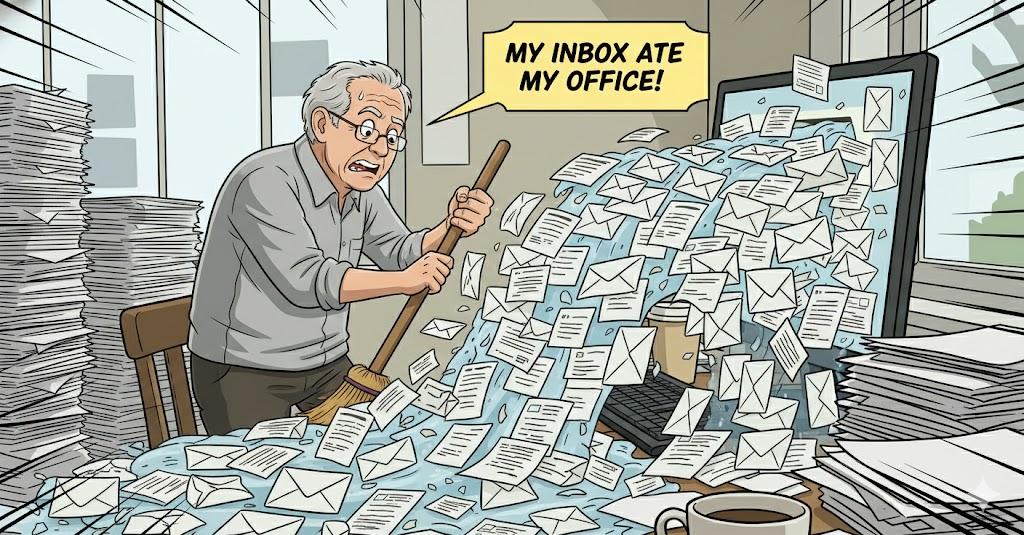
6. Your Inbox Might Be Full
Summary: Full inboxes stop new mail.
If storage is full, emails may bounce or fail.
Delete old emails with large attachments to free space.
“Need a hand? Your friends at FriendlyHelp are just a click away—book your appointment today!
7. Filters May Be Redirecting Messages
Summary: Filters quietly move emails elsewhere.
Check folders like:
Archived
Important
Custom folders
Filters are helpful… until they’re confusing.
“Need a hand? Your friends at FriendlyHelp are just a click away—book your appointment today!
FAQ: Missing Emails
Q1: Can emails disappear permanently?
Rarely — they’re usually just hidden.
Q2: Should I keep refreshing?
Once or twice is enough.
Q3: Is this a sign of hacking?
Almost never.
The 5 Golden Rules of Finding Emails
Check Spam first.
Use search.
Look in other folders.
Clear inbox space.
Stay calm — emails are sneaky, not gone.
Missing emails are almost never your fault—and they’re rarely truly gone. Most of the time, they’re just filtered, delayed, or tucked into a folder you didn’t expect. With a few simple checks and a calm approach, you can usually track them down in minutes. And if email ever starts feeling stressful or confusing, FriendlyHelp is here to help you sort it out patiently—so important messages don’t turn into unnecessary worry.
