Digital Decluttering: How to Organize Your Computer (and Keep It That Way)
Quick Summary
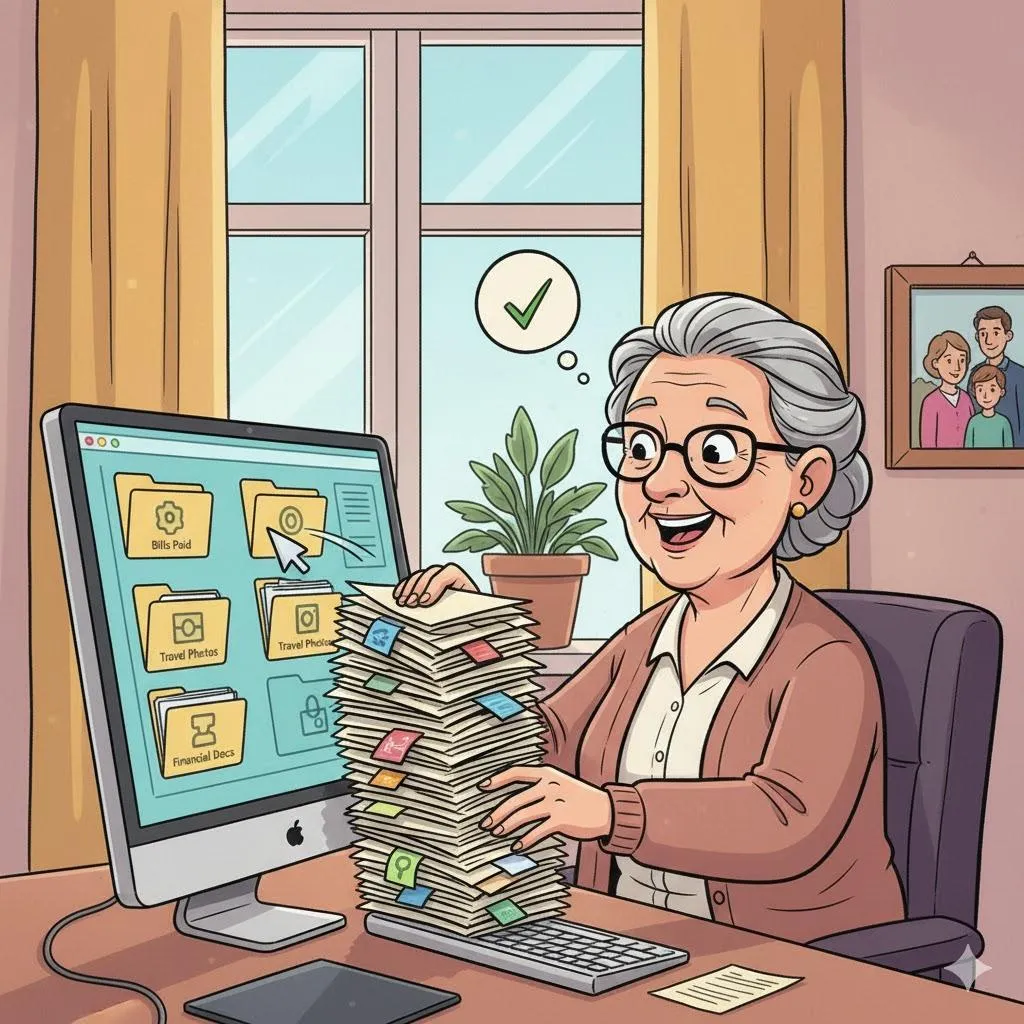
Your computer is like a digital home—and just like closets, it fills up fast. Between old photos, downloads, and duplicate files, things can get messy. This guide shows how to tidy up your computer so you can find what you need, speed things up, and finally feel in control of your digital space.
Imagine This Scenario
You’re searching for a file called “Vacation Photos” but find 12 folders all named “New Folder (5)” and “FinalFinalVersion.docx.”
Sound familiar?
Good news: a little organization can make your computer calmer, cleaner, and faster.
1. Start with the Desktop
Summary: Clear your “digital kitchen counter.”
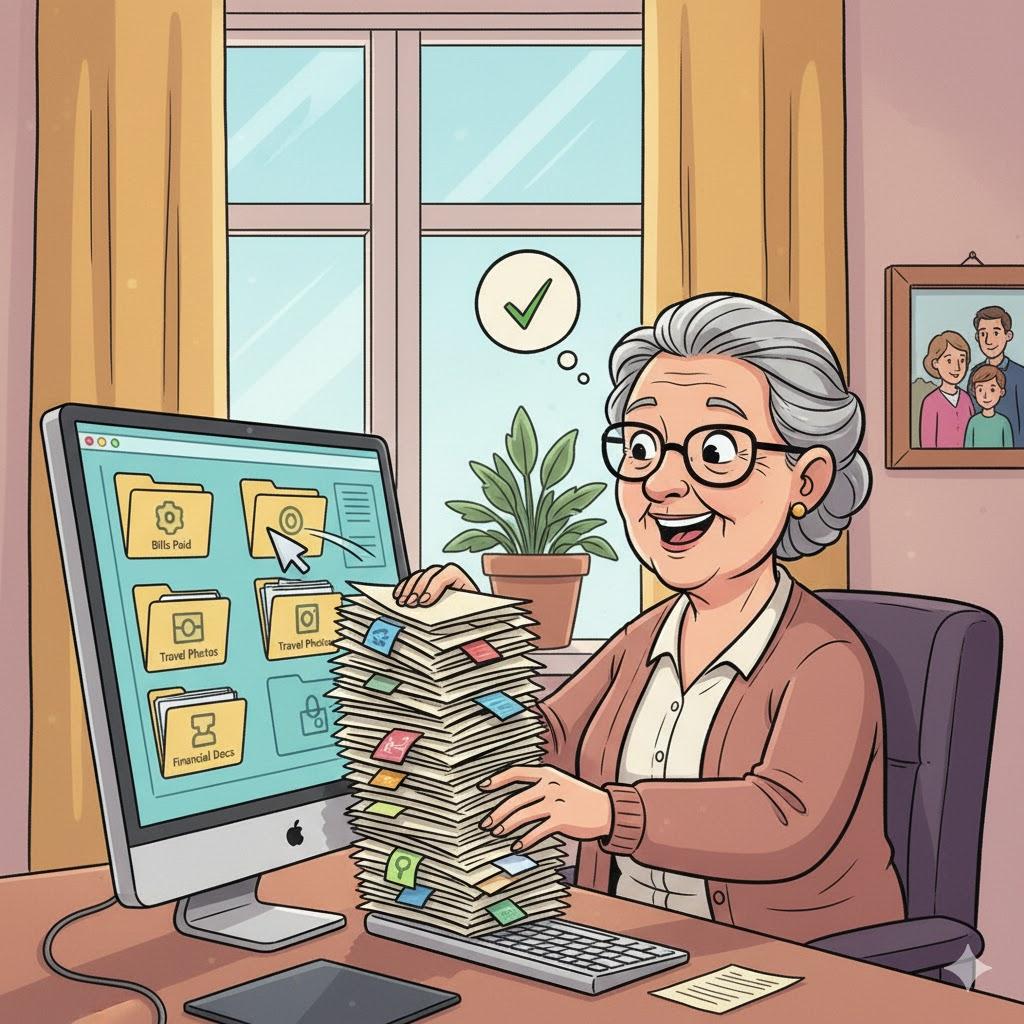
Move every file from your desktop into one folder called “To Sort.”
A clean screen helps you feel instantly calmer (and your computer starts faster too).
💡 Tip: Keep only shortcuts or a “Today’s Files” folder visible.
2. Create Clear Folders
Summary: Name things like a librarian.
Use simple names like:
Documents → Finances, Medical, Receipts
Pictures → Family, Pets, Trips
Projects → Work, Volunteering, Hobbies
Avoid “stuff,” “misc,” or “new folder.” In the future you will thank me.
3. Sort Your Downloads
Summary: That folder is a digital junk drawer.
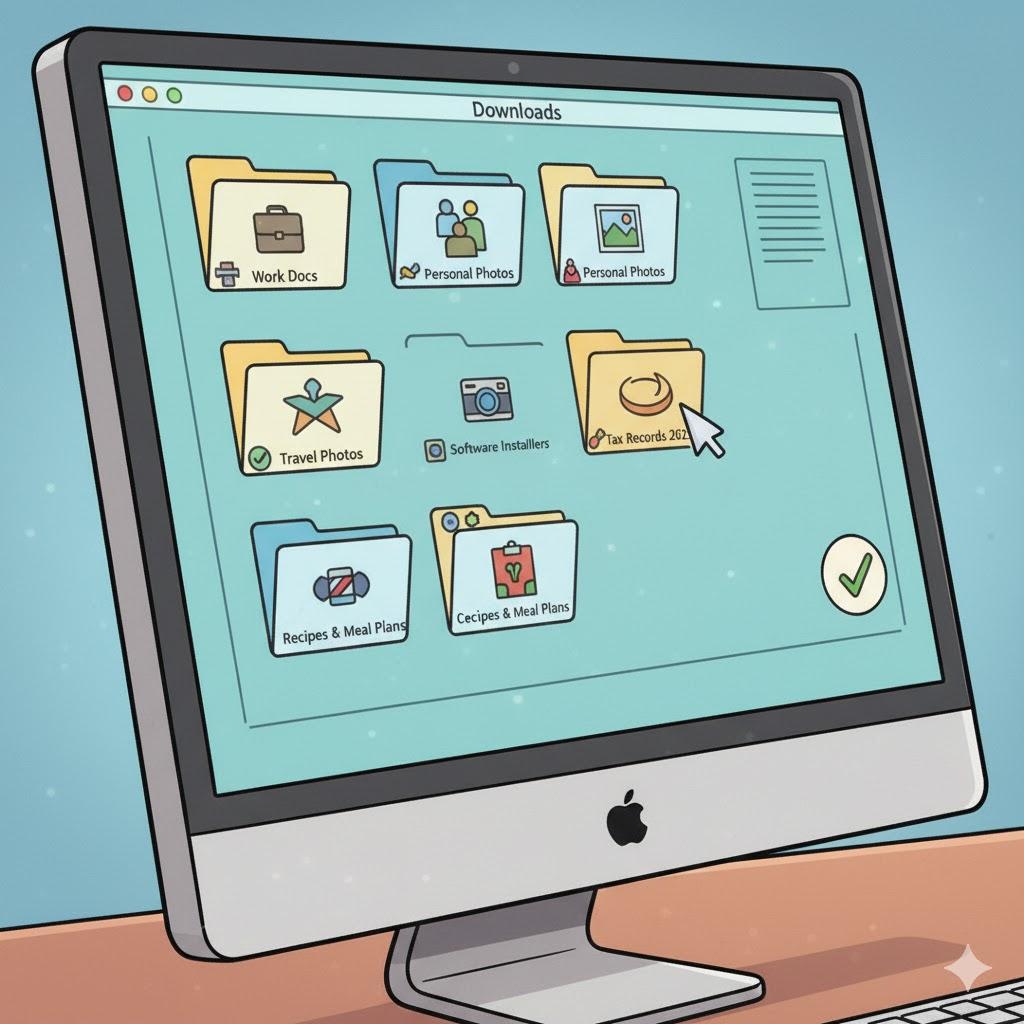
Check your Downloads folder weekly. Delete what you no longer need and move the rest to proper folders.
4. Delete Duplicates and Old Files
Summary: Two copies of the same file = wasted space.
Use tools like:
These detect duplicates automatically.
“Need a hand? Your friends at FriendlyHelp are just a click away—book your appointment today!
5. Organize Photos by Year or Event
Summary: Turn chaos into storylines.
Create folders like:
📸 Photos → 2022 → Grandkids Visit
📸 Photos → 2023 → Family Reunion
💡 Back them up to Google Photos or an external drive for safety.
6. Empty the Trash and Recycle Bin
Summary: A clean-up isn’t complete until the trash goes out.
Right-click on Recycle Bin → Empty. On Mac, click Empty Trash.
This frees up gigabytes instantly.
7. Keep It Organized Long-Term
Summary: A few minutes a week prevents digital chaos.
Delete old drafts.
Rename confusing files.
Back up important folders monthly.
FAQ: Digital Decluttering
Q1: Can I delete files from “Program Files”?
No—only delete personal documents or photos.
Q2: How often should I clean up?
A quick tidy every month, full sort every six months.
Q3: Will deleting files make my computer faster?
Yes, especially large photos and unused programs.
“Need a hand? Your friends at FriendlyHelp are just a click away—book your appointment today!
The 5 Golden Rules of Digital Tidiness 🧠
Name it right. Use clear labels.
File immediately. Don’t leave it for “later.”
Delete boldly. Less is more.
Back it up. Once a month minimum.
Enjoy the calm. A tidy screen = a tidy mind.
Digital organization isn’t about perfection—it’s about peace of mind.
A few clear folders, simple names, and regular mini clean-ups can transform how your computer feels to use. Once things are in order, finding files becomes easier and stress fades fast. And if you’d like help setting up a system or cleaning things up together, FriendlyHelp is here to guide you calmly and clearly—so your digital space stays as organized as you want it to be.
