Is Online Banking Safe? Here’s What You Need to Know
Online banking is safer than ever—if you know what to watch out for. This friendly guide explains how to use your bank’s website or app confidently, recognize fake messages, and keep your money secure without the stress.
Imagine This Scenario
You’re checking your email and see one from “YourBank Security Team” saying:
“Urgent! Your account has been locked. Click here to confirm your password.”
Your heart skips. You click the link, log in quickly… and a few hours later, your real bank calls to say your account was emptied.
That email? A fake.
Online banking can be perfectly safe—as long as you stay alert and use the right tools. Let’s walk through the must-knows to keep your money (and peace of mind) protected.
What Makes Online Banking Safe Today
Summary: Banks invest heavily in security, but you still play a key role.
Modern banks use encryption (digital locks), two-step verification, and fraud monitoring that flags unusual activity. But scammers focus on tricking people, not the technology—so your habits matter most.
Common Online Banking Scams to Watch Out For
Summary: The crooks use fear, flattery, or fake urgency.
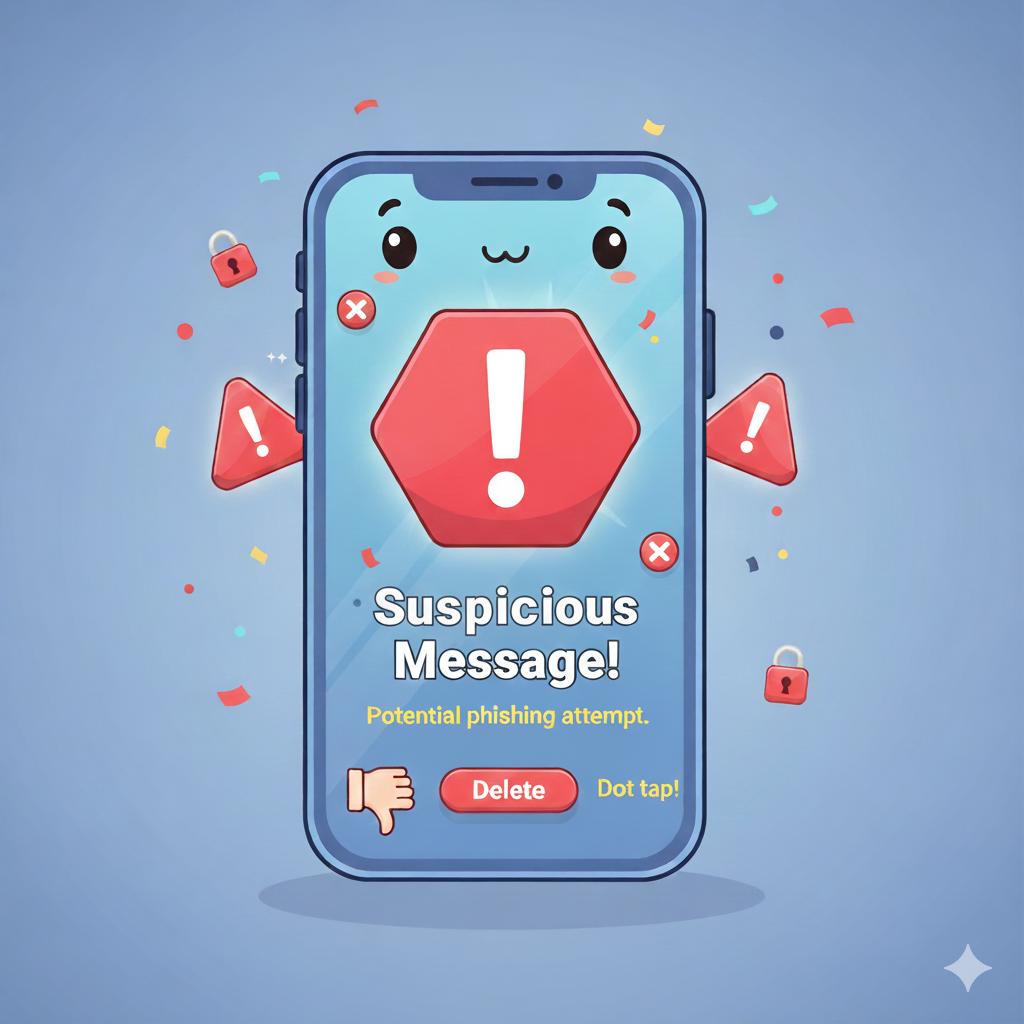
Phishing emails: Fake messages asking you to “verify your account.”
Fake banking apps: Copies of real bank apps that steal logins.
Phone call scams: Someone claiming to be from your bank asking for codes or passwords.
Wi-Fi traps: Free public Wi-Fi that snoops on what you type.
If it feels rushed, emotional, or unusual—pause before you act.
5 Easy PC & Smartphone Safety Tips for Online Banking 🖥️📱
Keep your device updated – Updates patch security holes that scammers love.
Use antivirus software – Trusted programs like Norton, McAfee, or Windows Defender help block fake sites.
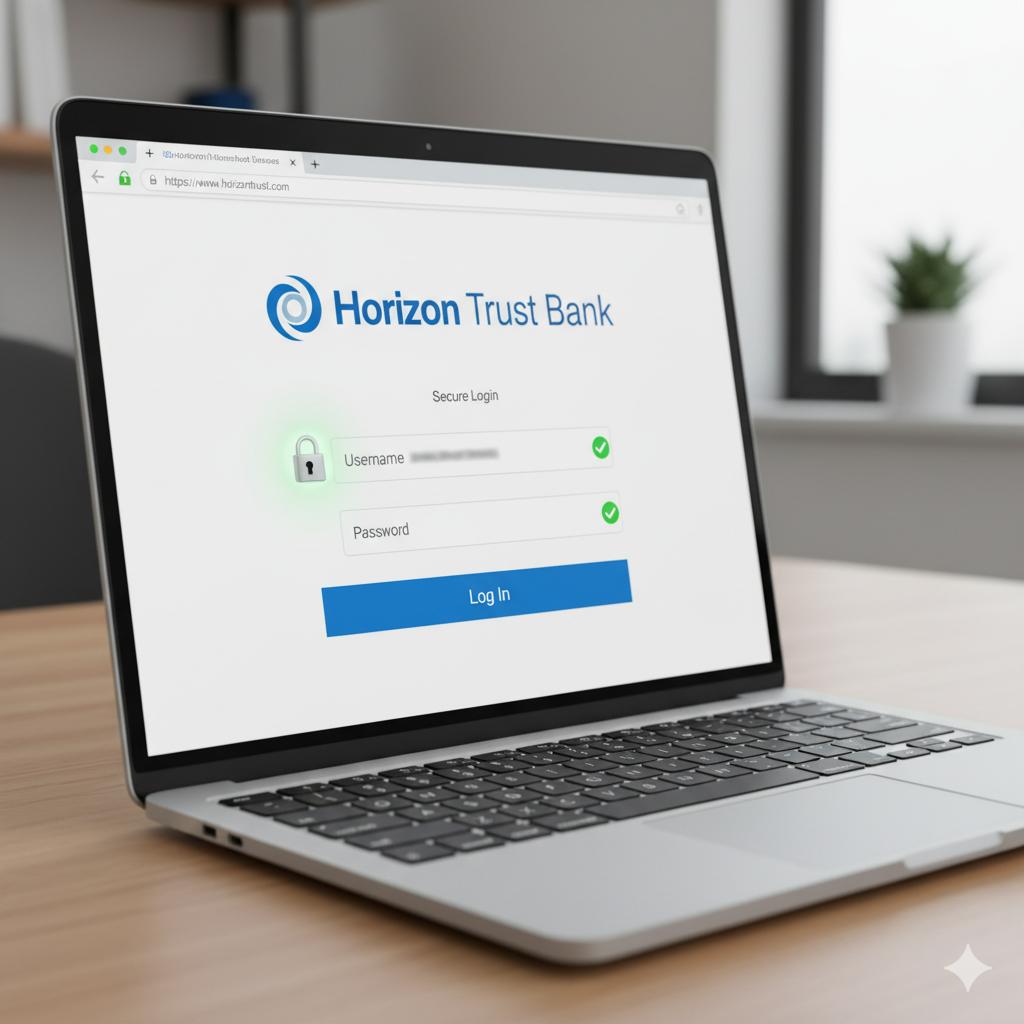
Bank only on official apps or websites – Always type your bank’s address manually (like www.chase.com), never click a link from a text or email.
Turn on two-step verification – This adds a second layer of safety, like a door chain on your digital front door.
Avoid public Wi-Fi for banking – Save banking for home or mobile data.
“Need a hand? Your friends at FriendlyHelp are just a click away—book your appointment today!
Step-by-Step: How to Check a Link Safely
If you get an email or text from your “bank,” do this first:
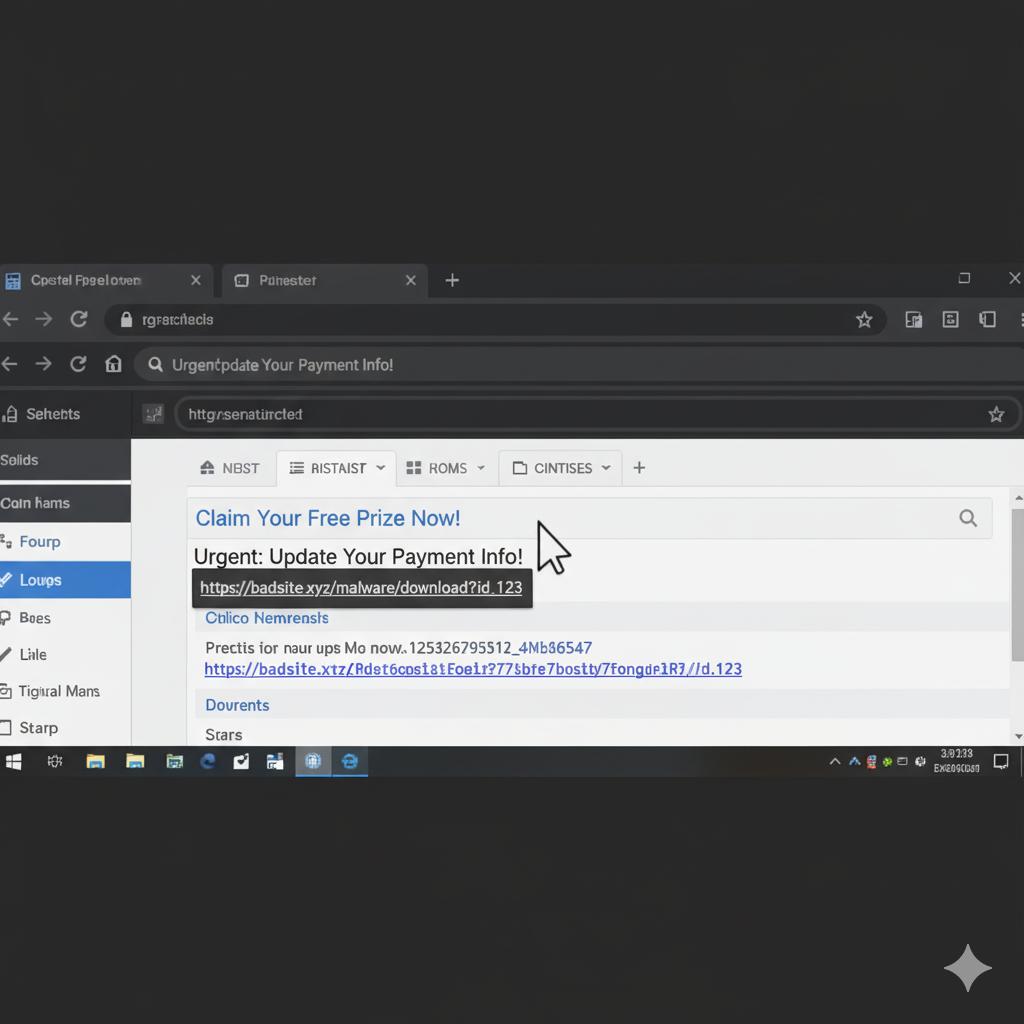
Hover over the link (don’t click). On a computer, point your mouse at it—you’ll see the real web address at the bottom corner.
Look closely at the spelling. Scammers love slight changes like “bankofamerrica.com” instead of “bankofamerica.com.”
When in doubt, go straight to your bank’s website or app—never through an email link.
“Need a hand? Your friends at FriendlyHelp are just a click away—book your appointment today!
How Banks Protect You (and When You Should Call Them)
Summary: Banks are your allies—but you must notify them fast.
Banks track suspicious activity 24/7. If something seems odd—like a large purchase or login from another country—they’ll often freeze it immediately.
✅ Call your bank right away if:
You clicked a strange link.
You gave out your password or security code.
You see a transaction you don’t recognize.
The quicker you report it, the easier it is to stop or reverse.
5 Helpful Tools to Keep Your Banking Safer
Password managers – Like 1Password or Bitwarden; they create strong passwords and remember them for you.
Bank alerts – Set up text or email alerts for every transaction so surprises don’t slip by.
Secure browsers – Use Chrome, Edge, or Safari with built-in “safe browsing” features turned on.
Firewalls – Most computers have them; make sure yours is on (check under Security Settings).
Private Wi-Fi router password – Change your home Wi-Fi password once in a while to keep intruders out.
“Need a hand? Your friends at FriendlyHelp are just a click away—book your appointment today!
Final Thoughts
Online banking saves time and trips to the branch. And yes—it’s safe when you treat your account like your front door: locked when not in use, and opened only for people you trust.
So, stay calm, double-check before you click, and let technology work for you, not against you.
FAQ: Online Banking Safety
Q1: Is it safe to use online banking on my phone?
Yes—if you use the official bank app and keep your phone updated. Avoid clicking links in messages.
Q2: What if I forget my password?
Use your bank’s password-reset feature or call their help line. Never share your password with anyone, even if they “sound official.”
Q3: Can I use public Wi-Fi to check my balance?
Better not. Public Wi-Fi can be like an unlocked door. Use your mobile data instead.
Q4: How do I know if my bank email is real?
Real banks will never ask for your full password, PIN, or codes by email or text.
Q5: What happens if I fall for a fake link?
Change your password right away, then call your bank’s fraud department to report it.
The 5 Golden Rules for Safe Online Banking 💰
Type, don’t click – Always go directly to your bank’s site or app.
Keep devices up to date – Updates protect you from new tricks.
Never share your codes or passwords – Not even with “bank employees.”
Check your statements often – Catch problems early.
If unsure, call your bank – They’d rather you ask twice than lose once.
Online banking is safest when calm habits meet smart checks.
Banks provide strong security, but your awareness is the final lock on the door. By slowing down, double-checking links, and using official apps and alerts, you dramatically reduce risk. And if something ever feels off or you want a second set of eyes before acting, FriendlyHelp is here to help you review it safely and clearly—so your money stays protected and your peace of mind stays intact.
