The Difference Between Wi-Fi and Internet (And Why It Matters)
Let’s Clear Up the Confusion
Many people use “Wi-Fi” and “internet” interchangeably.
They’re connected — but not the same.
Understanding the difference helps you troubleshoot smarter.
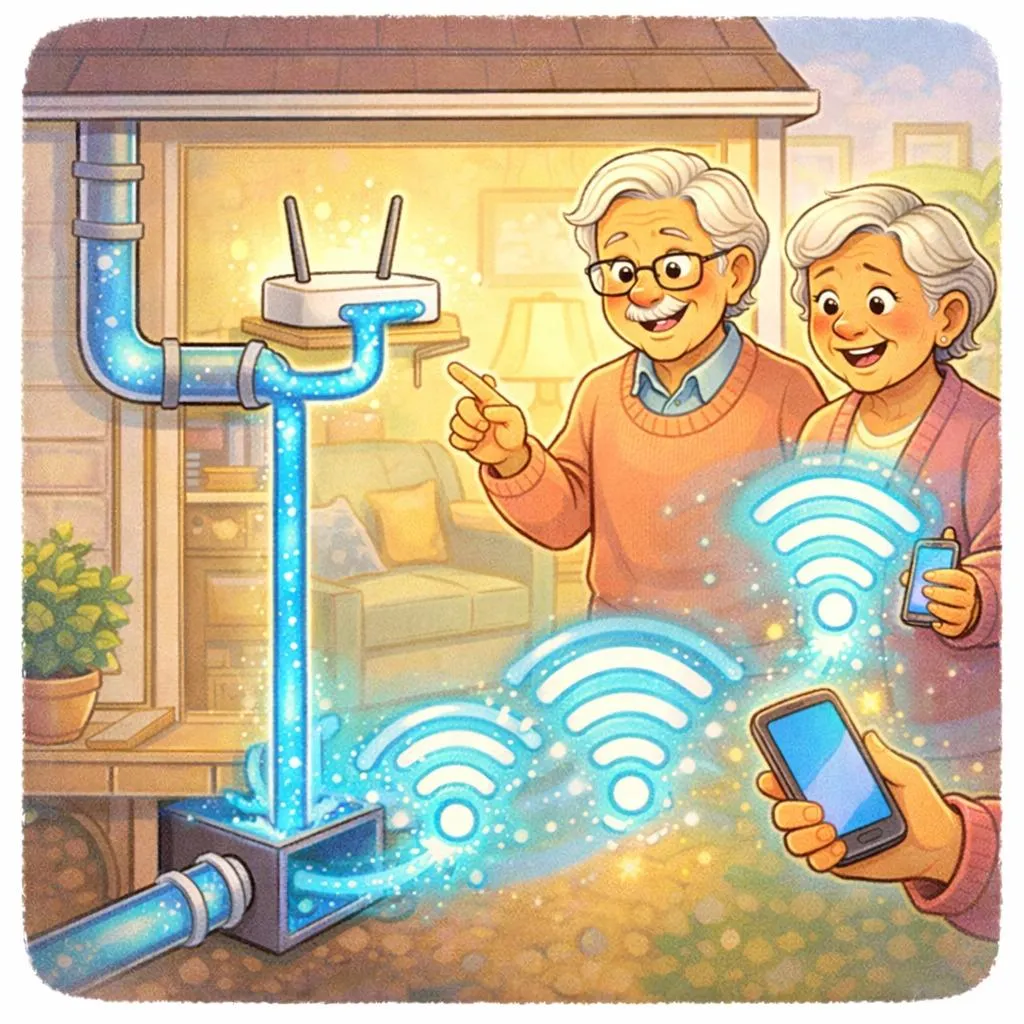
Think of It Like Water
The internet is the water supply coming into your house.
Wi-Fi is the plumbing inside your home distributing it.
If water isn’t flowing, the issue could be:
The city supply
Or your pipes
Same idea with connectivity.

If Internet Is Down (But Wi-Fi Shows Bars)
Sometimes your phone shows full Wi-Fi bars — but nothing loads.
That usually means:
Your router is working,
But your provider connection is down.
Action:
Restart modem and router.
If no change, contact your provider.
“Need a hand? Your friends at FriendlyHelp are just a click away—book your appointment
If Internet Works (But Only in One Room)
That’s a Wi-Fi coverage issue.
Your internet service is fine —
But the signal isn’t reaching everywhere.
Action:
Adjust router placement or consider an extender.
If One Device Won’t Connect
That’s a device issue.
Other devices working?
Then the problem isn’t your internet.
Action:
Restart the device or reconnect to Wi-Fi.

Quick Diagnostic Guide
Ask yourself:
Is everything offline? → Provider issue.
Only certain rooms? → Wi-Fi placement.
Only one device? → Device issue.
Understanding this saves time, stress, and unnecessary upgrades.
“Need a hand? Your friends at FriendlyHelp are just a click away—book your appointment
FAQ
Q1: Why do I have Wi-Fi bars but no connection?
Because Wi-Fi connects to your router, not directly to the provider.
Q2: Should I reset everything at once?
Start small. Restart devices first.
Q3: How often should I replace a router?
About every 4–6 years.
Clear understanding reduces panic.
FriendlyHelp helps individuals and families build reliable, understandable home connectivity — so you can troubleshoot calmly and confidently.
Technology feels easier when you understand what’s happening behind the scenes.
