
Why Do I Have Photos in So Many Different Places?
Your family photos may be on your phone.
Older ones might be on your computer.
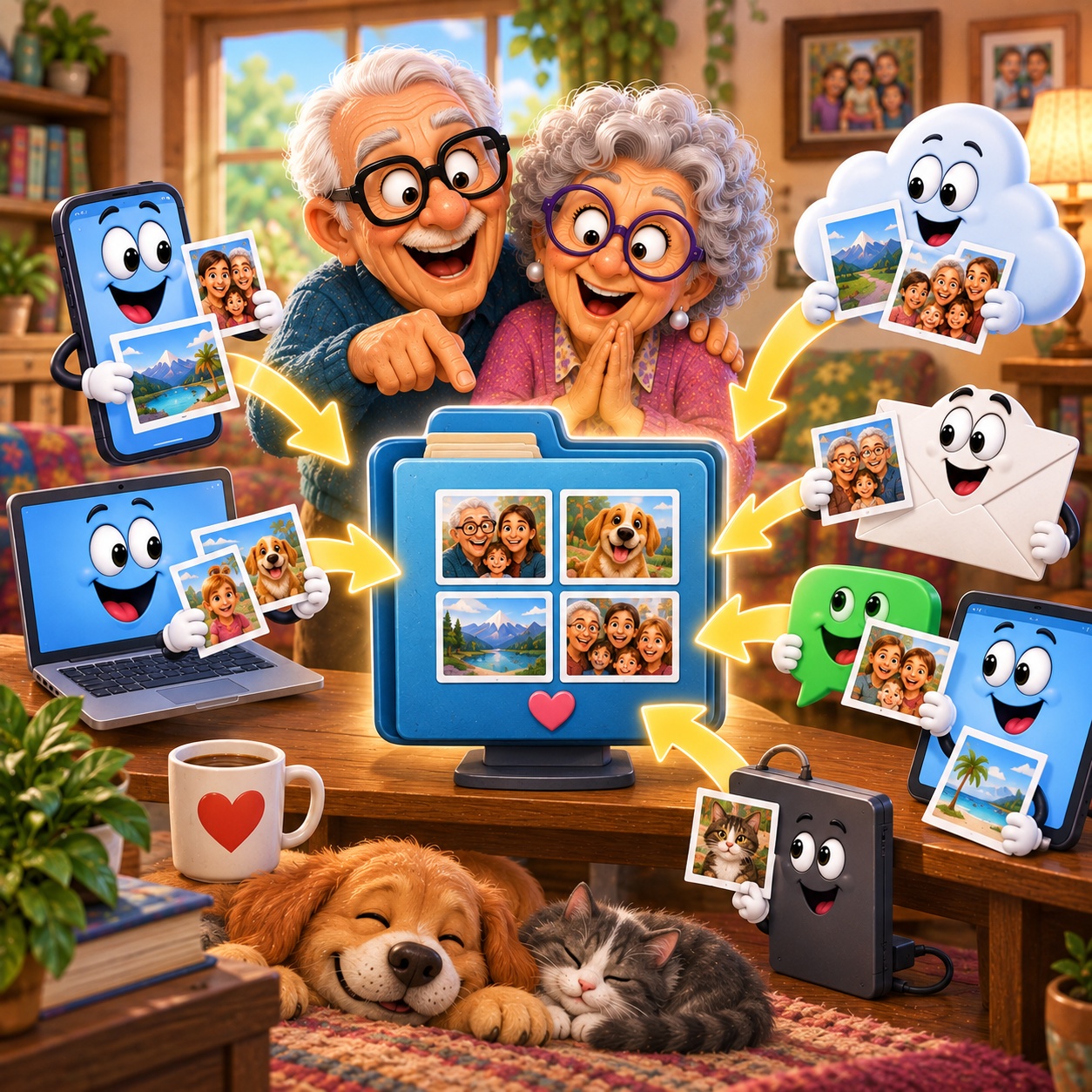
Others are in email, messaging apps, cloud storage, or an old tablet.
Before long, it can feel like your memories are scattered everywhere.
The good news is that you don't need to move everything at once. Understanding where your photos are coming from is the first step toward making them easier to manage.
Imagine This Scenario
You want to find a photo from a family birthday.
You check your phone.
Not there.
Maybe it's on your computer?
No luck.
Then you remember someone sent it through a messaging app.
Or was it email?
You know you have the picture somewhere.
The problem is figuring out where.
1. Photos Can Come From Many Places
Years ago, most photos lived in albums or boxes.
Digital photos are different.
They can live in:
your phone's photo library
a computer
a tablet
email attachments
messaging apps
cloud storage
external drives
That's why it can feel like your pictures are everywhere.

2. Start With the Device You Use Most
Don't try to organize every device at once.
Begin with the phone, tablet, or computer you use most often.
Ask yourself:
"Is this where I want most of my everyday photos to be?"
Having one familiar starting point makes everything easier.
3. Messaging Apps Can Hold Photos Too
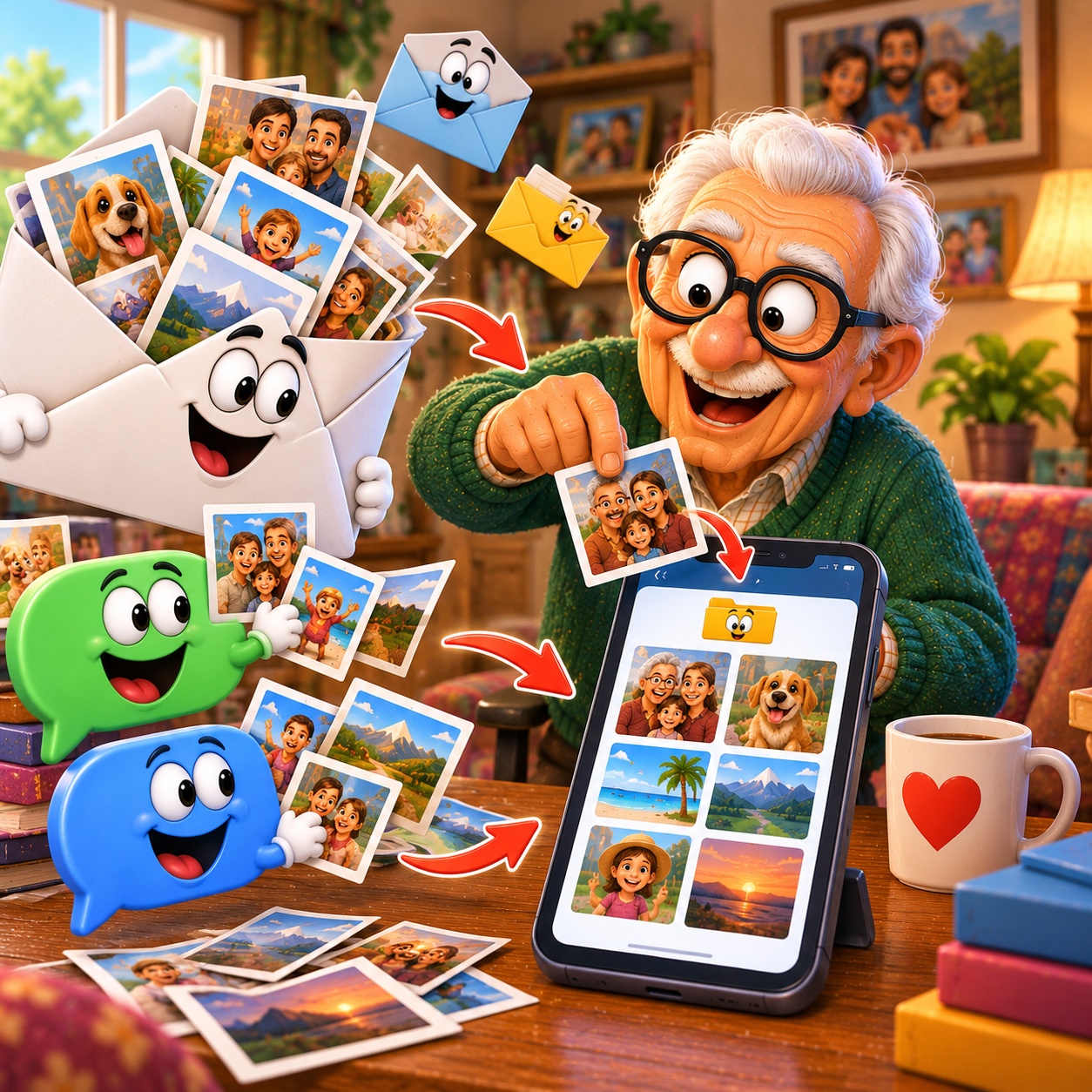
When family and friends send pictures through messaging apps, those photos may remain inside the conversation unless you save them.
If there's an important picture you want in your regular photo library, save it.
That way, you won't need to remember which conversation contained it later.
4. Email Isn't a Photo Album
Photos attached to emails can remain there for years.
But searching old messages every time you want a picture isn't very convenient.
If an emailed photo is important:
Open the attachment
Save or download it
Confirm that it appears where you expect
Give it a sensible home
“Need a hand? Your friends at FriendlyHelp are just a click away—book your appointment
5. What About the Cloud?
Services such as iCloud and Google Photos can make photos available across compatible devices.
This can be useful, but it can also create confusion if you're unsure whether you're looking at:
a photo stored on the device
a photo stored online
or both
You don't need to master every detail.
Start by learning which photo service your main device uses.
6. Don't Move Everything Just Because You Can
If your old computer contains years of photos that are already safe and accessible, you don't necessarily need to move them today.
Focus first on the photos you actually want to access regularly.
You can tackle older collections gradually.
7. Create a Simple Routine Going Forward
Once you know where you prefer to keep your photos, develop one habit:
Important photo? Save it to my main photo library.
That simple rule prevents new pictures from becoming scattered across even more places.
“Need a hand? Your friends at FriendlyHelp are just a click away—book your appointment
FAQ
Q1: Why aren't all my photos automatically in one place?
Photos can come from different devices, apps, messages, emails, and storage services.
Q2: Do I need to move every old photo?
No. Start with the photos and devices that matter most to you.
Q3: Should I save photos people send through messages?
If they're important and you want them in your regular photo collection, that's a useful habit.
Q4: Should I use more than one photo service?
You can, but keeping your system simple often makes photos easier to manage.
The 5 Simpler Photo Habits
• Know where your photos come from
• Choose a main photo library
• Save important pictures from messages
• Don't rely on old emails to find photos
• Organize older collections gradually
FriendlyHelp helps make digital memories easier to manage—because finding a favorite family photo shouldn't require searching every device you own.
