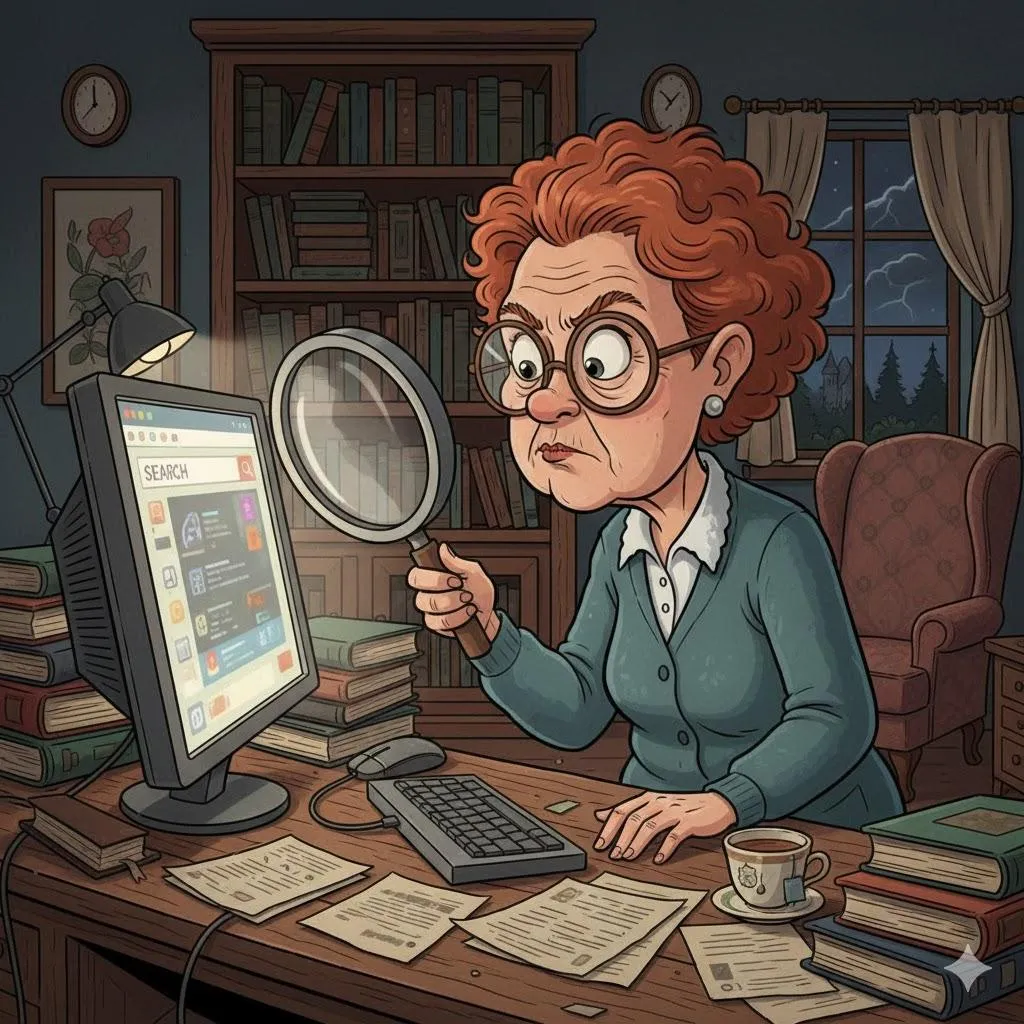
Why Do I Forget Where My Files Go? A Simple Guide to Finding Photos and Documents Again
If your files feel like they disappear into thin air, you’re not losing your mind—your computer is just very good at hiding things. This guide helps you find lost files without frustration.
Imagine This Scenario
You saved a document yesterday.
Today?
It’s gone.
You search everywhere.
You swear the computer is playing games with you.
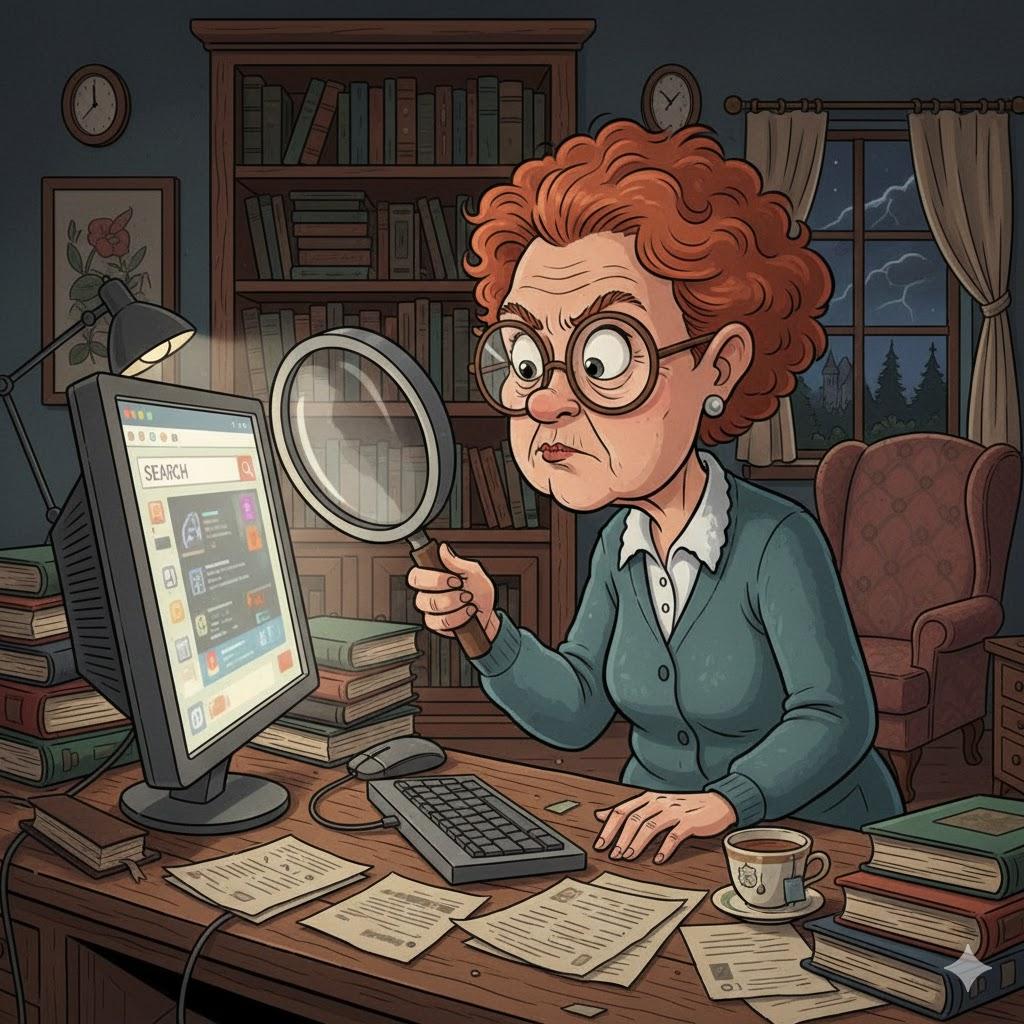
Let’s uncover the mystery.
1. Files Don’t Disappear—They Wander
Summary: Most files are just saved somewhere unexpected.
Common hiding spots:
Downloads folder
Desktop
Documents
Photos
The computer doesn’t forget—you just need to ask it properly.
2. Use Search (It’s Your Best Friend)
Summary: Searching is faster than browsing.
Use the search bar and type:
A word from the file name
“PDF” or “photo”
The date you saved it

“Need a hand? Your friends at FriendlyHelp are just a click away—book your appointment today!
3. Understand “Downloads”
Summary: Many files go there automatically.
Anything downloaded from email or the internet usually lands in Downloads.
Check there first—it solves most mysteries.
4. Desktop Is Not a Storage Unit
Summary: Too many files = confusion.
Using the desktop for everything makes files hard to find.
Create folders like:
Photos
Bills
Letters
Travel
5. Rename Files Immediately
Summary: “Document1” helps no one.
Rename files to something meaningful:
“Doctor_Visit_March.pdf”
“Family_Photos_2024”
In the future you will be grateful.
“Need a hand? Your friends at FriendlyHelp are just a click away—book your appointment today!
FAQ: Lost Files
Q1: Did I delete it by accident?
Check the Recycle Bin or Trash.
Q2: Why does my computer save files automatically?
Programs choose default locations unless told otherwise.
Q3: Should I back up files?
Yes—always.
The 5 Golden Rules of File Sanity
Use search first.
Check Downloads.
Rename files clearly.
Use folders.
Back up important files.
Lost files usually aren’t lost—they’re just hiding in unfamiliar places.
With a few simple habits like using search, checking Downloads, and naming files clearly, finding things becomes much easier over time. And when something truly won’t turn up or you’d like help setting up a clearer system, FriendlyHelp is here to help you track things down calmly and confidently—so your files feel organized instead of mysterious.
