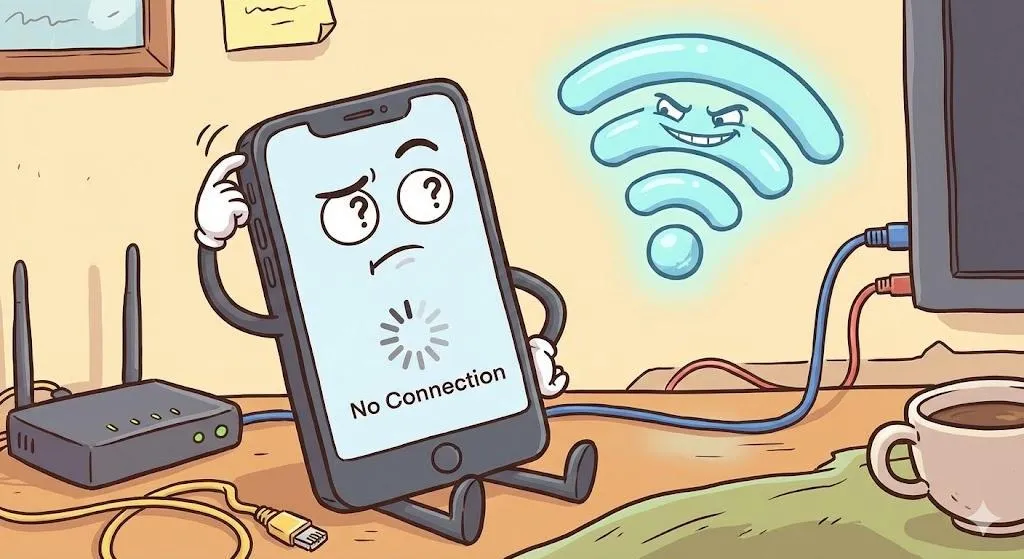
What Does “Connected, No Internet” Actually Mean?
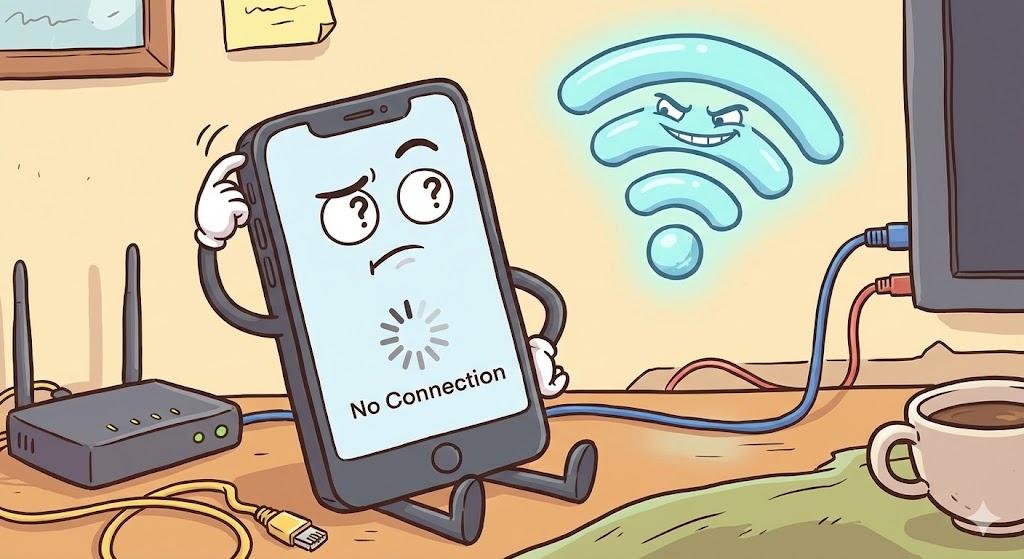
“Connected, No Internet” means your device is linked to your Wi-Fi router, but the router isn’t reaching the internet. It looks serious, but it’s usually temporary and fixable.
Imagine This Scenario
Your phone shows full Wi-Fi bars. You tap a website. Nothing loads. You open another app—still nothing. The message says you’re connected, but everything feels broken.
1. Your Device Isn’t the Problem
Summary: The issue usually isn’t your phone or computer.
Your device connects to your router first. The router then connects to your internet provider. When that second step fails, this message appears.
“Need a hand? Your friends at FriendlyHelp are just a click away—book your appointment
2. Temporary Internet Outages
Summary: Even reliable providers have interruptions.
Maintenance, weather, or technical issues can briefly disrupt service without warning.
3. Restarting Fixes More Than You’d Expect
Summary: Simple steps work surprisingly often.
Unplug your modem and router, wait 30 seconds, then plug them back in.
💡 Tip: Restart both devices, not just one.

4. Loose Cables or Account Issues
Summary: Small issues can stop everything.
A loose cable or billing issue can prevent internet access even though Wi-Fi appears connected.
FAQ: Connected but Offline
Should I reset my device?
Restart the modem and router first.
How long should I wait before calling my provider?
If the issue lasts over an hour, it’s reasonable to reach out.
The Golden Rules for This Message ⚠️
Restart modem and router
Check other devices
Look for outages
Don’t panic—it’s rarely permanent
Seeing “Connected, No Internet” usually doesn’t mean something is broken—it often points to a temporary disruption between your router and your provider. A quick restart, checking cables, or waiting out a short outage often restores service faster than expected. And when this message keeps interrupting work, calls, or daily routines, FriendlyHelp is here to guide you step by step—so you can get back online calmly and confidently.
