How to Protect Your Accounts Without Remembering Dozens of Passwords
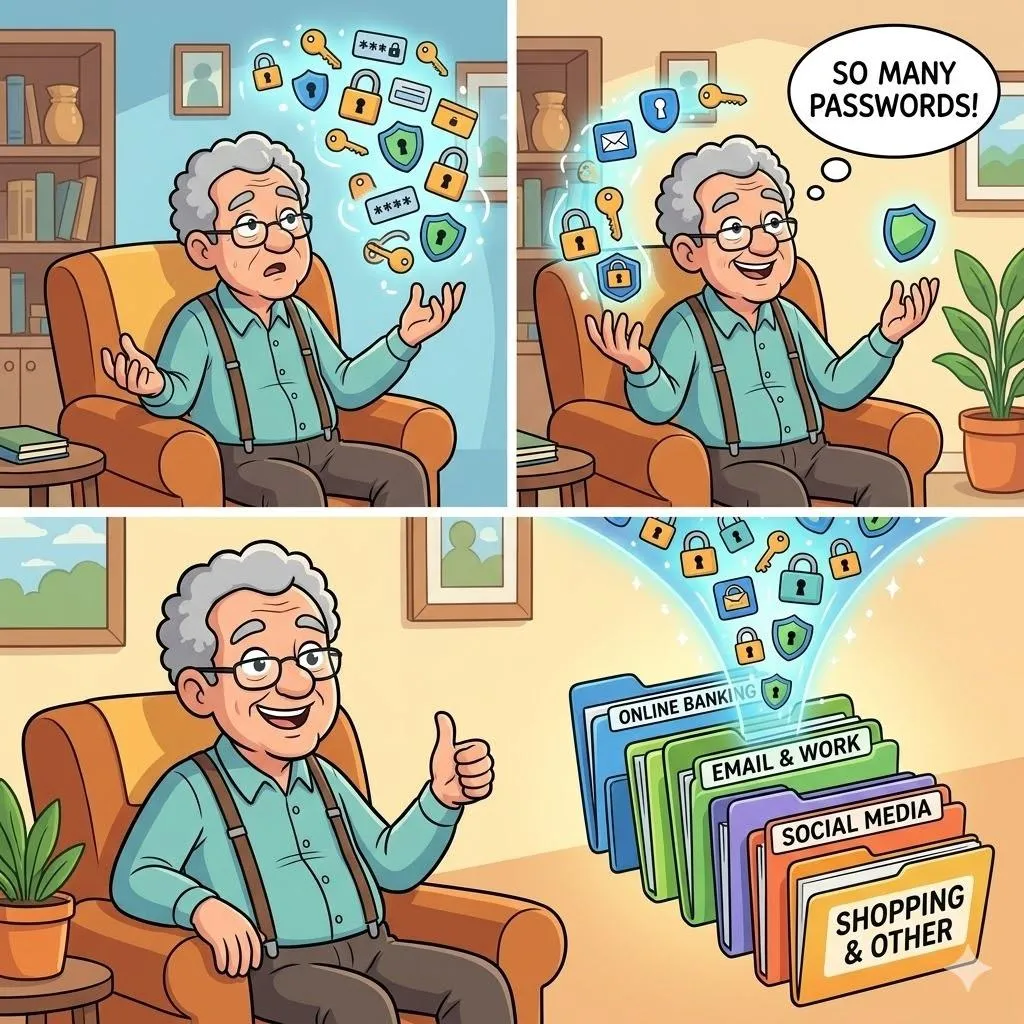
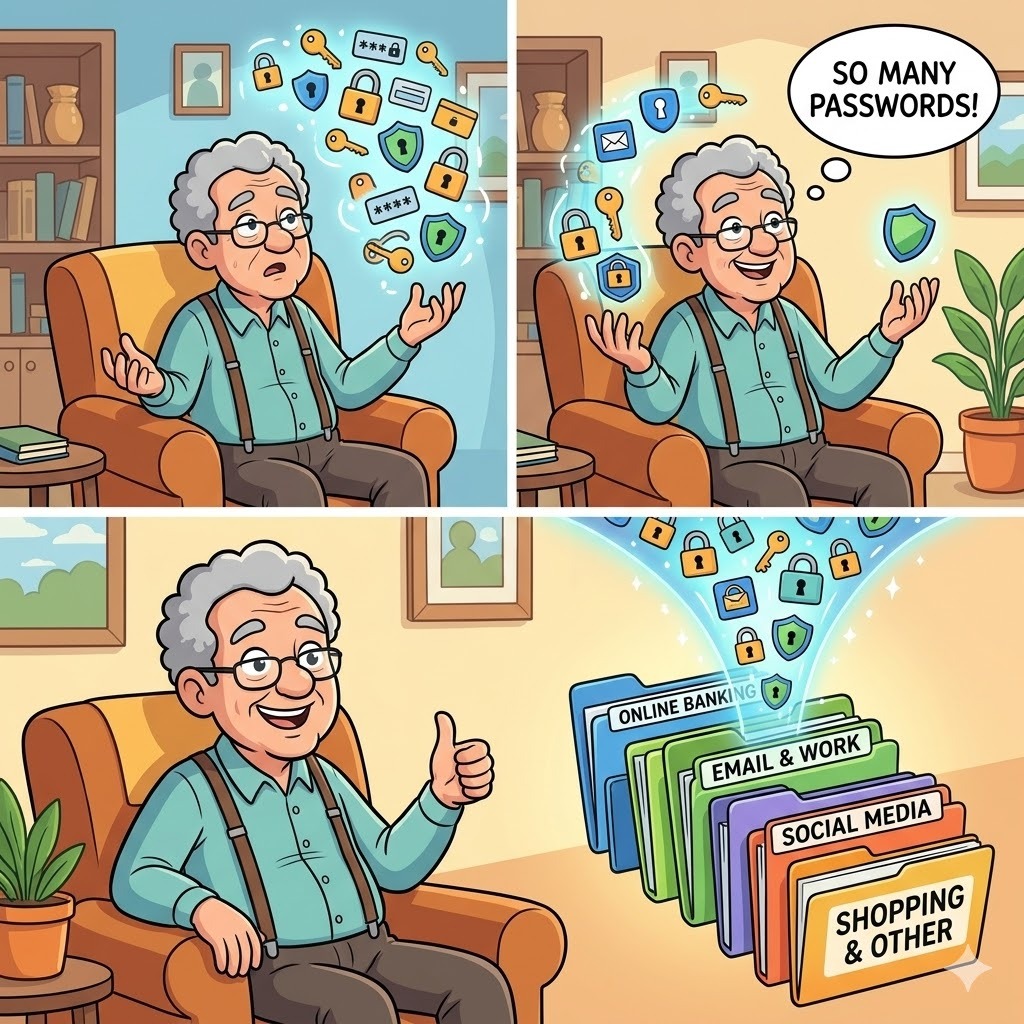
Strong passwords are essential for safety, but remembering many of them can feel overwhelming. The solution is not memorization — it’s smart systems.
Imagine This Scenario
You try to log in.
“Incorrect password.”
You try another one.
Still wrong.
You write passwords down…
then forget where you wrote them.
Security shouldn’t feel like a puzzle.
Let’s simplify it.
1. Why Passwords Matter More Than Ever
Weak passwords make accounts easy to access.
Stronger passwords:
protect your money
protect your identity
protect your contacts
✔️ Experts recommend long, unique passwords for each account
2. Use a Simple “Base + Variation” Method
Instead of random passwords:
Create a base:
Example: SunWalk!2026
Then adjust slightly:
SunWalk!FB (Facebook)
SunWalk!Email
✔️ Tip: Keep patterns simple but not obvious.
3. Turn On Two-Factor Authentication (2FA)
This adds a second layer of protection.
Even if someone gets your password, they still can’t access your account.
✔️ Try This (iPhone & Android – General):
Open account settings (Google, Facebook, etc.)
Tap Security
Turn on Two-Factor Authentication
Choose SMS or app verification
✔️ This significantly reduces risk of account hacking
“Need a hand? Your friends at FriendlyHelp are just a click away—book your appointment
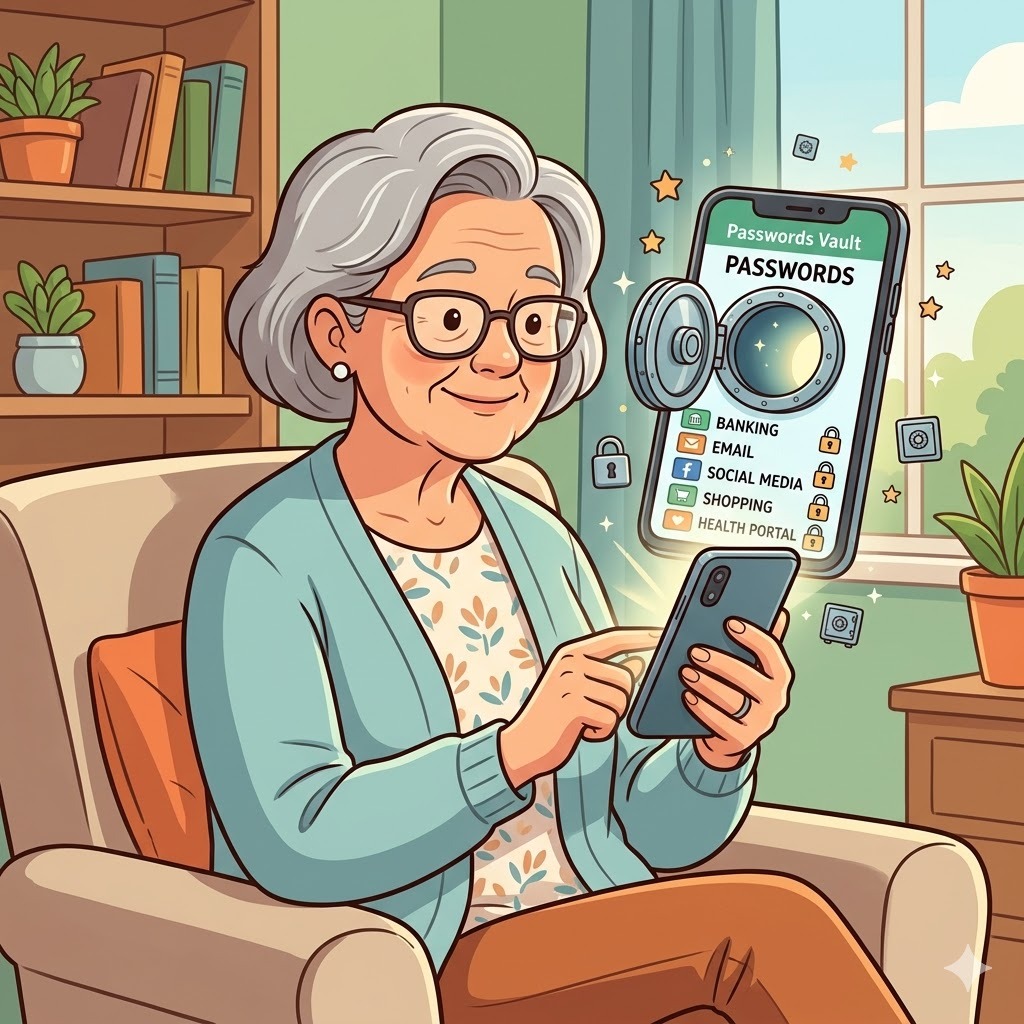
4. Use Built-In Password Managers
Your phone can store passwords securely.
✔️ Try This (iPhone):
Settings → Passwords → Turn on AutoFill
✔️ Try This (Android):
Settings → Google → Autofill → Password Manager
5. Avoid Reusing the Same Password Everywhere
If one account gets compromised, others may follow.
✔️ Rule: Important accounts (email, banking) should have unique passwords.
FAQ
Q1: Is writing passwords on paper safe?
Only if stored securely at home.
Q2: What if I forget everything?
Password managers can store them safely.
Q3: Is 2FA difficult?
No — it usually takes just a few taps.
The 5 Smart Password Habits
• Use long passwords
• Avoid repeating passwords
• Turn on 2FA
• Use password managers
• Keep important accounts extra secure
FriendlyHelp helps simplify online security so protection feels manageable — not overwhelming.
