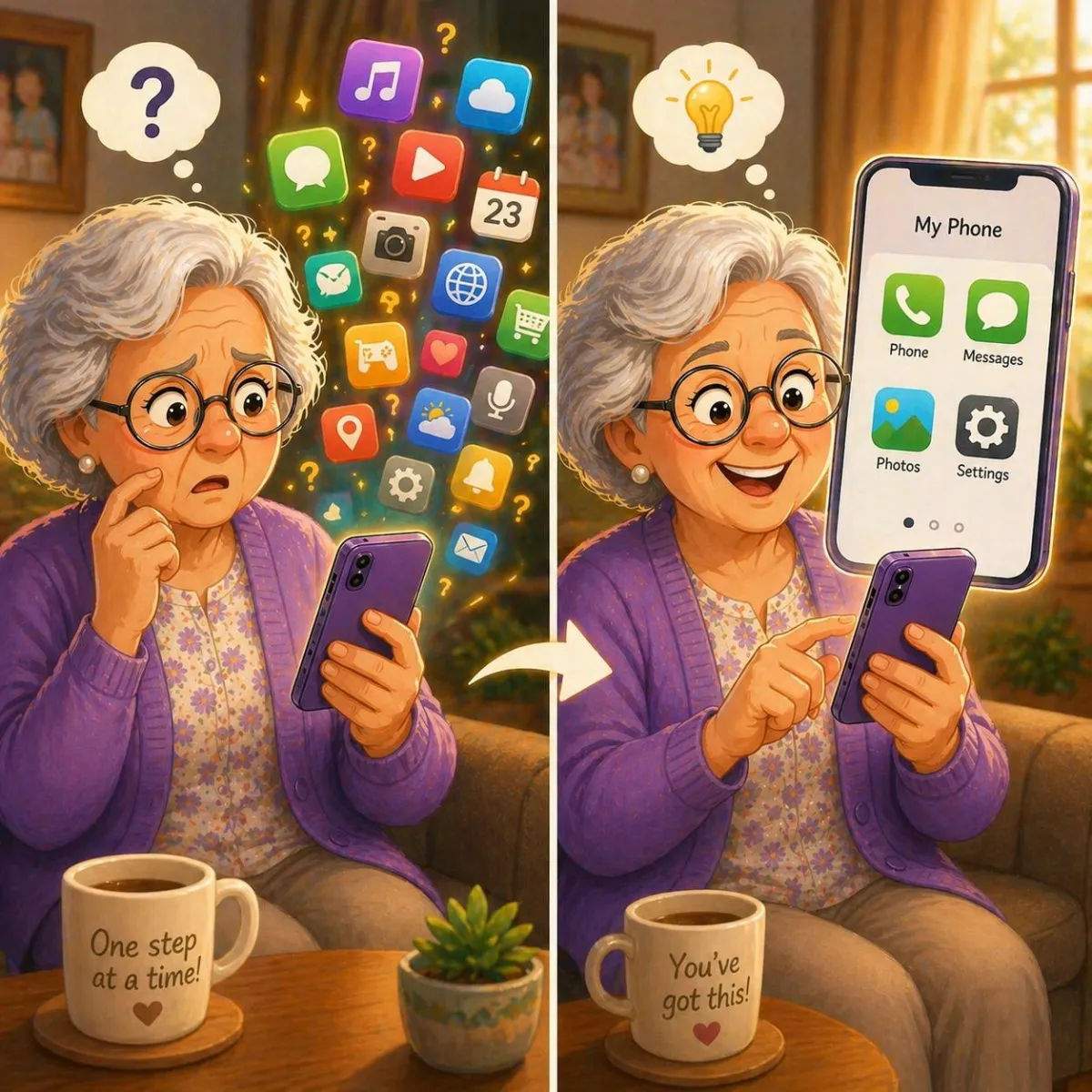
Feeling Confused by Technology? Start Here
Feeling confused by technology is completely normal. Instead of trying to learn everything at once, focusing on a few simple habits can make devices feel much easier to use.
Imagine This Scenario
You open your phone.
Something looks different.
A button moved.
An app changed.
A message pops up you don’t understand.
You pause and think:
“Did I do something wrong?”
You didn’t.
Technology changes often — and it can feel overwhelming.
But you don’t need to understand everything to use it confidently.
1. Start With What You Already Know
Most people already know more than they think.
You probably already:
answer calls
read messages
open apps
That’s a strong foundation.
✔️ Try This:
Focus on using what you already understand — not everything at once.

2. Don’t Try to Learn Everything in One Day
Technology can feel overwhelming when you try to learn too much at once.
✔️ Try This:
Pick one small thing to learn each day:
how to open an app
how to adjust volume
how to send a message
Small steps build confidence.
3. It’s Okay to Make Mistakes
Many people hesitate because they’re afraid of doing something wrong.
But most actions on your phone:
can be undone
don’t cause damage
✔️ Try This:
Tap slowly and observe what happens.
Learning comes from trying.
4. Use the “Pause and Look” Habit
When something unexpected appears, don’t rush.
✔️ Try This:
Pause
Read what’s on the screen
Look for familiar words like “Cancel” or “Back”
This reduces stress and confusion.

5. Keep Your Phone Simple
Too many apps or icons can create clutter.
✔️ Try This:
Keep only important apps on your main screen
Move others out of the way
A simpler screen is easier to understand.
6. Repeat What You Learn
Confidence comes from repetition.
✔️ Try This:
Practice the same action a few times:
opening apps
adjusting settings
sending messages
It becomes easier each time.
7. Ask for Help — The Right Way
It’s okay to ask for help.
✔️ Try This:
Ask someone to:
show you slowly
let you try it yourself
Learning works best when you do it, not just watch.
“Need a hand? Your friends at FriendlyHelp are just a click away—book your appointment today!
FAQ
Q1: Why does technology feel confusing?
Because it changes often — not because you can’t learn it.
Q2: Am I too late to learn this?
No — people learn new tech at any age.
Q3: Do I need to understand everything?
No — just what you use daily.
The 5 Confidence Habits
• Start with what you know
• Learn one thing at a time
• Don’t fear mistakes
• Pause and read
• Practice regularly
FriendlyHelp helps you build confidence step by step — because technology should feel helpful, not overwhelming.
