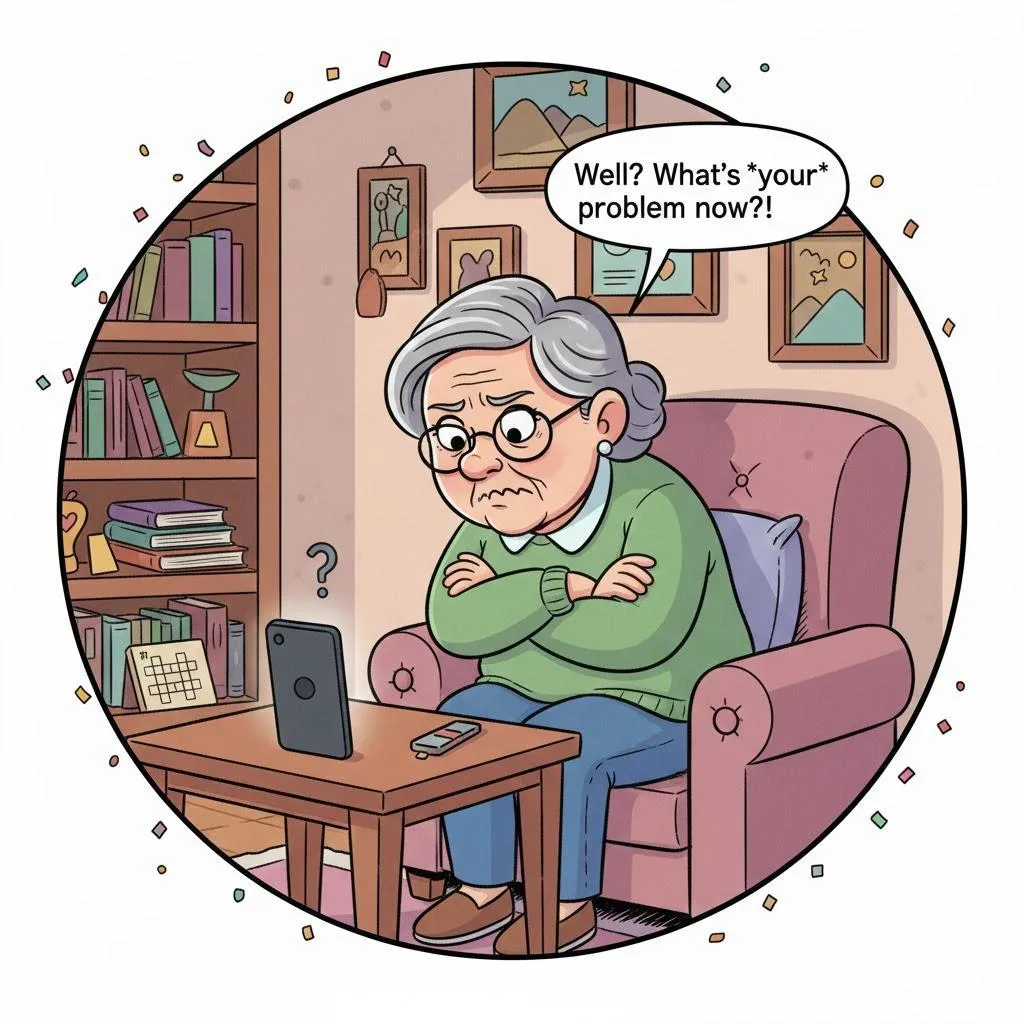
Why Do I Keep Missing Important Alerts? A Simple Guide to Sounds, Banners, and Bad Timing
Quick Summary
If you miss calls, reminders, or alerts — or only notice them hours later — your phone isn’t ignoring you. Notifications depend on sounds, settings, and timing. This guide helps make sure you hear what matters.
Imagine This Scenario
You notice three missed calls.
A reminder from yesterday.
And a message you definitely didn’t hear.
You think:
“My phone didn’t make a sound… did it?”
Let’s fix that.
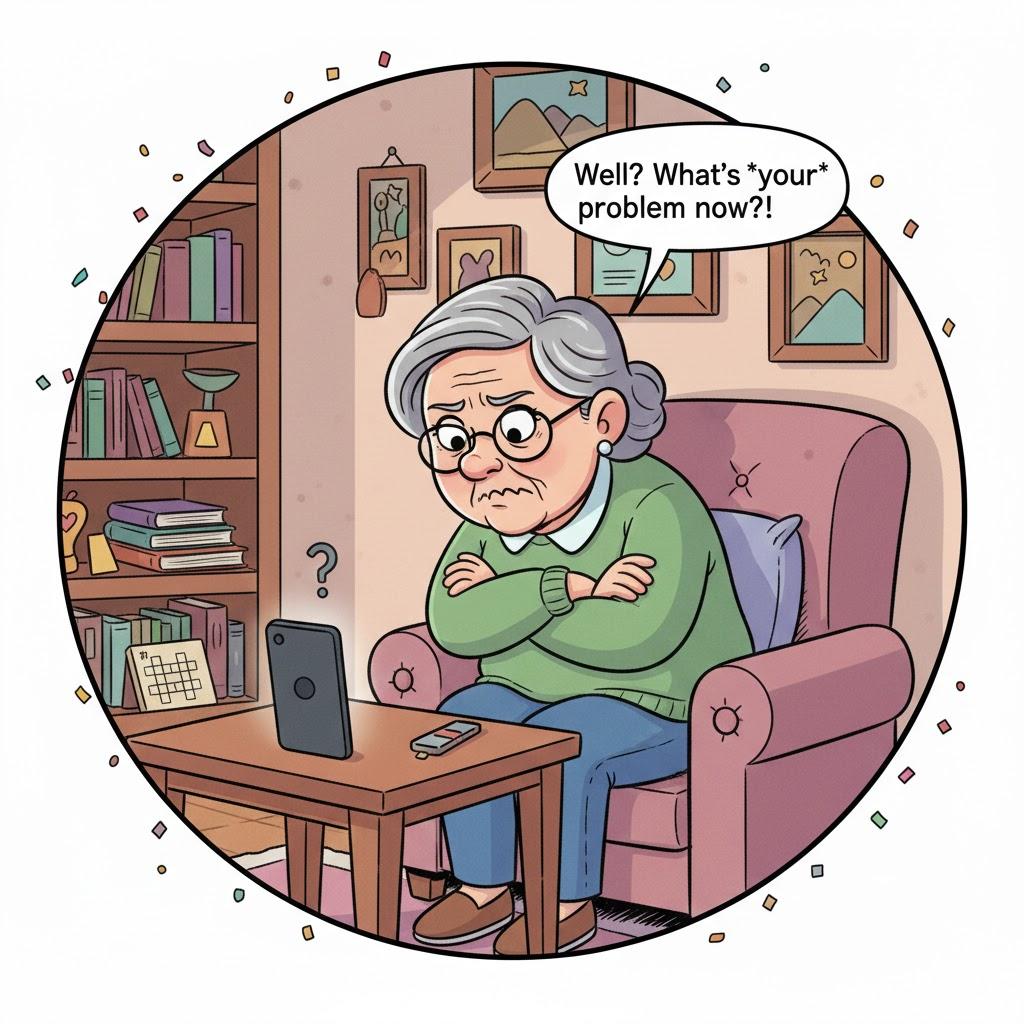
1. Your Phone Might Be on Silent or Vibrate
Summary: This happens more often than people admit.
Accidental button presses switch phones to silent mode easily.
Check:
Volume buttons
Sound settings
Bell icon
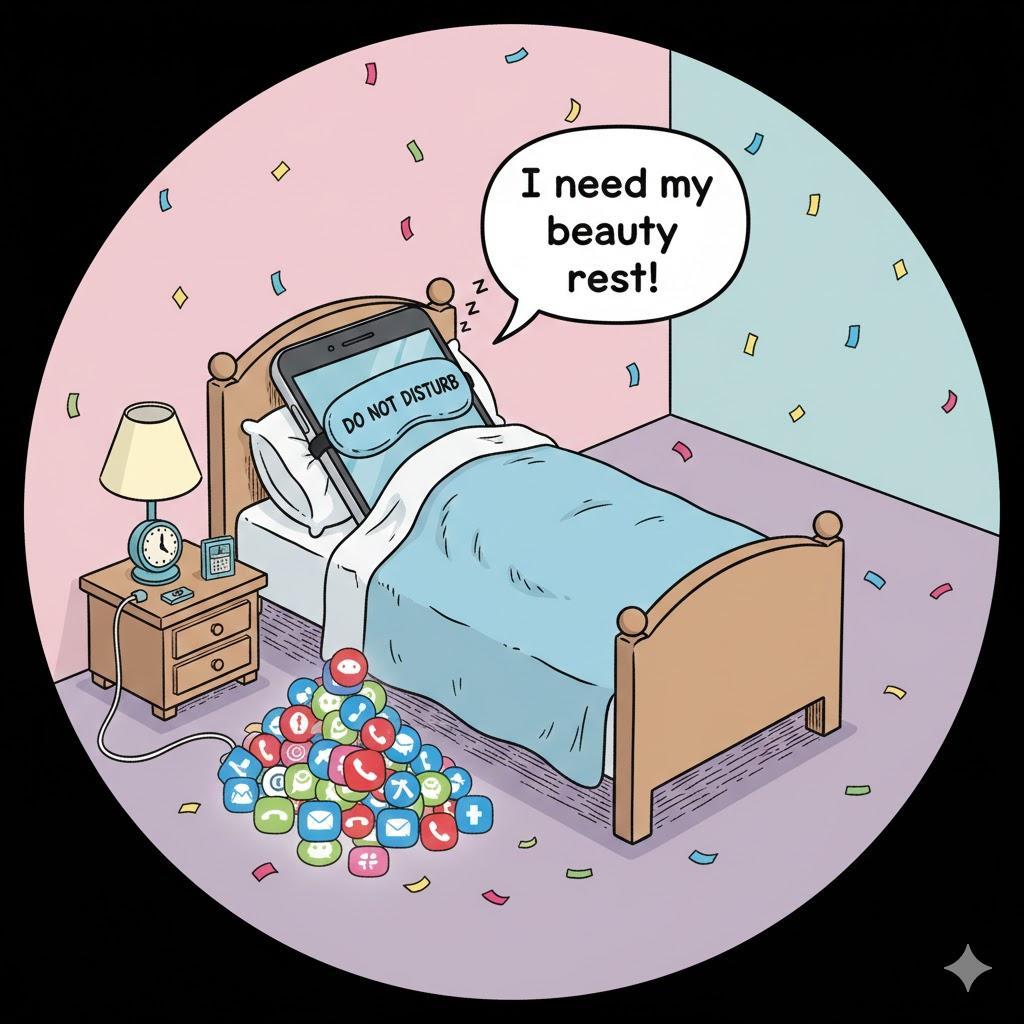
2. “Do Not Disturb” May Be Turned On
Summary: Quiet mode works very well — sometimes too well.
Do Not Disturb silences alerts during set hours.
Check the schedule and adjust it if needed.
“Need a hand? Your friends at FriendlyHelp are just a click away—book your appointment today!
3. Notification Sounds May Be Too Soft
Summary: Some sounds are easy to miss.
Change alert tones to something louder or more noticeable.
Avoid subtle “ding” sounds.
4. Notifications Can Be Grouped or Hidden
Summary: Your phone may stack alerts.
Some phones group notifications together.
Scroll down to see older alerts.
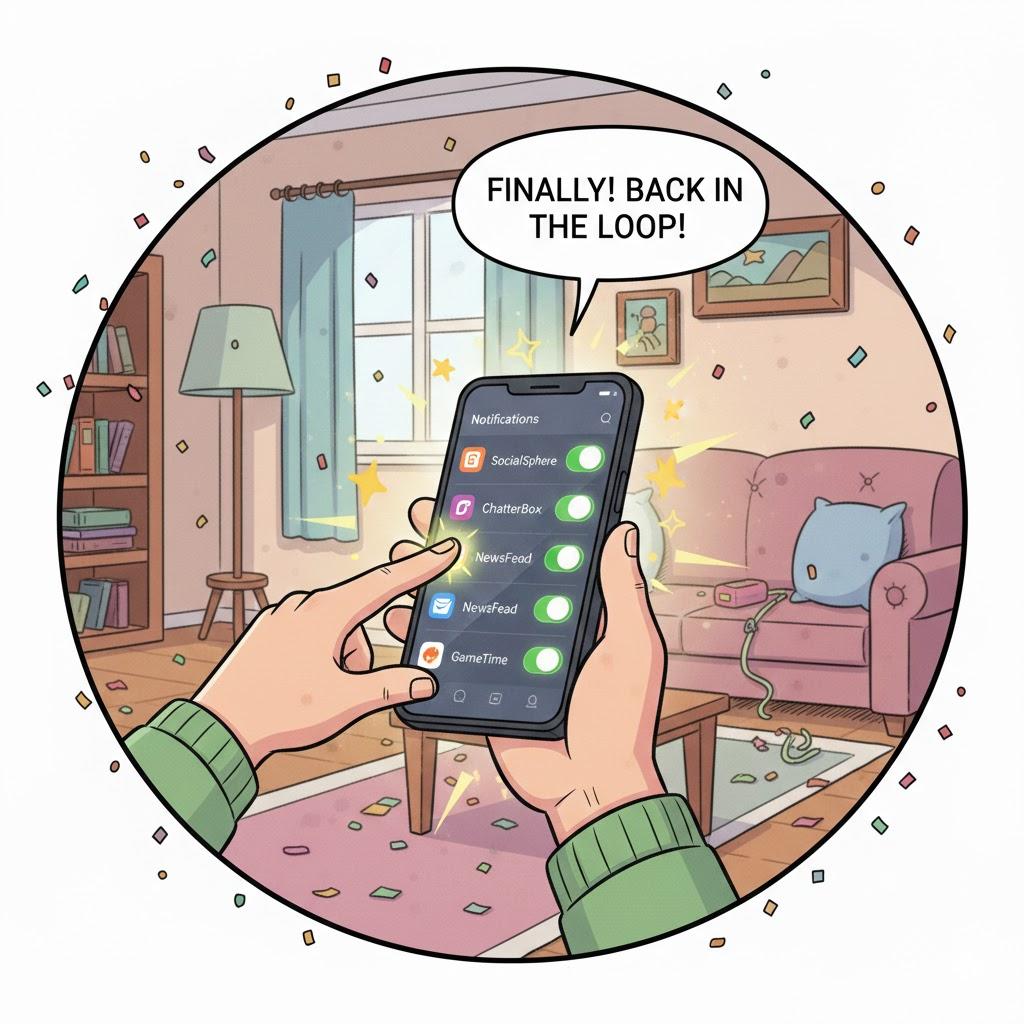
5. App Notifications Might Be Turned Off
Summary: Important apps may be silenced accidentally.
Check settings for:
Messaging apps
Calendar
Health apps
“Need a hand? Your friends at FriendlyHelp are just a click away—book your appointment today!
6. Bluetooth Can Steal Notification Sounds
Summary: Alerts may go somewhere else.
If Bluetooth is on, sounds might be sent to:
Headphones
Car system
Speaker
Turn Bluetooth off if not using it.
FAQ: Missed Alerts
Q1: Why did my phone buzz but make no sound?
Vibrate-only mode.
Q2: Can I set different sounds for different people?
Yes — very helpful.
Q3: Should I leave Do Not Disturb on?
Only if it fits your routine.
The 5 Golden Rules for Hearing Alerts
Check silent mode first.
Review Do Not Disturb schedules.
Choose loud alert tones.
Keep notifications visible.
Turn off unused Bluetooth.
Missing alerts usually isn’t a failure—it’s a settings issue.
Phones are designed to stay quiet unless we tell them otherwise, and a few small adjustments can make a big difference. Once sounds, banners, and timing are set the way you need them, important alerts become much harder to miss. And if something still isn’t behaving the way you expect, FriendlyHelp is here to help you sort it out calmly and clearly—so you hear what matters, when it matters.
