Wi-Fi Connected… But Nothing Loads? Here’s Why
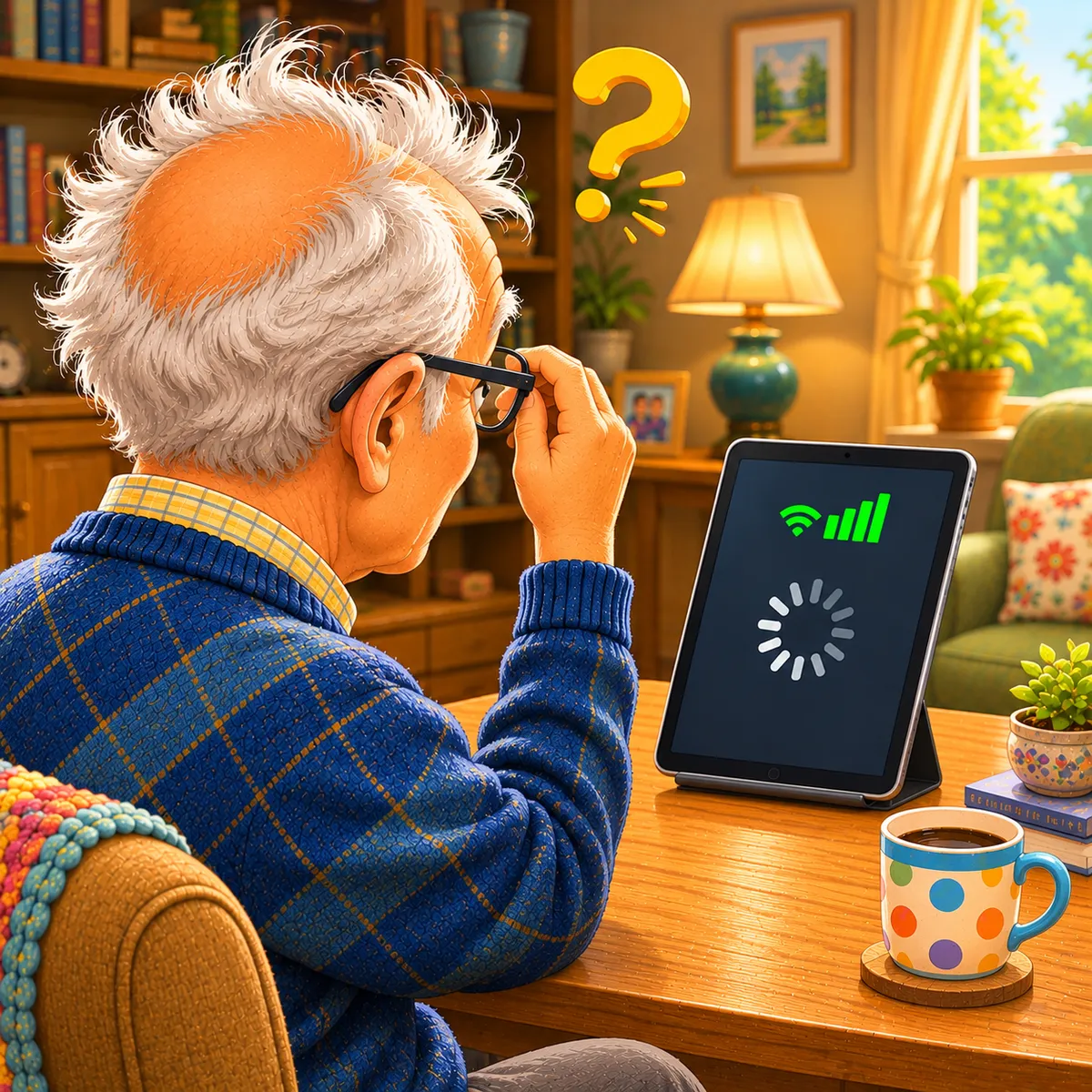
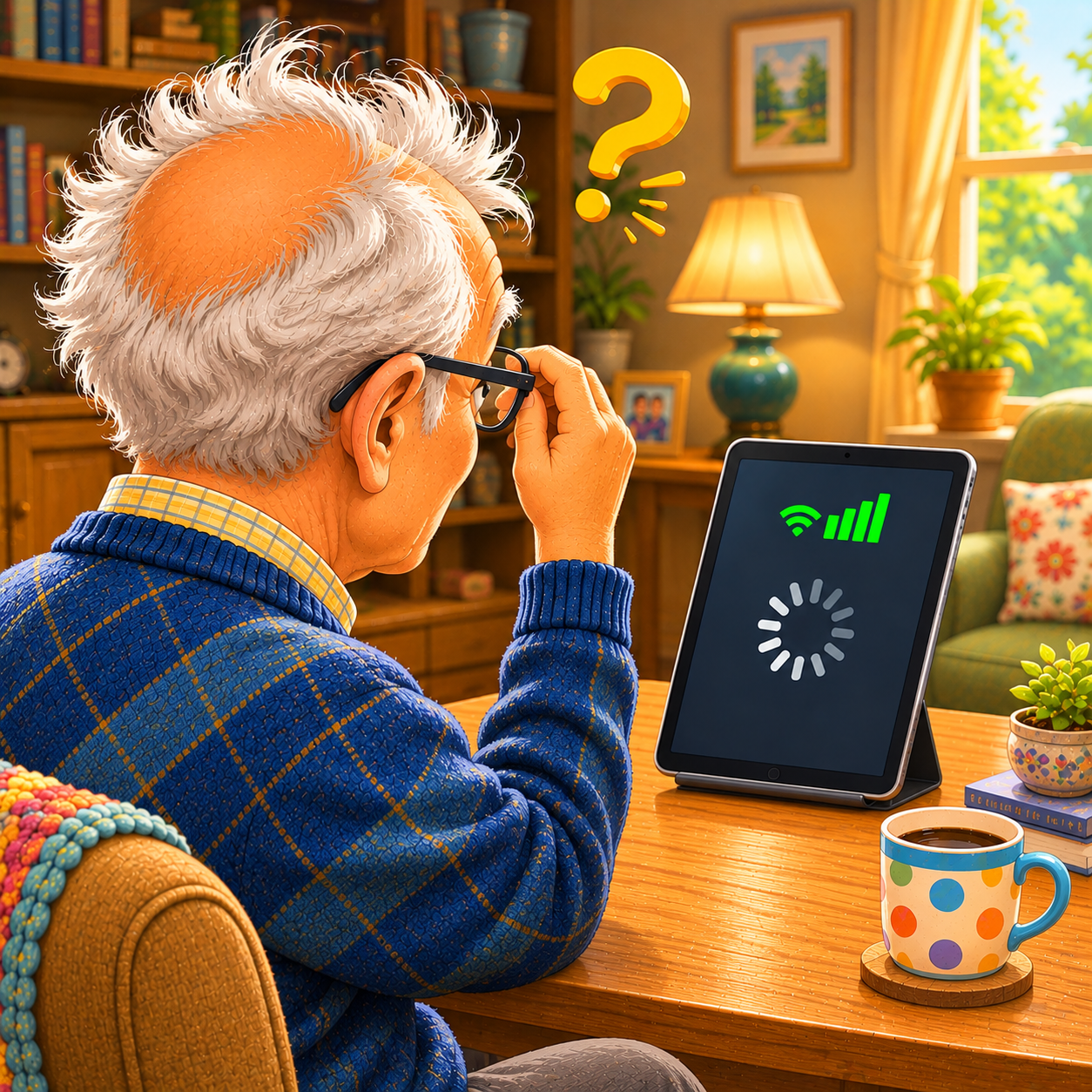
Seeing the Wi-Fi symbol doesn’t always mean your internet is working properly. Sometimes your device is connected to the router — but the router itself has lost internet access.
Imagine This Scenario
Your phone shows full Wi-Fi bars.
Everything looks normal.
But:
websites won’t open
videos won’t play
apps stop loading
You stare at the screen thinking:
“If Wi-Fi is connected… why isn’t anything working?”
This is actually a very common problem.
1. Your Device May Be Connected to the Router — But Not the Internet
Your phone can successfully connect to your home Wi-Fi network even if the internet service itself is down.
That’s why the Wi-Fi symbol still appears.
✔️ Try This:
Open a few different websites.
If nothing loads, the internet connection may be interrupted.
2. Restart the Router First
This solves many connection problems.
✔️ Try This:
Unplug the router
Wait 30 seconds
Plug it back in
Wait 2–3 minutes for reconnection
“Need a hand? Your friends at FriendlyHelp are just a click away—book your appointment today!
3. Turn Wi-Fi Off and Back On
Your phone or tablet may simply need to reconnect.
✔️ Try This (iPhone & Android):
Open Settings
Turn Wi-Fi OFF
Wait a few seconds
Turn it back ON
“Need a hand? Your friends at FriendlyHelp are just a click away—book your appointment today!

4. Move Closer to the Router
Weak signals sometimes appear connected but don’t work reliably.
✔️ Try This:
Move closer and test again.
5. Check If Other Devices Work
This helps identify the real issue.
✔️ Try This:
Test:
another phone
a laptop
a smart TV
If nothing works, it’s likely the internet connection itself.
“Need a hand? Your friends at FriendlyHelp are just a click away—book your appointment today!
6. Some Apps Need More Internet Than Others
Simple messaging apps may still work while:
streaming
video calls
large websites
struggle to load.
✔️ Tip:
A weak connection affects heavier apps first.
7. Don’t Overcomplicate Troubleshooting
Many people immediately:
change settings
reset devices
press random buttons
This often creates more confusion.
✔️ Try This:
Start simple:
Restart router
Restart device
Test connection slowly

FAQ
Q1: Why does Wi-Fi show full bars with no internet?
Because your device is connected to the router, not necessarily the internet itself.
Q2: Should I reset my entire phone?
Usually no — restart the router first.
Q3: How long should routers take to reconnect?
Usually 2–5 minutes.
The 5 Smart Wi-Fi Habits
• Restart the router first
• Reconnect Wi-Fi slowly
• Test multiple devices
• Move closer when needed
• Troubleshoot calmly
FriendlyHelp helps simplify internet frustrations — because understanding the basics makes problems much less stressful.
