How to Use Voice Assistants (Alexa, Siri, Google) Without Getting Frustrated
Quick Summary
Voice assistants like Alexa, Siri, and Google can feel like magical helpers—when they work. This guide shows you how to use them without the stress, including common mistakes, simple commands, and tricks to keep your cool.
A Real-Life Situation to Start
Picture this: You’re in the kitchen, hands covered in flour, and you say:
“Hey Siri, set a timer for 20 minutes.”
Instead of setting a timer, your phone cheerfully replies:
“I found 20 Italian restaurants near you.”
You sigh, wipe your hands on your apron, and mutter, “Why do I even bother?”
Sound familiar? You’re not alone. Let’s walk through how to make these voice assistants actually work for you—without the frustration.
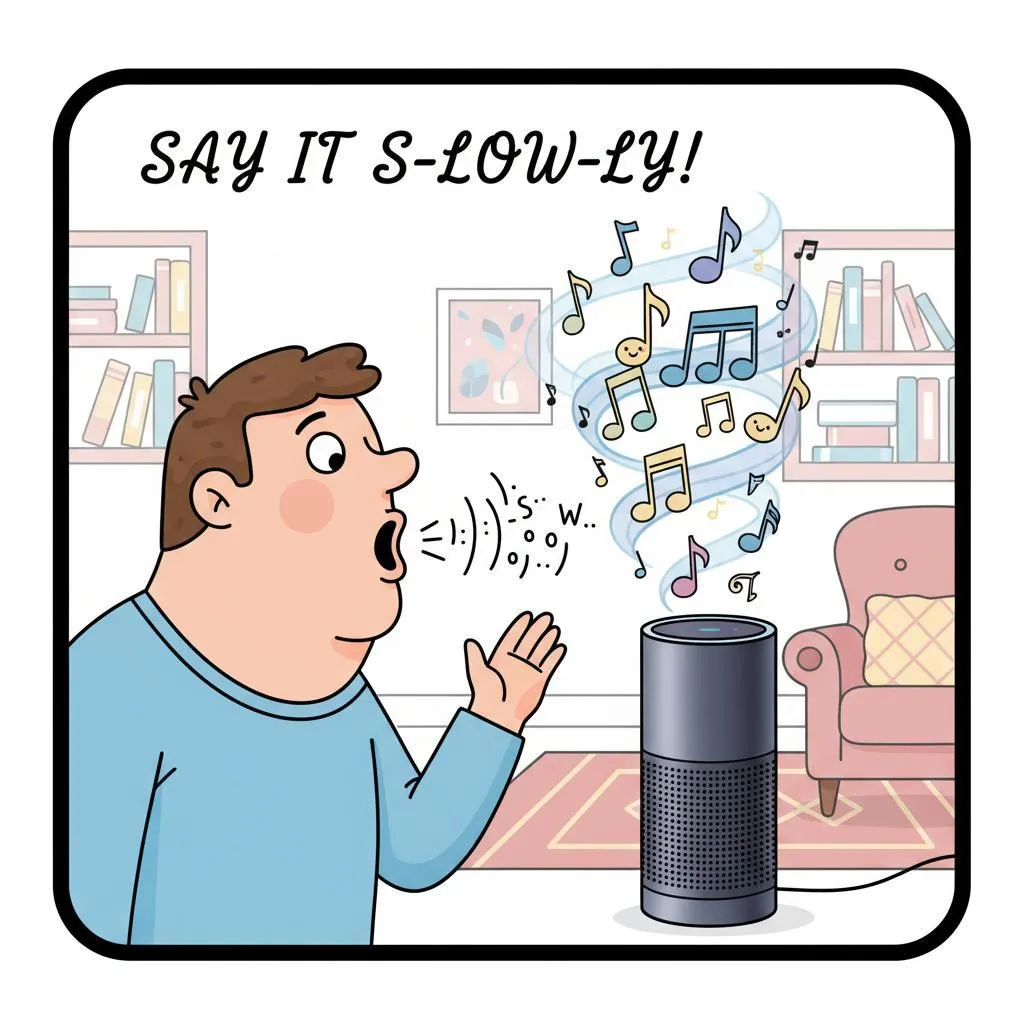
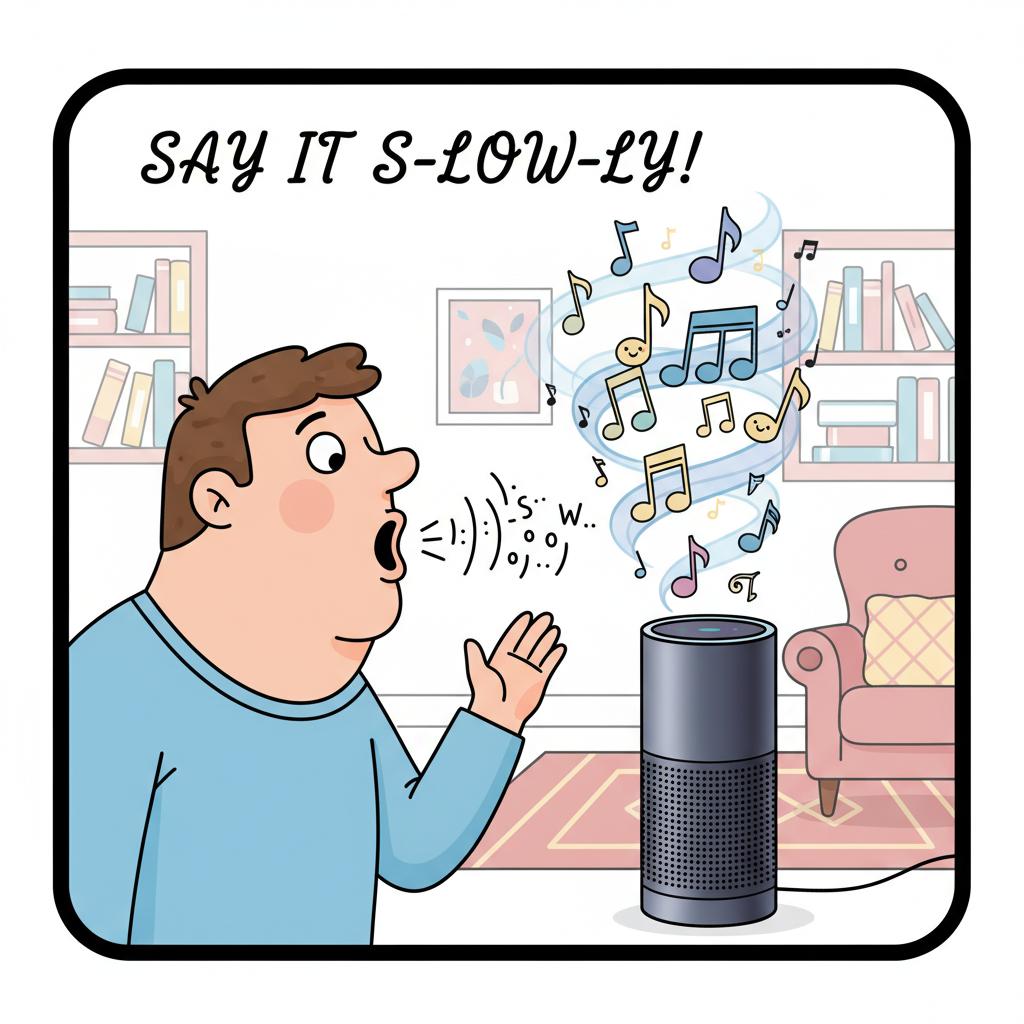
1. Speak Slowly and Clearly
Summary: Voice assistants get confused if we talk too fast.
How to Do It:
Imagine you’re talking to someone hard of hearing.
Use short, clear sentences: “Alexa, play jazz music” instead of “Alexa, can you maybe play something smooth and kind of jazzy?”
2. Use the Wake Word First
Summary: Alexa, Siri, and Google only listen when they hear their name.
How to Do It:
Start every command with the wake word: “Alexa,” “Hey Siri,” or “Hey Google.”
Pause for a second before giving the command.
3. Keep It Simple
Summary: Complicated requests confuse them.
How to Do It:
Instead of: “Alexa, can you remind me tomorrow morning when I wake up to water the plants by the kitchen sink?”
Say: “Alexa, remind me to water the plants tomorrow at 9 a.m.”
4. Common Commands That Work Every Time
Summary: Stick to commands they understand well.
Examples:
“Set a timer for 10 minutes.”
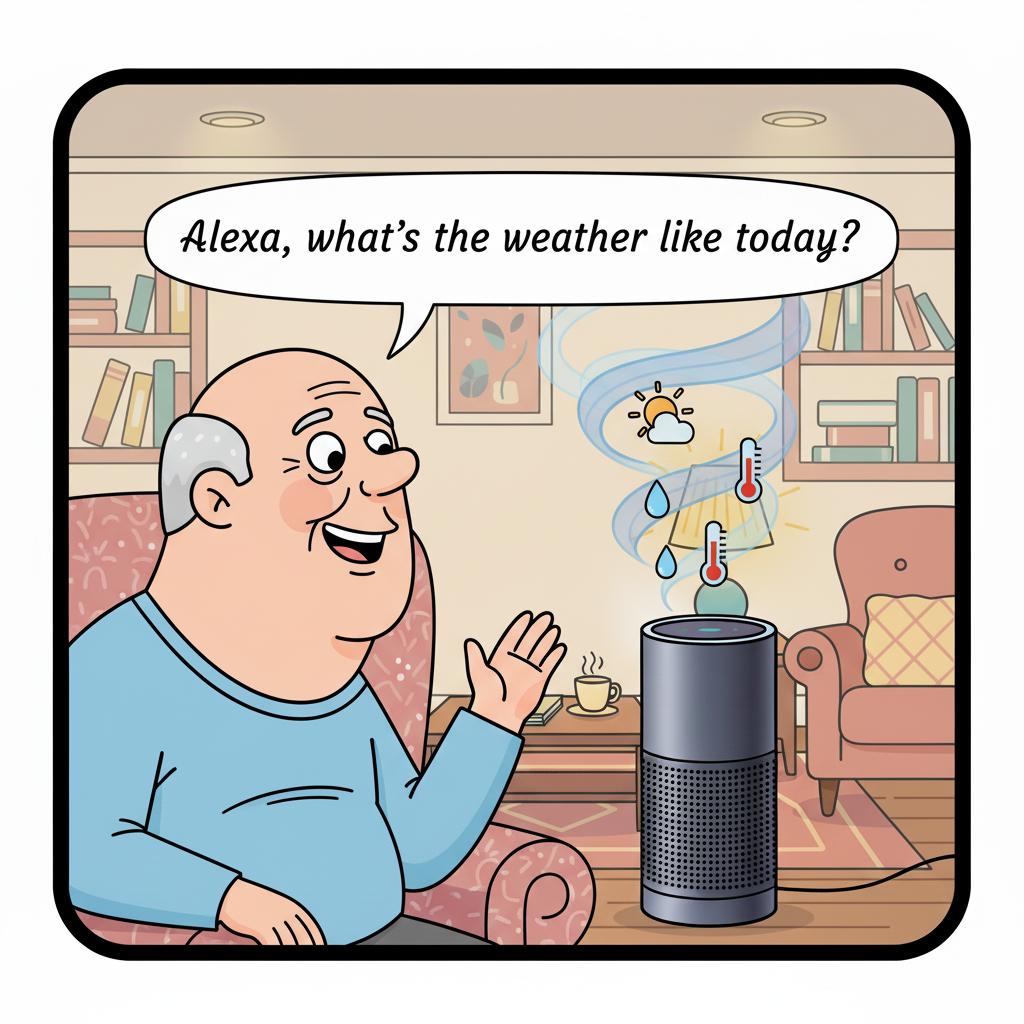
“What’s the weather today?”
“Play Frank Sinatra.”
“Call John.”
5. Fixing Mistakes Without Losing Your Cool
Summary: They’ll mess up sometimes—don’t let it ruin your day.
Tips:
Try again using shorter words.
If music starts instead of a timer, laugh about it—at least you got entertainment!
Remember: it’s the assistant’s fault, not yours.
6. Set Up Helpful Shortcuts
Summary: You can create simple routines for daily life.
Examples:
“Good morning” = hear the weather, traffic, and a joke.
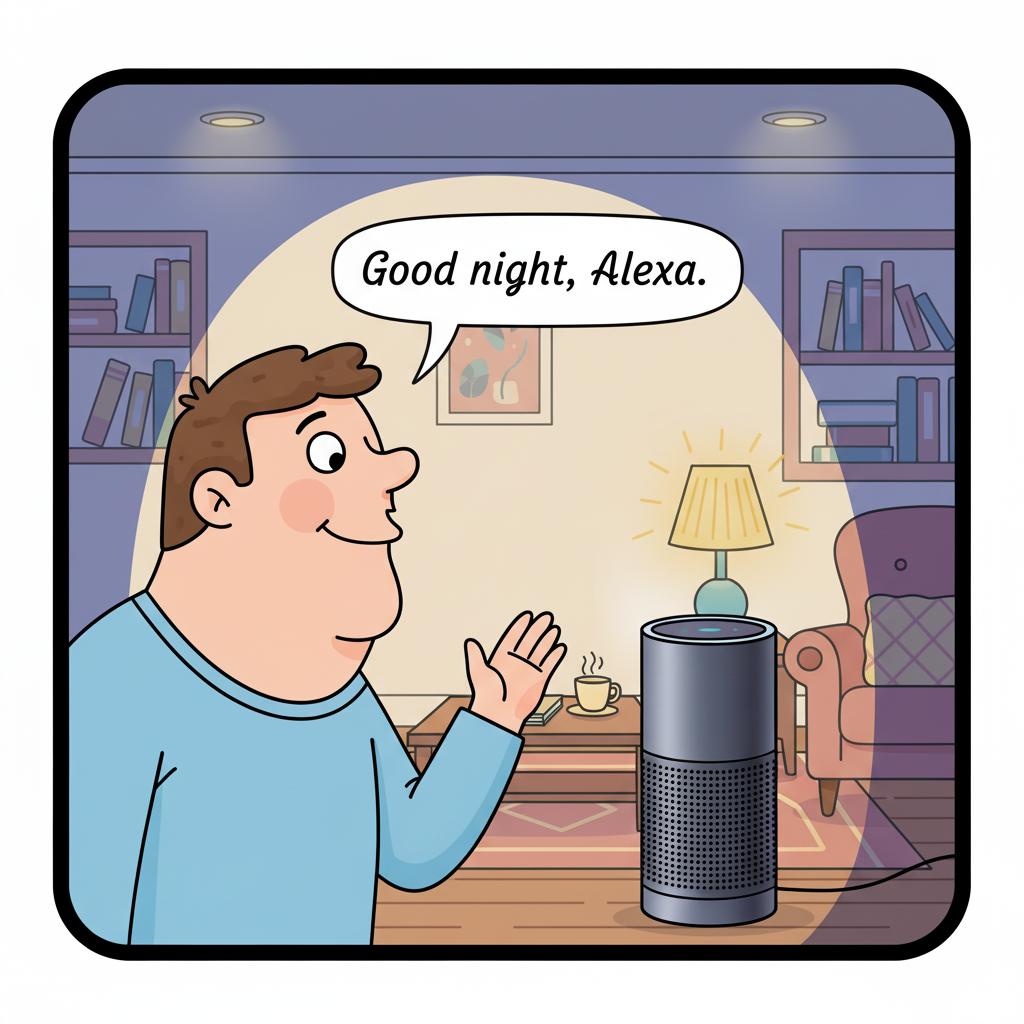
“Good night” = lights off and a reminder to lock the door.
7. Don’t Worry About Fancy Features
Summary: You don’t need to know everything.
How to Do It:
Stick to the basics you’ll actually use: timers, reminders, music, and weather.
Ignore the confusing extras unless you feel curious later.
Final Thoughts
Voice assistants aren’t perfect, but when used simply, they can be lifesavers—especially if your hands are full, or you just want quick answers.
Think of Alexa, Siri, and Google as helpful grandchildren: sometimes they listen, sometimes they don’t, but with patience, they’ll make life easier (and maybe even a little fun).
FAQ: Voice Assistants for Everyday Use
Q1: Which is the easiest assistant for beginners?
They’re all similar, but many seniors find Alexa or Siri easiest to start with.
Q2: What if it doesn’t hear me?
Check that the device is plugged in, the microphone isn’t muted, and try speaking slower.
Q3: Can I use it for safety?
Yes—many assistants can call family, turn on lights, or set reminders for medicine.
Q4: Do I need the internet?
Yes, most commands need Wi-Fi to work.
Q5: Can it understand jokes or casual talk?
Sometimes! Try asking, “Tell me a joke” and see what happens.
The 5 Golden Rules for Using Voice Assistants Without Frustration 🎙️
Say their name first – “Alexa,” “Hey Siri,” or “Hey Google.”
Keep it short and clear – Use simple words, one request at a time.
Repeat calmly if needed – It’s not you, it’s them.
Stick to basics – Timers, music, calls, weather, reminders.
Have fun with it – Ask for jokes, stories, or fun facts.
Voice assistants work best when we keep things simple and patient.
Short commands, clear words, and a calm tone make a big difference—and mistakes are part of the process, not a personal failure. With a little practice, these tools can become genuinely helpful. And if you’d like help setting one up or figuring out what commands work best for you, FriendlyHelp is always here to guide you clearly and stress-free.
