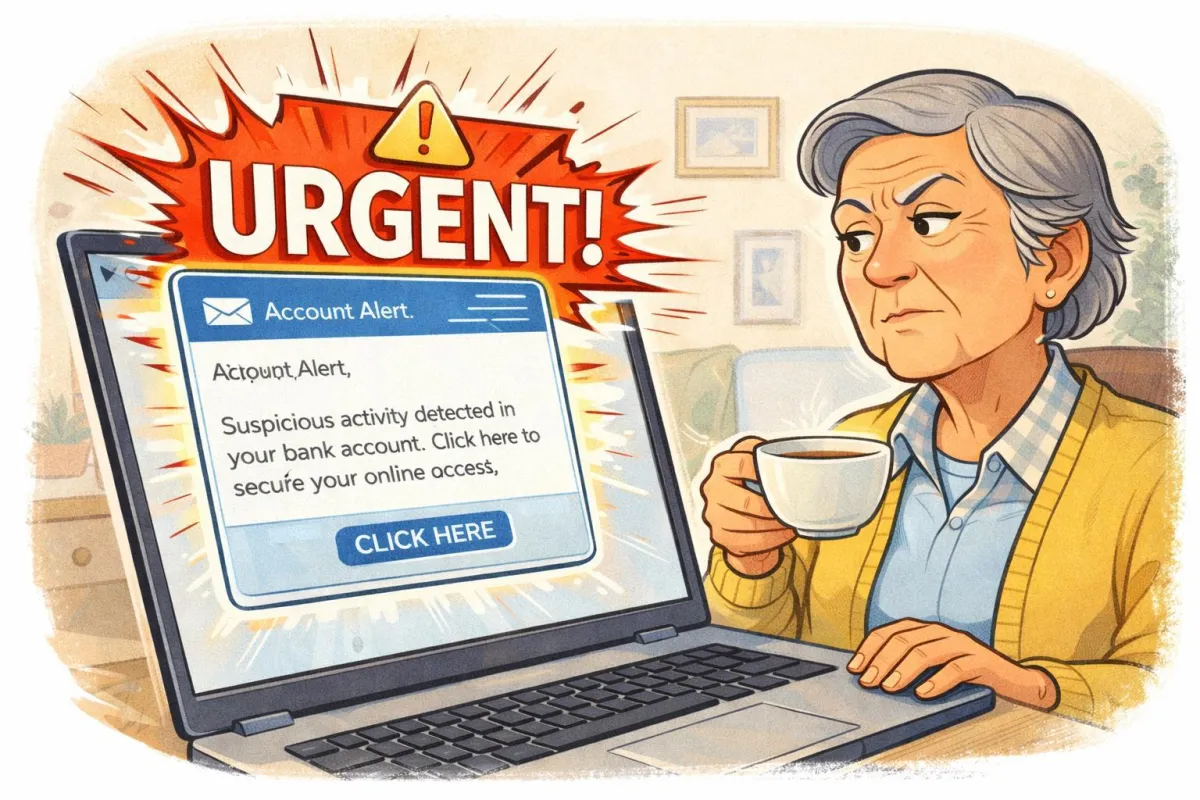
How to Spot Fake Emails That Look Real
Scam emails in 2026 look incredibly convincing. Logos are perfect. Language sounds official. Some even mimic your bank exactly. But there are still clear warning signs.
Imagine This Scenario
An email arrives:
“URGENT: Your bank account is locked.”
It looks real.
The logo matches.
There’s even a customer service number.
Your heart beats faster.
Pause.
Let’s break it down.
1. Real Companies Don’t Panic You
Scammers use urgency.
Phrases like:
• “Immediate action required”
• “Last warning”
• “Account suspension”
✔️ Fix: Slow down before clicking.

2. Check the Sender Address Carefully
Logos can be copied. Addresses cannot.
[email protected]
is NOT the same as
[email protected]
✔️ Hover over the sender to see full details.
“Need a hand? Your friends at FriendlyHelp are just a click away—book your appointment
3. Look for Small Language Errors
Professional companies proofread.
Scammers often include:
• Odd grammar
• Strange spacing
• Generic greetings
“Dear Customer” instead of your name.
4. Never Click Links in Suspicious Emails
Instead:
Open your browser manually.
Type the official website yourself.
5. Don’t Call Phone Numbers Inside the Email
Even phone numbers can be fake.
Look up the official number separately.
FAQ
Q1: Can opening an email infect my computer?
No — clicking links is the danger.
Q2: Why do scams look so real now?
Technology makes copying easy.
Q3: What if I already clicked?
Change passwords and contact your bank immediately.
The 5 Golden Rules of Email Scam Safety
• Pause before clicking
• Verify sender addresses
• Avoid urgency traps
• Type websites manually
• When unsure — ask

FriendlyHelp supports individuals and families in recognizing online scams, protecting accounts, and building safe digital habits. We focus on prevention, clarity, and confidence — so small mistakes don’t turn into big problems.
If you’re unsure whether an email is real or fake, it’s always okay to ask before clicking.
