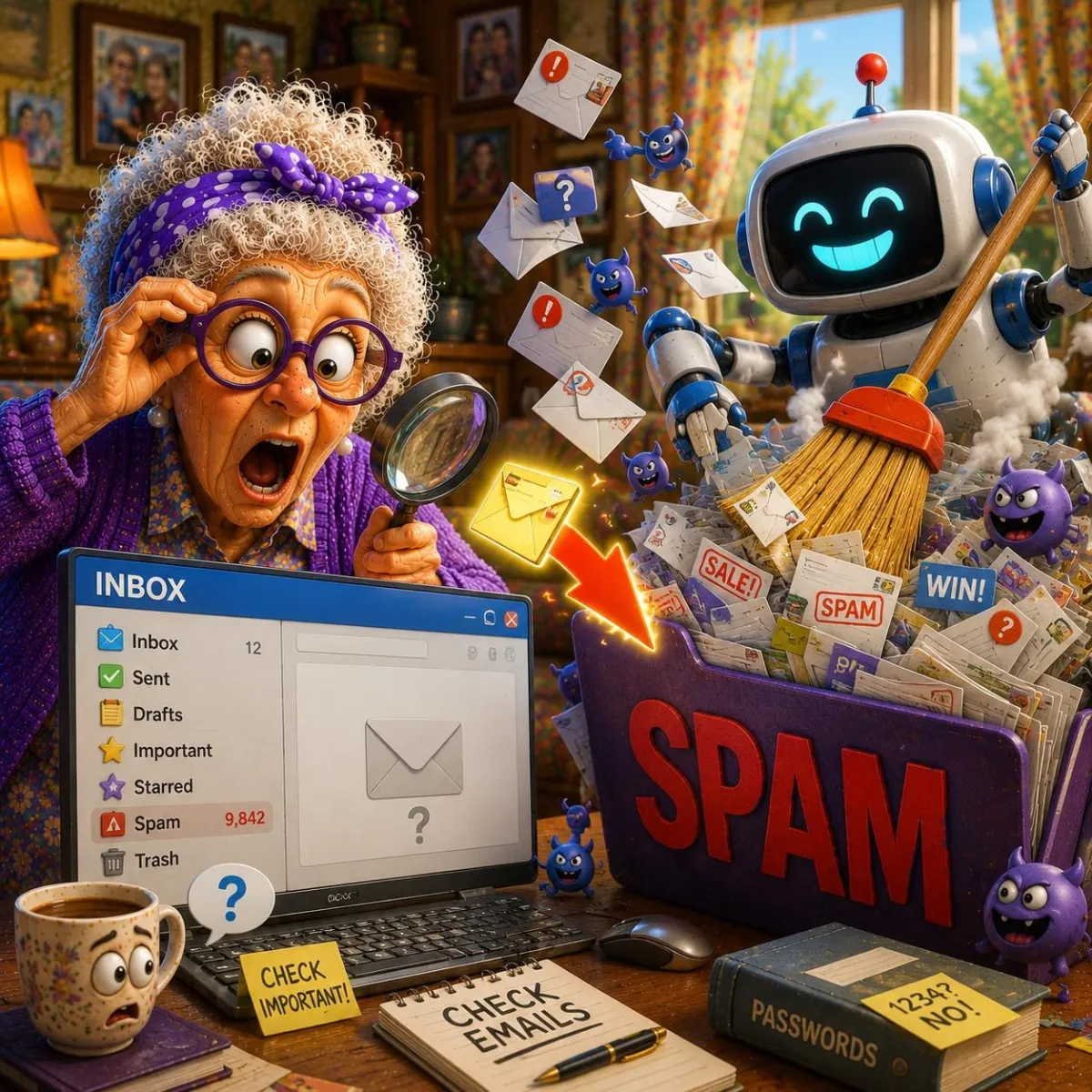
Why Did That Important Email End Up in Spam?
Sometimes perfectly legitimate emails end up in the Spam or Junk folder. This can happen for several reasons and doesn't always mean anything is wrong.
Learning why it happens can help you avoid missing important messages.
Imagine This Scenario
You're waiting for an important email.
Maybe it's:
an appointment confirmation
a family message
an online receipt
an account update
Hours pass.
Nothing arrives.
Later you discover it sitting in your Spam folder.
How did it end up there?
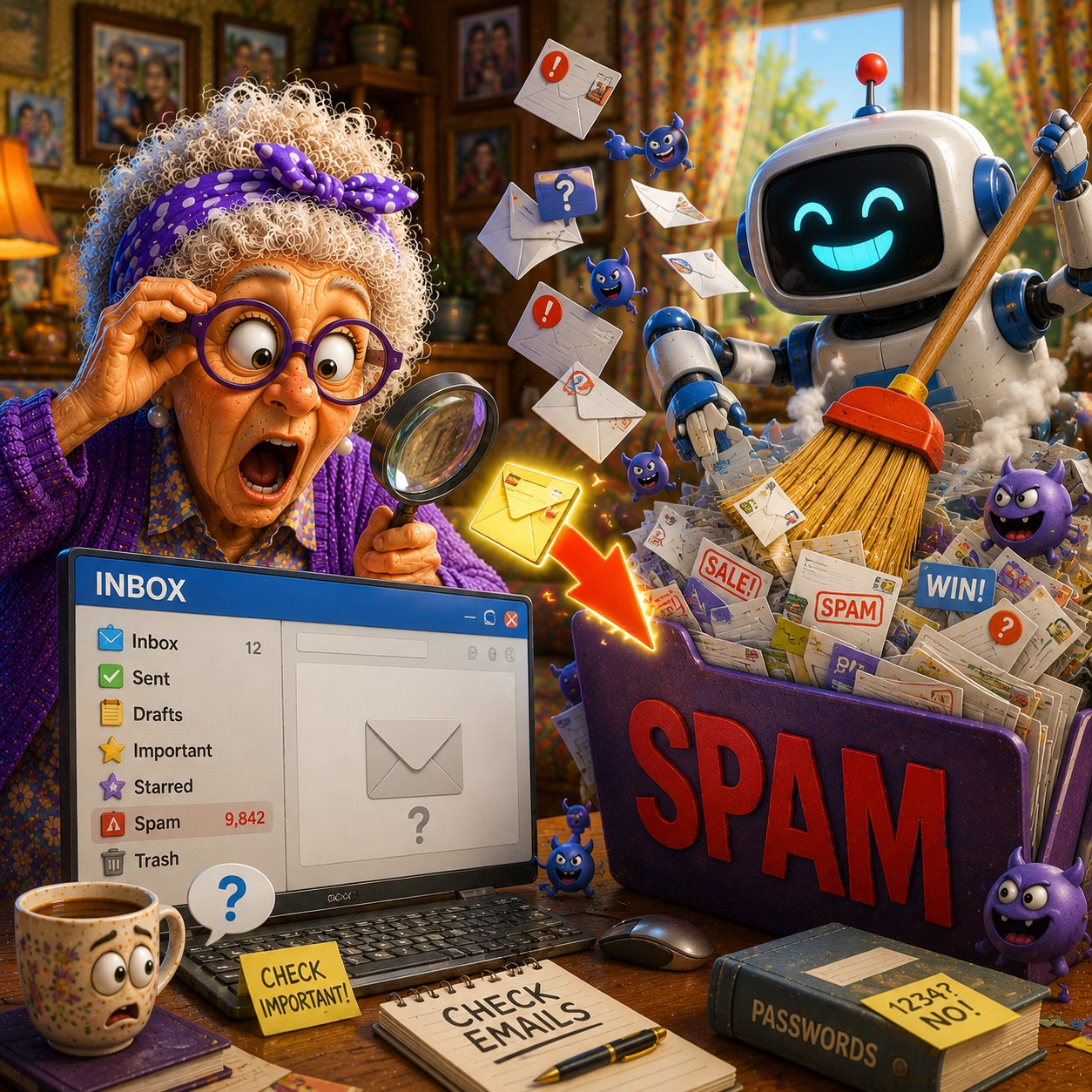
1. Email Providers Filter Millions of Messages
Services like Gmail and Outlook constantly scan messages.
Their goal is simple:
Protect users from:
scams
spam
dangerous links
Sometimes legitimate emails get caught too.
“Need a hand? Your friends at FriendlyHelp are just a click away—book your appointment today!
2. New Senders Can Trigger Spam Filters
If you've never received mail from someone before, email providers may be more cautious.
✔️ Try This:
Check your Spam or Junk folder regularly when expecting an important message.
3. Attachments Can Affect Filtering
Emails containing:
PDFs
images
large attachments
sometimes receive additional scrutiny.
This is especially true if the sender is unfamiliar.
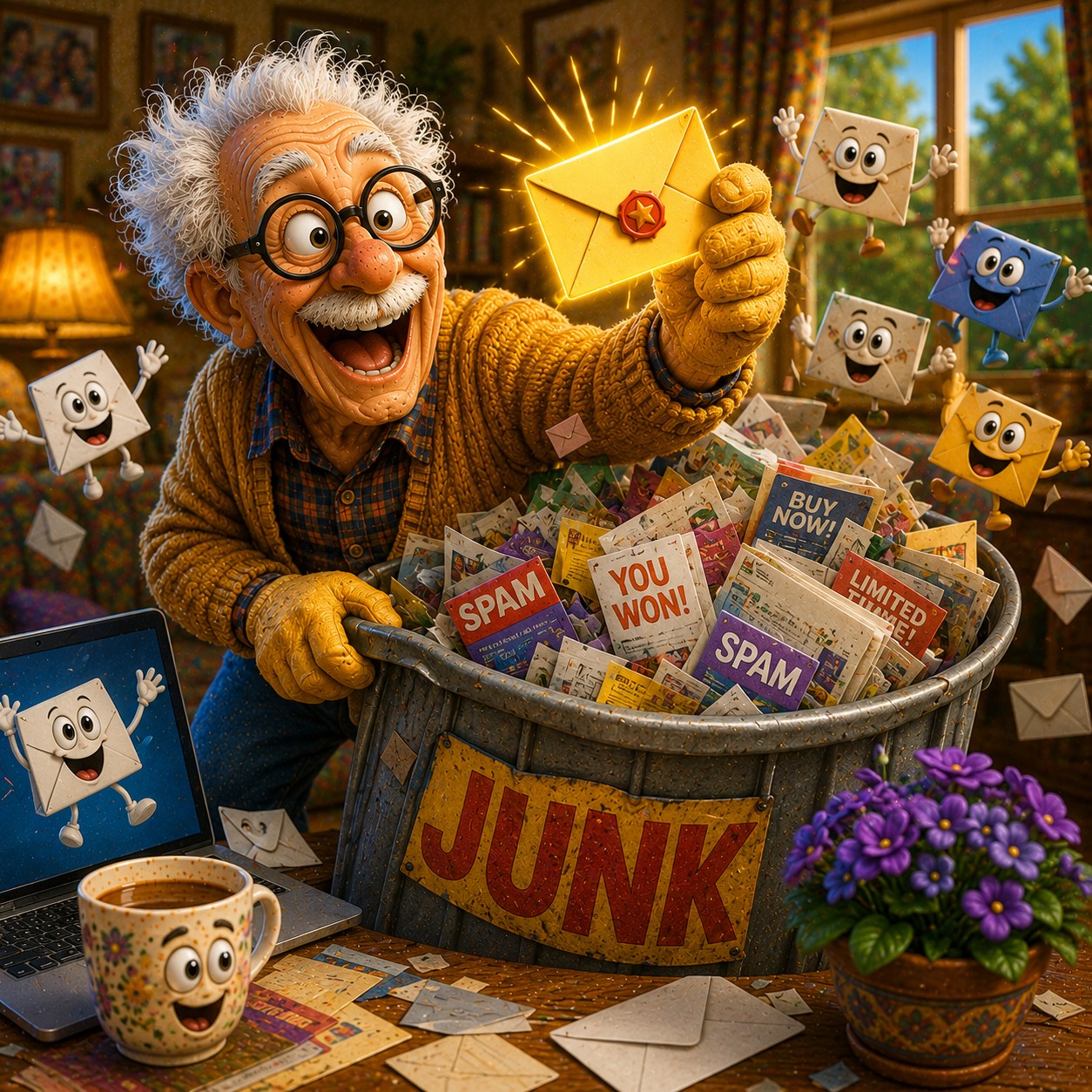
4. Mark Good Emails as "Not Spam"
You can help train your email provider.
Gmail
Open Spam folder
Open the message
Click "Not Spam"
Outlook
Open Junk folder
Select the message
Choose "Not Junk"
“Need a hand? Your friends at FriendlyHelp are just a click away—book your appointment today!
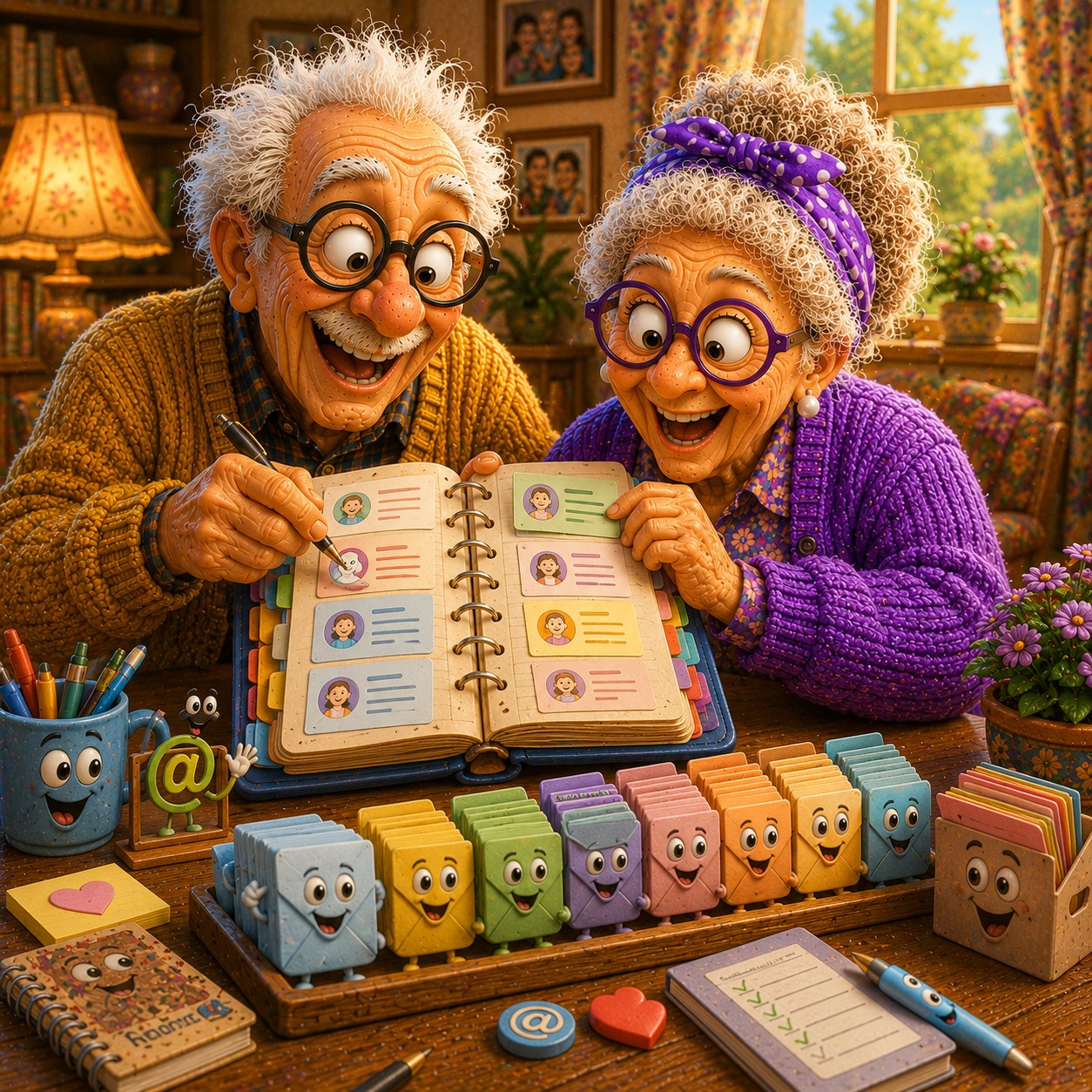
5. Add Important Contacts to Your Address Book
Email providers trust known contacts more.
✔️ Try This:
Save:
family members
doctors
businesses you use often
to your contacts list.
FAQ
Q1: Does spam filtering make mistakes?
Yes. Occasionally legitimate emails get filtered.
Q2: Should I check spam regularly?
Yes, especially when waiting for something important.
Q3: Can I prevent this completely?
Not completely, but good email habits help.
The 5 Smart Email Habits
• Check spam folders occasionally
• Mark legitimate emails correctly
• Save important contacts
• Watch for attachments
• Expect occasional filtering mistakes
FriendlyHelp helps make email easier to understand—because important messages shouldn't be hard to find.
