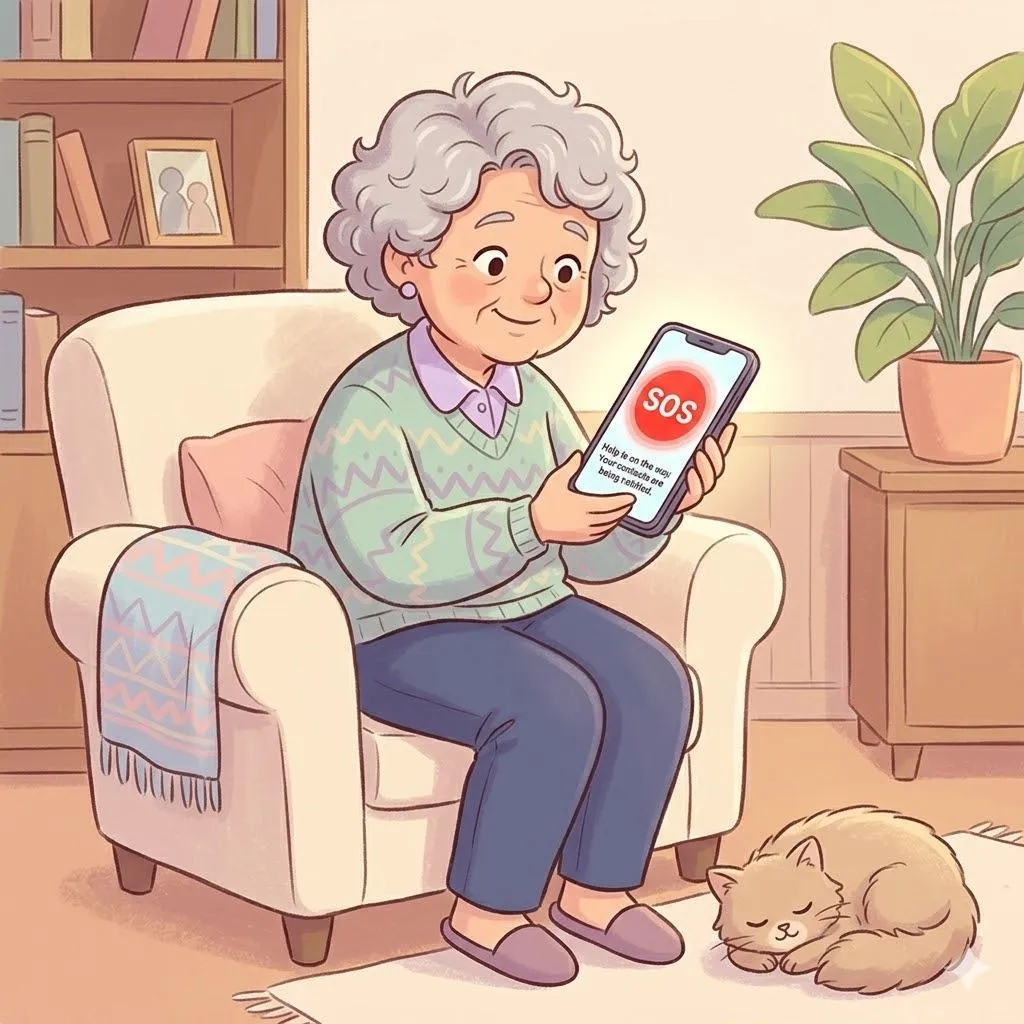
Can Your Phone Help in an Emergency? Features Most People Don’t Know About
Many smartphones include emergency features designed to help during accidents or urgent situations. These tools are often built into the phone but remain unused because people don’t know they exist.
Learning these features ahead of time can make a real difference.
Imagine This Scenario
You’re out walking.
You slip.
You’re okay — but shaken.
You realize your phone is in your pocket.
But unlocking it feels slow.
Many smartphones include emergency tools designed exactly for situations like this.
1. Emergency SOS
Most phones allow you to quickly call emergency services without unlocking the device.
On many phones, pressing the power button several times activates Emergency SOS.
✔️ Try This:
Check your phone’s Emergency SOS settings and learn how to activate it.
Knowing the shortcut before you need it matters.

2. Medical ID on Your Phone
Many phones allow you to store medical information such as:
allergies
medications
emergency contacts
First responders can sometimes access this without unlocking the phone.
✔️ Try This:
Add basic medical information to your phone’s Medical ID settings.
“Need a hand? Your friends at FriendlyHelp are just a click away—book your appointment
3. Emergency Contacts
Your phone can notify family members during emergencies.
✔️ Try This:
Add one or two trusted contacts to your emergency list.

FAQ
Q1: Do these features cost money?
No. Most are built into the phone.
Q2: Will Emergency SOS activate accidentally?
It usually requires multiple button presses to avoid accidents.
Q3: Should everyone set this up?
Yes — it’s helpful for people of all ages.
Simple Emergency Tech Habits
• Learn your SOS shortcut
• Add medical information
• Set emergency contacts
• Keep your phone charged
FriendlyHelp helps families understand the helpful tools already built into their devices.
Because sometimes the most important technology is the one you hope you never need.
