Why Does My Wi-Fi Work in One Room but Not Another?
Quick Summary
If your Wi-Fi works well in one room but struggles in another, the issue is usually signal-related—not your internet plan. Walls, distance, interference, and router placement all affect coverage, and most fixes are simpler than expected.
Imagine This Scenario
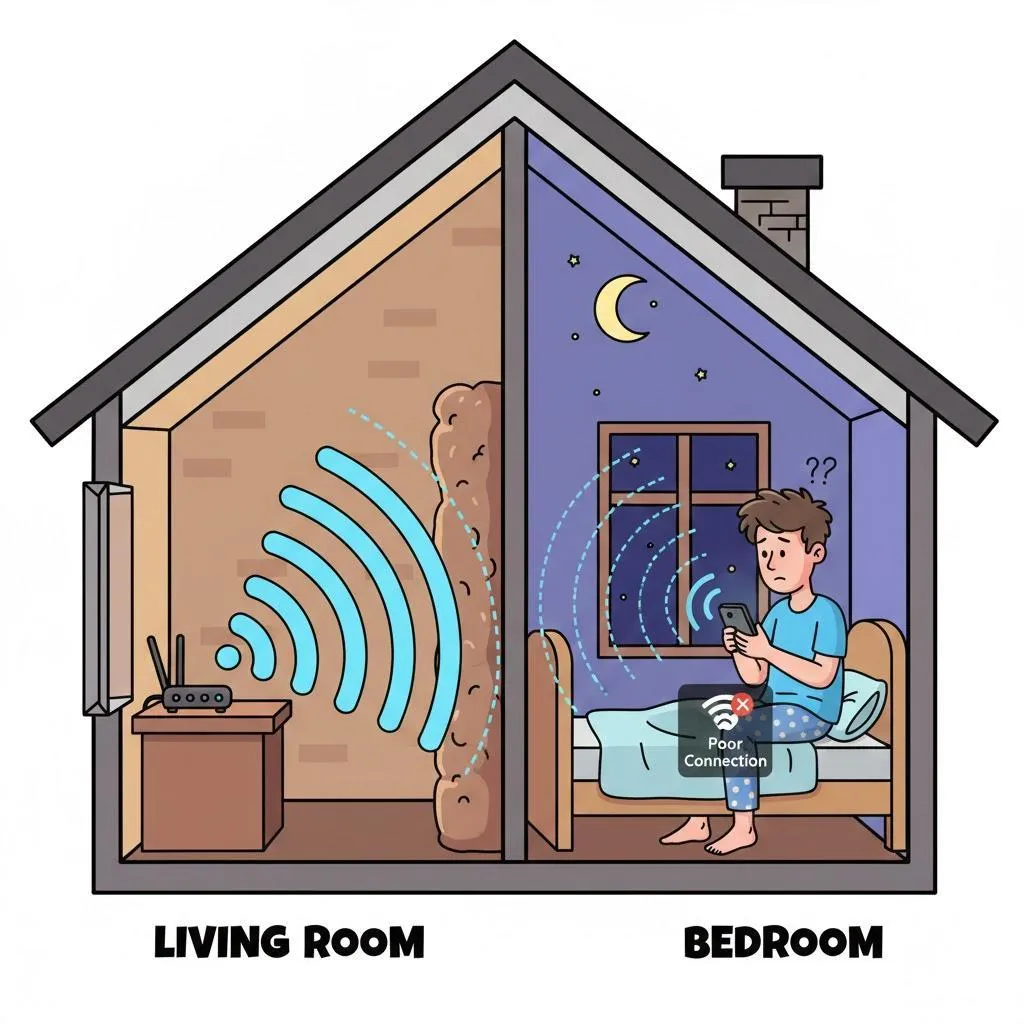
You’re watching a video in the living room with no trouble. You walk into the bedroom to continue watching, and suddenly the video buffers. Pages take forever to load. Same device, same internet—completely different experience.
Frustrating? Yes. Unusual? Not at all.
1. Walls and Floors Weaken Wi-Fi
Summary: Signals lose strength as they travel.
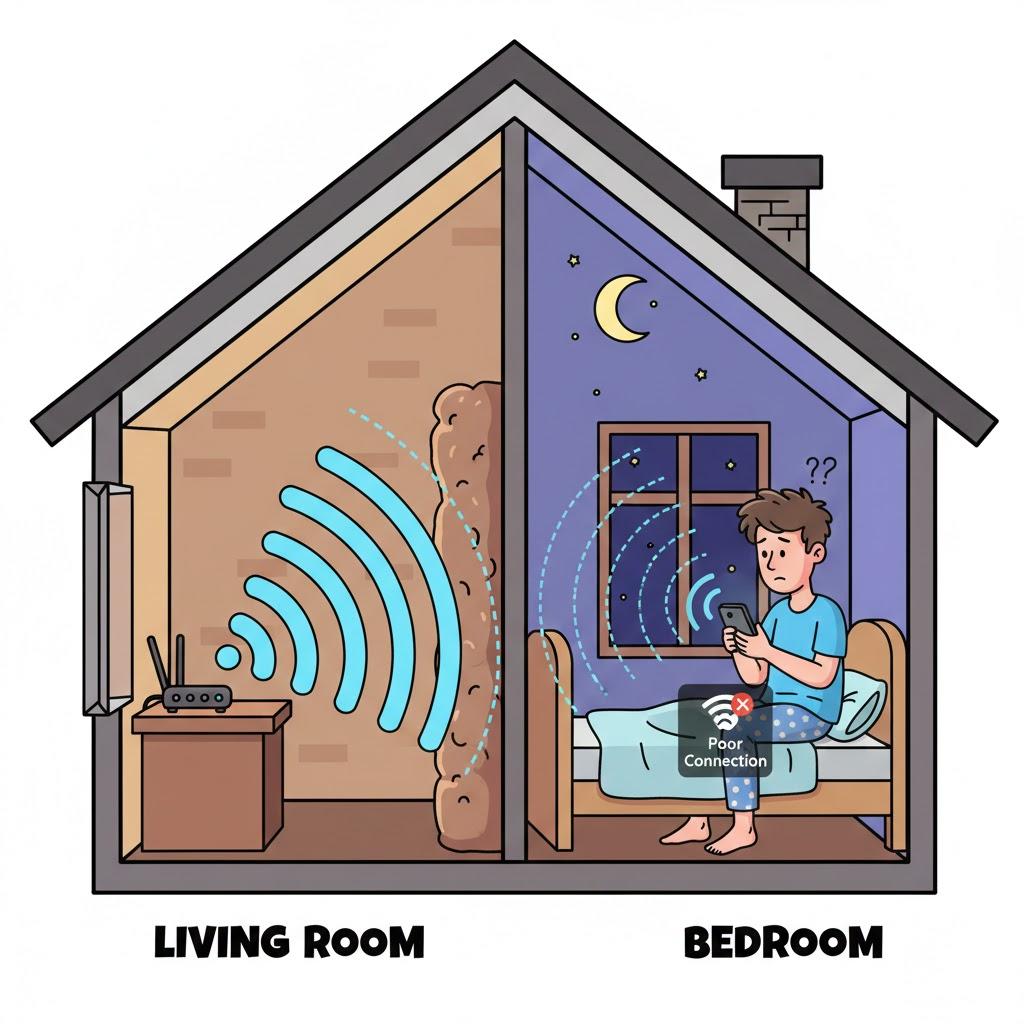
Wi-Fi signals don’t pass cleanly through solid objects. Thick walls, concrete, brick, metal framing, and even mirrors can weaken or block the signal as it moves through your home.
2. Distance From the Router Matters
Summary: The farther you are, the weaker the signal.
Wi-Fi has a limited range. Rooms farther from the router—especially upstairs bedrooms, garages, or back offices—often receive a weaker signal.
3. Router Placement Can Make or Break Coverage
Summary: Hidden routers struggle.
Routers placed inside cabinets, behind TVs, or on the floor can’t spread signal evenly. Wi-Fi works best when the router is out in the open and centrally located.
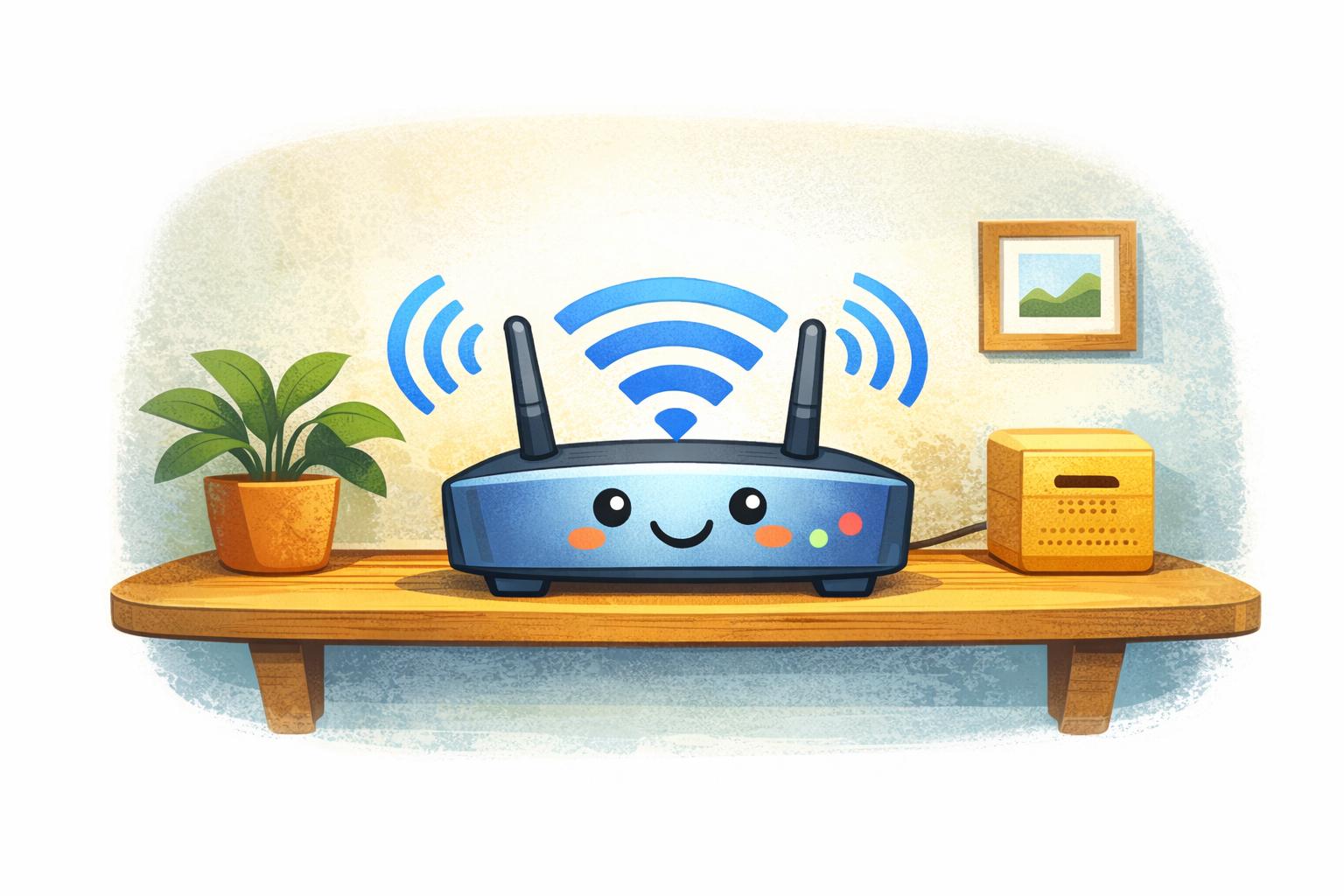
💡 Tip: A waist-high shelf in the middle of your home often works better than a corner or closet.
4. Interference From Other Devices
Summary: Some household items compete with Wi-Fi.
Microwaves, cordless phones, baby monitors, and nearby Wi-Fi networks can interfere with your signal, especially in apartment buildings or crowded neighborhoods.
5. When Extra Coverage Helps
Summary: Larger homes may need extra support.
If repositioning the router doesn’t solve the problem, Wi-Fi extenders or mesh systems can help distribute signals more evenly across rooms.
“Need a hand? Your friends at FriendlyHelp are just a click away—book your appointment
FAQ: Uneven Wi-Fi
Is my internet plan too slow?
Usually not. Most coverage issues are about signal reach, not speed.
Will restarting the router help?
Yes. Restarting clears small glitches and refreshes the signal.
The Golden Rules for Better Wi-Fi 🌐
Keep the router visible
Place it centrally
Reduce interference
Restart occasionally
Add coverage if needed
Most uneven Wi-Fi problems aren’t caused by bad internet service—they’re usually small signal or placement issues that build up over time. A quick restart, better router placement, or reducing interference often improves coverage faster than expected. And when weak Wi-Fi keeps interrupting calls, streaming, or daily tasks, FriendlyHelp is here to walk you through the fix patiently and clearly—so your connection works reliably in every room you use.
