Afraid to Tap Something? Read This
Many people hesitate to use their devices because they’re afraid of making a mistake. The truth is, most actions on a phone are safe — and mistakes are easy to fix.
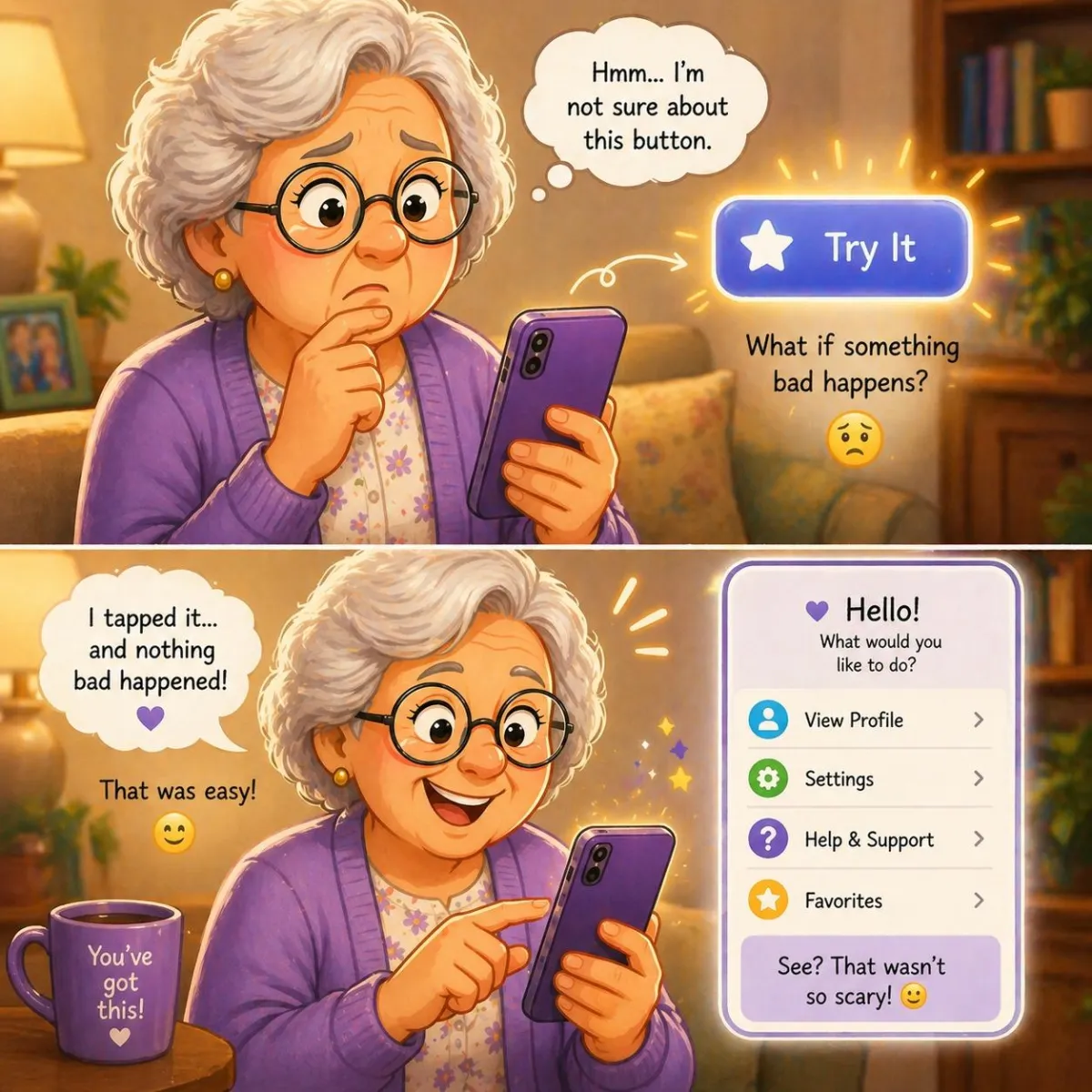
Imagine This Scenario
You’re looking at your phone.
You see a button.
You want to tap it…
…but you hesitate.
“What if I break something?”
So you don’t tap.
And nothing changes.
This is one of the most common reasons people feel stuck with technology.
Let’s change that.
1. Most Actions Are Safe
Phones are designed to be used — not broken.
Tapping something usually:
opens an app
shows a new screen
gives you options
✔️ Important:
You are not going to damage your phone by tapping.

2. There’s Almost Always a Way Back
If you tap something by mistake, you can go back.
✔️ Try This (iPhone & Android):
Look for a Back arrow
Or press the Home button
Or swipe up to return to the home screen
“Need a hand? Your friends at FriendlyHelp are just a click away—book your appointment today!
3. You Won’t “Break” Your Phone Easily
Many people worry about:
deleting something important
changing settings permanently
But most actions:
ask for confirmation
can be reversed
✔️ Try This:
If you’re unsure, look for words like:
“Cancel”
“Back”
“Close”
4. Practice Safe Exploration
The best way to learn is to try.
✔️ Try This:
Pick one app and explore:
tap buttons
open menus
go back
You’ll quickly see how things work.

5. Start With Familiar Apps
Confidence grows when things feel familiar.
✔️ Try This:
Practice with apps you already use:
messages
photos
contacts
6. Take Your Time
There’s no need to rush.
✔️ Try This:
Slow down and read what’s on the screen.
Rushing leads to mistakes — not tapping.
7. Learn One Feature at a Time
Trying everything at once creates confusion.
✔️ Try This:
Focus on one small action:
sending a photo
adjusting volume
opening settings
“Need a hand? Your friends at FriendlyHelp are just a click away—book your appointment today!
8. Mistakes Are Part of Learning
Everyone makes mistakes — even experienced users.
✔️ Try This:
Treat mistakes as learning moments, not failures.

FAQ
Q1: Can I accidentally delete everything?
Very unlikely — most actions require confirmation.
Q2: What if I get stuck?
Use the back button or return to the home screen.
Q3: Is it okay to explore?
Yes — that’s how you learn.
The 6 Confidence-Building Habits
• Don’t fear tapping
• Look for the back button
• Read before acting
• Practice slowly
• Use familiar apps
• Learn step by step
FriendlyHelp helps you feel comfortable using your device — because confidence starts with one simple tap.
