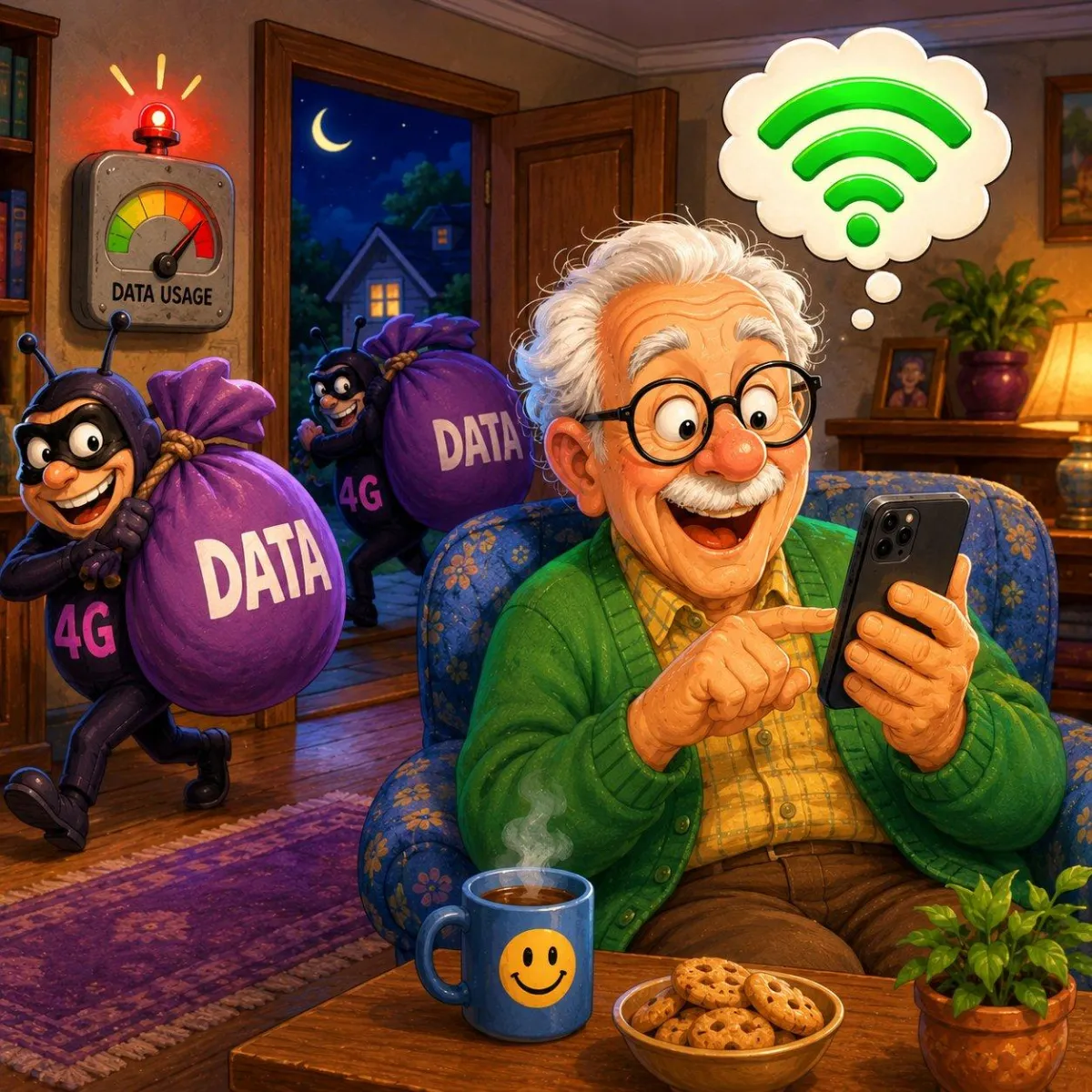
Why Does My Phone Use Mobile Data Even When Wi-Fi Is On?
Many phones automatically switch to mobile data when Wi-Fi becomes weak or unstable. This can happen quietly in the background without most people noticing.
Understanding these settings can help reduce unexpected data usage.
Imagine This Scenario
You’re connected to Wi-Fi at home.
At least… you think you are.
Later, you receive a message from your carrier:
“You’ve used most of your mobile data.”
Now you’re confused.
“How did that happen if I was on Wi-Fi?”
This is more common than people realize.
1. Phones Sometimes Switch to Mobile Data Automatically
Modern phones try to keep internet working smoothly.
If Wi-Fi becomes weak, your phone may quietly switch to mobile data instead.
✔️ Try This:
Check the top of your screen carefully:
Wi-Fi symbol
mobile data symbol (4G / 5G / LTE)

2. Weak Wi-Fi Triggers Automatic Switching
Phones prioritize stable internet.
If Wi-Fi:
weakens
slows down
disconnects briefly
your phone may use mobile data automatically.
✔️ Try This:
Move closer to the router and watch if the Wi-Fi signal improves.
3. Some Apps Use Large Amounts of Data
Apps like:
video streaming
social media
cloud backups
can quickly consume mobile data.
✔️ Try This:
Avoid streaming videos when your Wi-Fi signal is weak.
“Need a hand? Your friends at FriendlyHelp are just a click away—book your appointment today!
4. Check Wi-Fi Assist or Smart Switching Settings
Some phones include features designed to automatically use mobile data.
✔️ Try This (iPhone):
Settings → Cellular → Wi-Fi Assist
✔️ Try This (Android):
Settings → Wi-Fi → Smart Network Switch (varies by device)
You can turn these features OFF if desired.
“Need a hand? Your friends at FriendlyHelp are just a click away—book your appointment today!

5. Background Apps May Continue Using Data
Some apps continue working quietly even when you’re not actively using them.
✔️ Try This:
Close unused apps when not needed.
6. Public Wi-Fi Can Cause Switching Too
Phones often disconnect from:
weak café Wi-Fi
unstable public networks
then quietly return to mobile data.
✔️ Tip:
Always double-check your connection in public places.
7. Monitoring Data Helps Prevent Surprises
✔️ Try This (iPhone):
Settings → Cellular
✔️ Try This (Android):
Settings → Network & Internet → Data Usage
You can see which apps use the most data.

FAQ
Q1: Does Wi-Fi automatically override mobile data?
Usually yes — unless the Wi-Fi connection is weak.
Q2: Why did my data usage suddenly increase?
Your phone may have switched to mobile data automatically.
Q3: Should I disable Wi-Fi Assist?
Some people prefer to if they want stricter data control.
The 6 Smart Data Habits
• Watch your connection icons
• Stay close to strong Wi-Fi
• Limit streaming on weak signals
• Check smart switching settings
• Monitor data usage regularly
• Be careful with public Wi-Fi
FriendlyHelp helps make internet behavior easier to understand — so your devices don’t surprise you.
