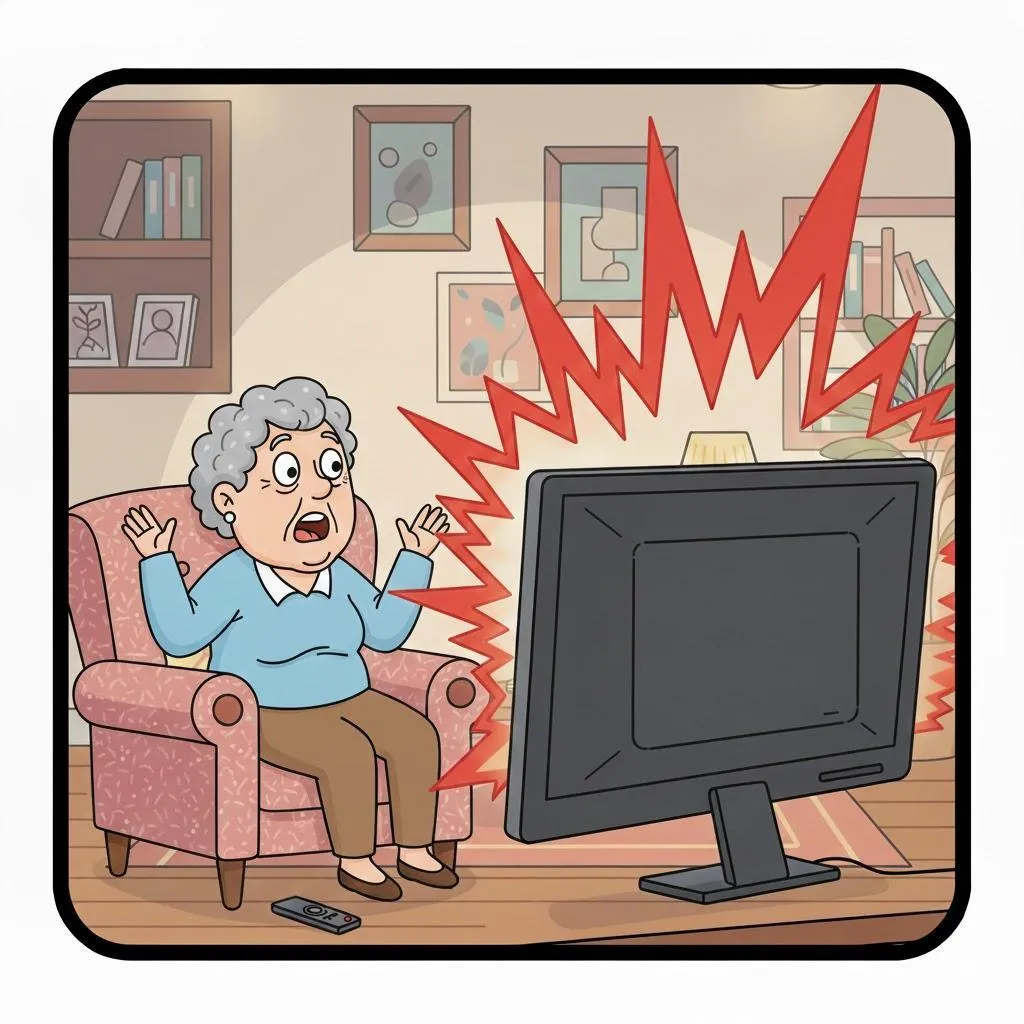
Why Is My TV So Loud One Minute and So Quiet the Next? A Simple Guide to Sound Problems
Quick Summary
If commercials blast your ears but dialogue whispers, you’re not imagining it. TV sound issues are incredibly common — and usually fixable with a few settings changes.
Imagine This Scenario
You’re watching a show.
You turn the volume up to hear dialogue.
Suddenly — a commercial SHOUTS at you.
You grab the remote like it personally attacked you.
Let’s bring peace back to your living room.
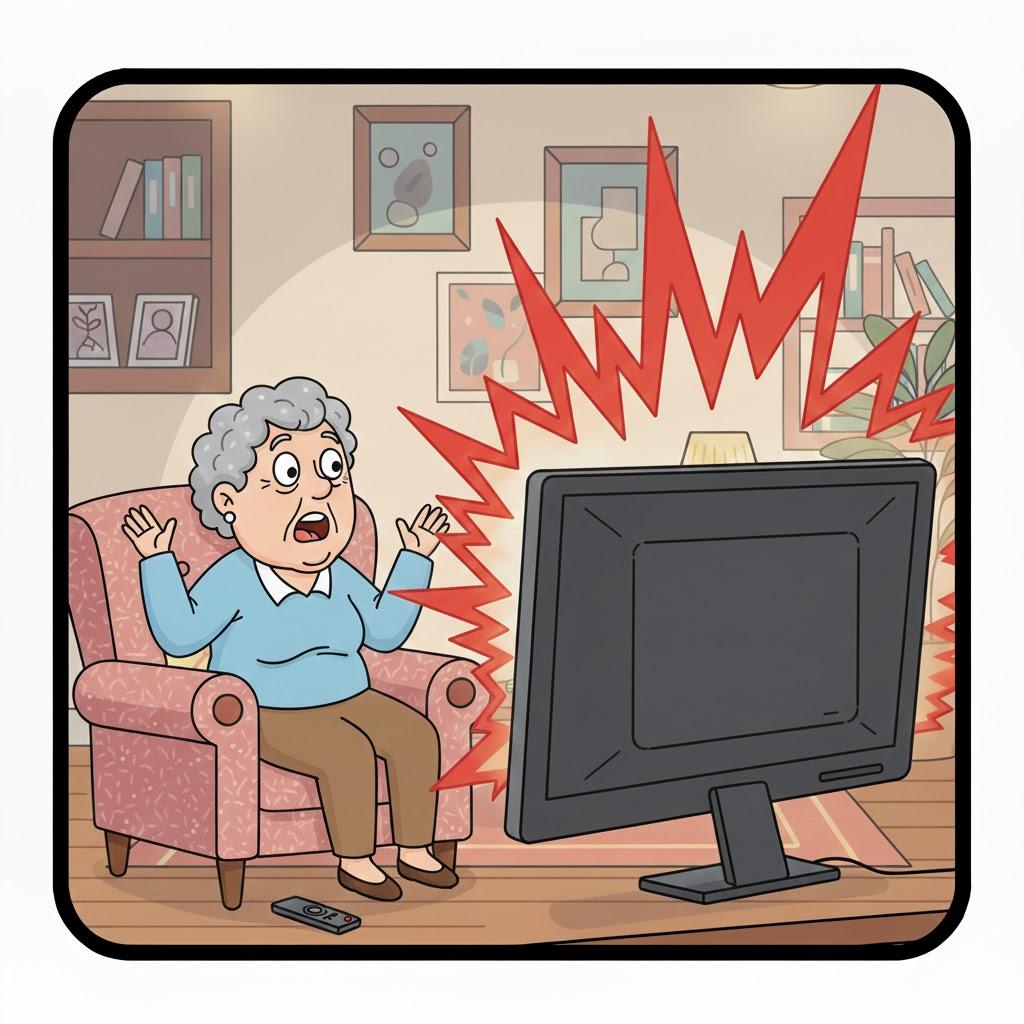
1. Why TV Sound Levels Change So Much
Summary: Different content is mixed differently.
Movies, shows, news, and ads are produced at different volume levels.
Your TV isn’t broken — it’s confused.
2. Turn On “Volume Leveling” or “Sound Equalizer”
Summary: This is the magic button.
Look in your TV settings for:
Volume Leveling
Auto Volume
Sound Equalizer
Night Mode
Turn it ON.

“Need a hand? Your friends at FriendlyHelp are just a click away—book your appointment today!
3. Dialogue Is Hard to Hear — Here’s Why
Summary: Music and effects overpower voices.
Modern shows prioritize sound effects.
That’s great for explosions — terrible for conversations.
Fix:
Turn on:
“Clear Voice”
“Dialogue Boost”
“Speech Enhancement”
“Need a hand? Your friends at FriendlyHelp are just a click away—book your appointment today!
4. External Speakers Change Everything
Summary: TV speakers are tiny.
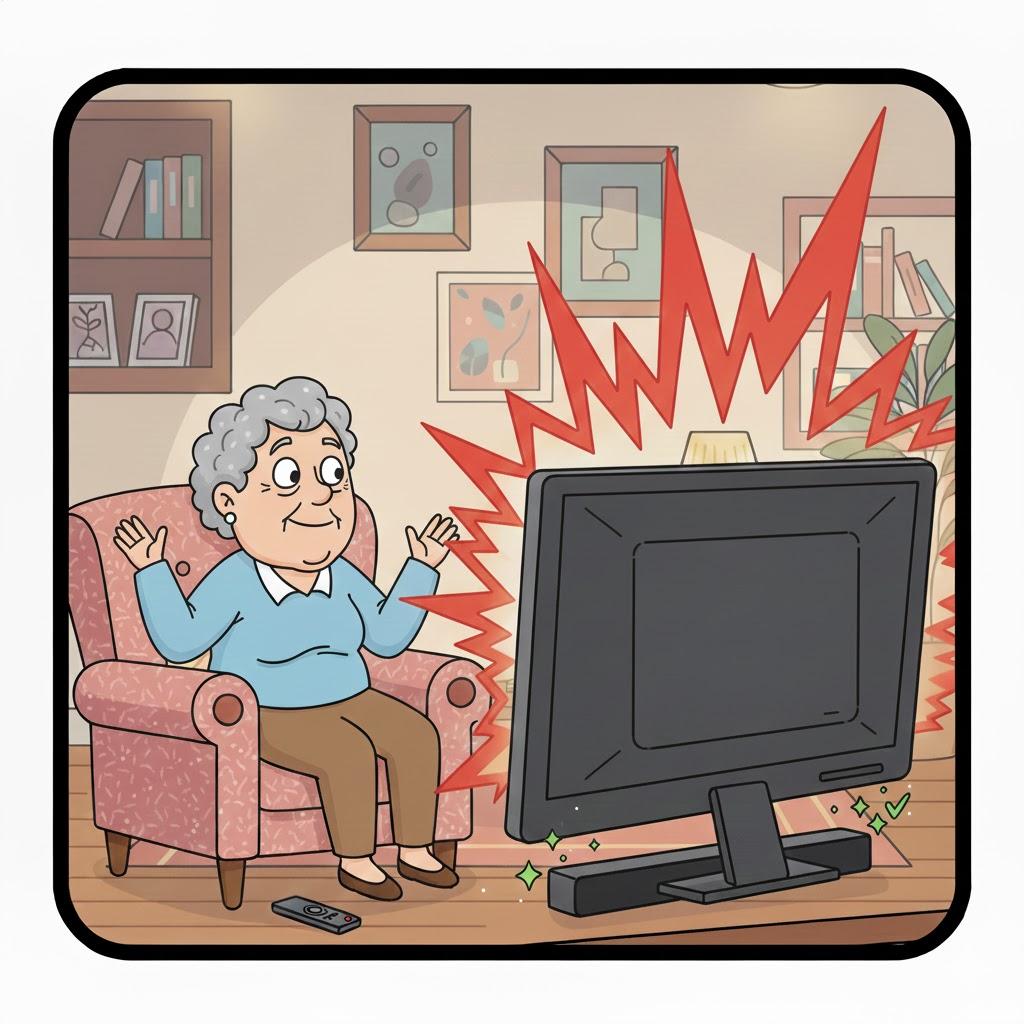
Soundbars or small speakers improve clarity dramatically.
You don’t need expensive equipment — even basic models help.
“Need a hand? Your friends at FriendlyHelp are just a click away—book your appointment today!
5. The Remote Isn’t Broken (Usually)
Summary: Buttons can stick or lag.
If volume jumps wildly:
Clean the remote
Replace batteries
Press buttons slowly
FAQ: TV Sound Issues
Q1: Why are commercials louder?
They’re designed that way — sadly.
Q2: Should I buy a new TV?
No — settings fix most issues.
Q3: Are subtitles cheating?
Absolutely not. They’re brilliant.
The 5 Golden Rules of TV Sound Sanity
Turn on volume leveling.
Boost dialogue settings.
Consider a soundbar.
Use subtitles guilt-free.
Protect your ears.
Uneven TV sound isn’t a flaw—it’s a settings mismatch.
Different shows and commercials are mixed at different volumes, which is why things can feel chaotic without warning. A few simple audio adjustments can smooth everything out and make listening comfortable again. And if digging through sound menus feels frustrating or confusing, FriendlyHelp is here to help you fine-tune things calmly and clearly—so your TV sounds as good as it looks.
