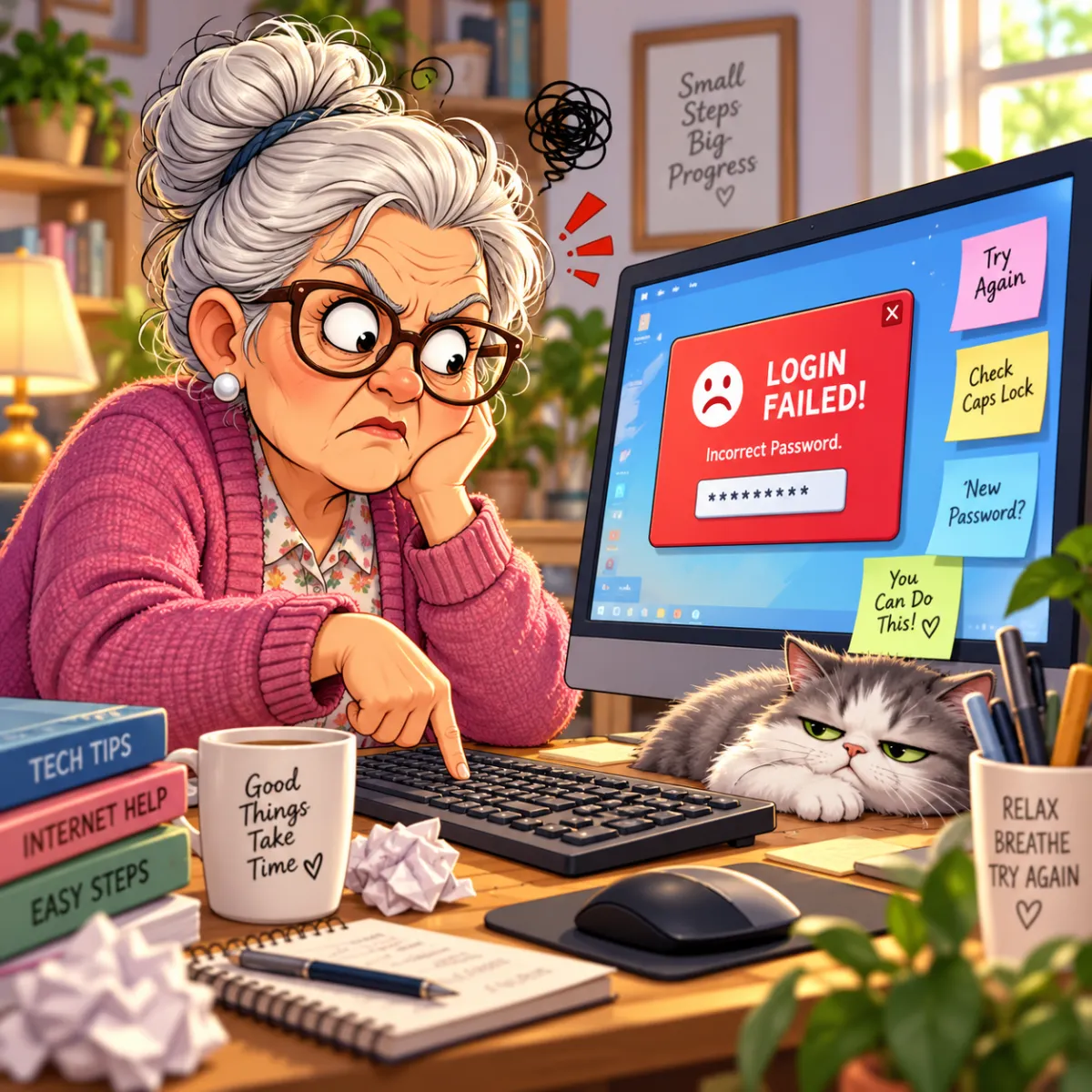
Help! I Can’t Log Into My Accounts - A Simple, Stress-Free Guide to Password Problems
Getting locked out of accounts is incredibly common — and incredibly frustrating. This guide breaks down why it happens and how to fix it calmly, without wanting to throw your device out the window.
Imagine This Scenario
You’re trying to log into email.
You type your password confidently.
ACCESS DENIED.
You type it again, slower this time.
WRONG PASSWORD.
You stare at the screen…
How dare it?!
Login problems are frustrating—but they’re rarely serious.
Most lockouts happen because of small, fixable issues like forgotten updates, verification delays, or using the wrong email. Taking a breath and following a few calm steps usually solves it quickly. And if you’re stuck, overwhelmed, or just want someone to walk through it with you, FriendlyHelp is here to help you get back in safely and without stress—no judgment, no panic.
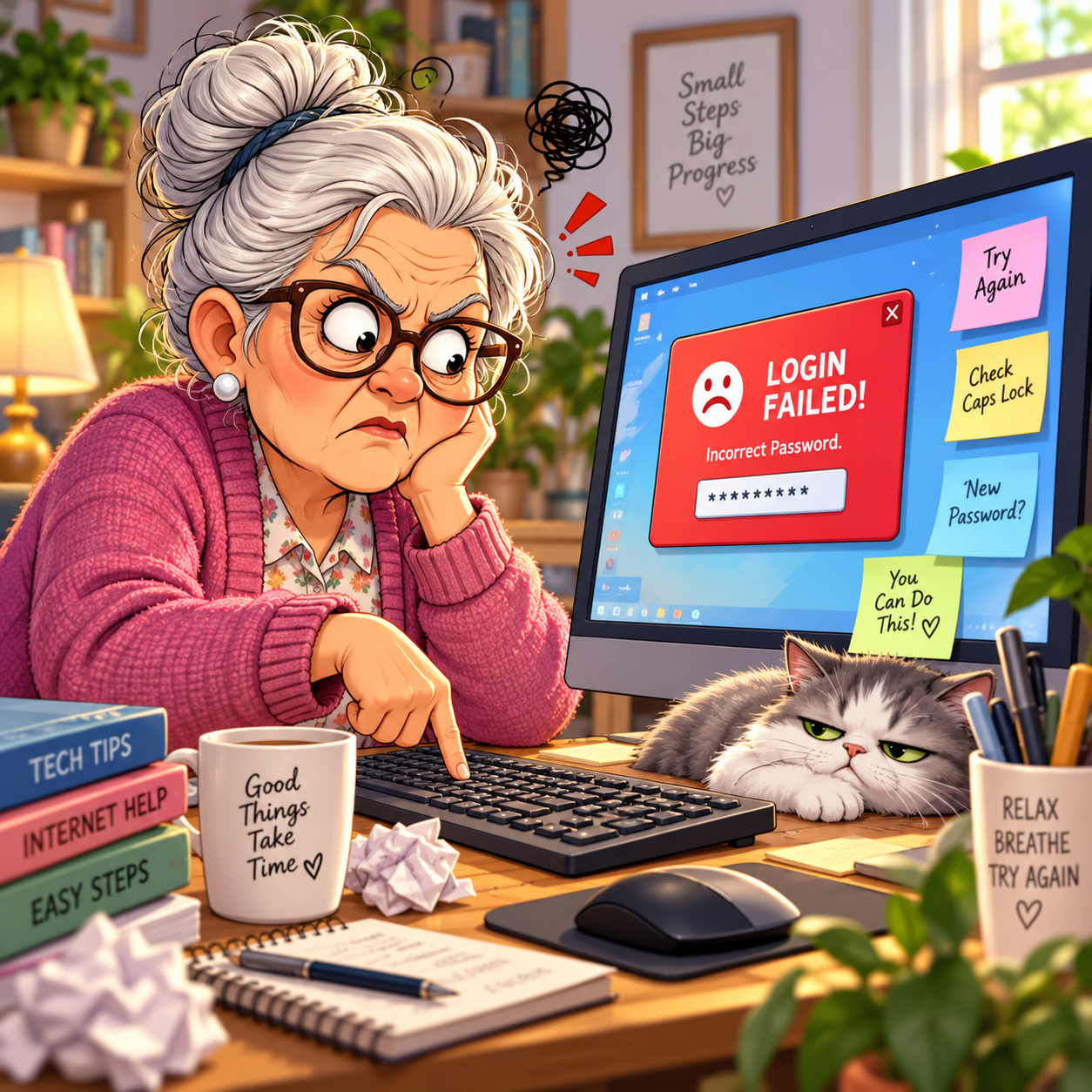
Don’t worry — logins fail for simple, fixable reasons.
1. The Password Isn’t What You Think It Is
Summary: You may have changed it and forgotten.
People often forget they updated their password last month — or last year.
Common mix-ups:
Wrong capitalization
Missing number
One letter off
Using an old password
Quick Fix:
Click Forgot Password and create a new one you can remember.
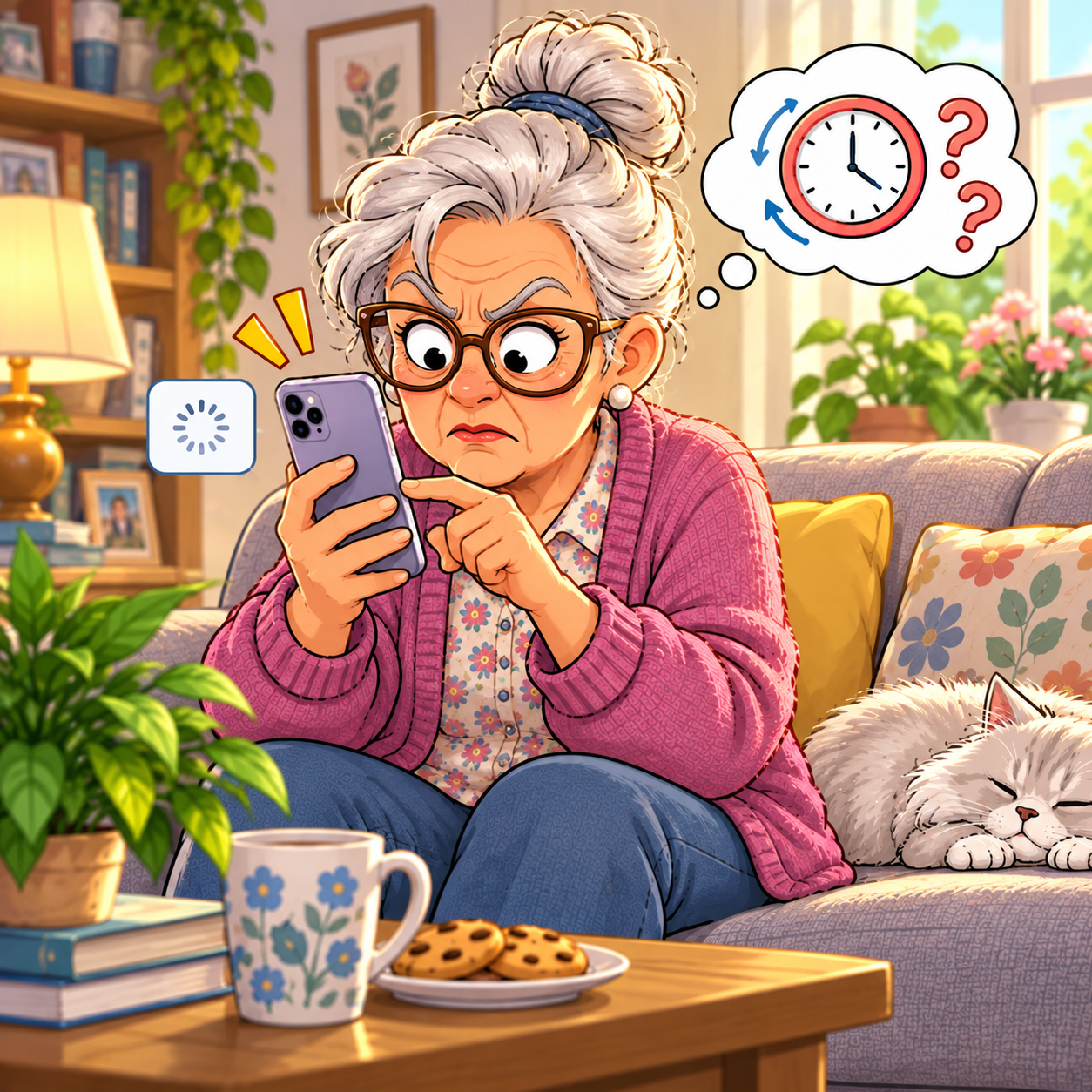
2. The Verification Code Isn’t Coming Through
Summary: Sometimes the system is slow.
Websites may send a text or email code.
If you don’t see it immediately:
Wait 30 seconds
Check spam/junk
Ensure your phone has signal
“Need a hand? Your friends at FriendlyHelp are just a click away—book your appointment today!
3. Your Account Might Be Locked Temporarily
Summary: Too many attempts = timeout.
Websites lock accounts to protect you from hackers.
Wait 15–30 minutes and try again.
4. You Might Be Using the Wrong Email
Summary: Many people have multiple emails and forget which one they used.
Try checking:
Gmail
Yahoo
Outlook
iCloud
Quick Fix:
Search your inbox for old account messages to confirm which email is tied to the account.
5. Resetting Your Password Works 95% of the Time
Summary: Don’t overthink it — just reset.
Click:
Forgot Password → Enter email → Get code → Set a new password
Use something simple but secure like:
BlueCarpet88!
CoffeeTime2024!
Write it down in a safe place.
“Need a hand? Your friends at FriendlyHelp are just a click away—book your appointment today!
6. Use a Password Manager to Avoid Future Headaches
Summary: Your future self will thank you.
Password managers store your passwords securely so you don’t have to memorize anything.
Good options:
1Password
Bitwarden
Dashlane
Google Password Manager
“Need a hand? Your friends at FriendlyHelp are just a click away—book your appointment today!
FAQ: Login Troubles
Q1: Why does my password work on my phone but not my computer?
Your phone may have saved it automatically.
Q2: What if the reset link doesn’t work?
Make sure you’re clicking the most recent email.
Q3: Should I write passwords on paper?
Yes — as long as you store them safely.
The 5 Golden Rules for Login Success
Don’t panic — reset the password.
Use simple but strong passwords.
Keep a written log in a safe place.
Use password managers when possible.
If stuck, FriendlyHelp is one message away.
