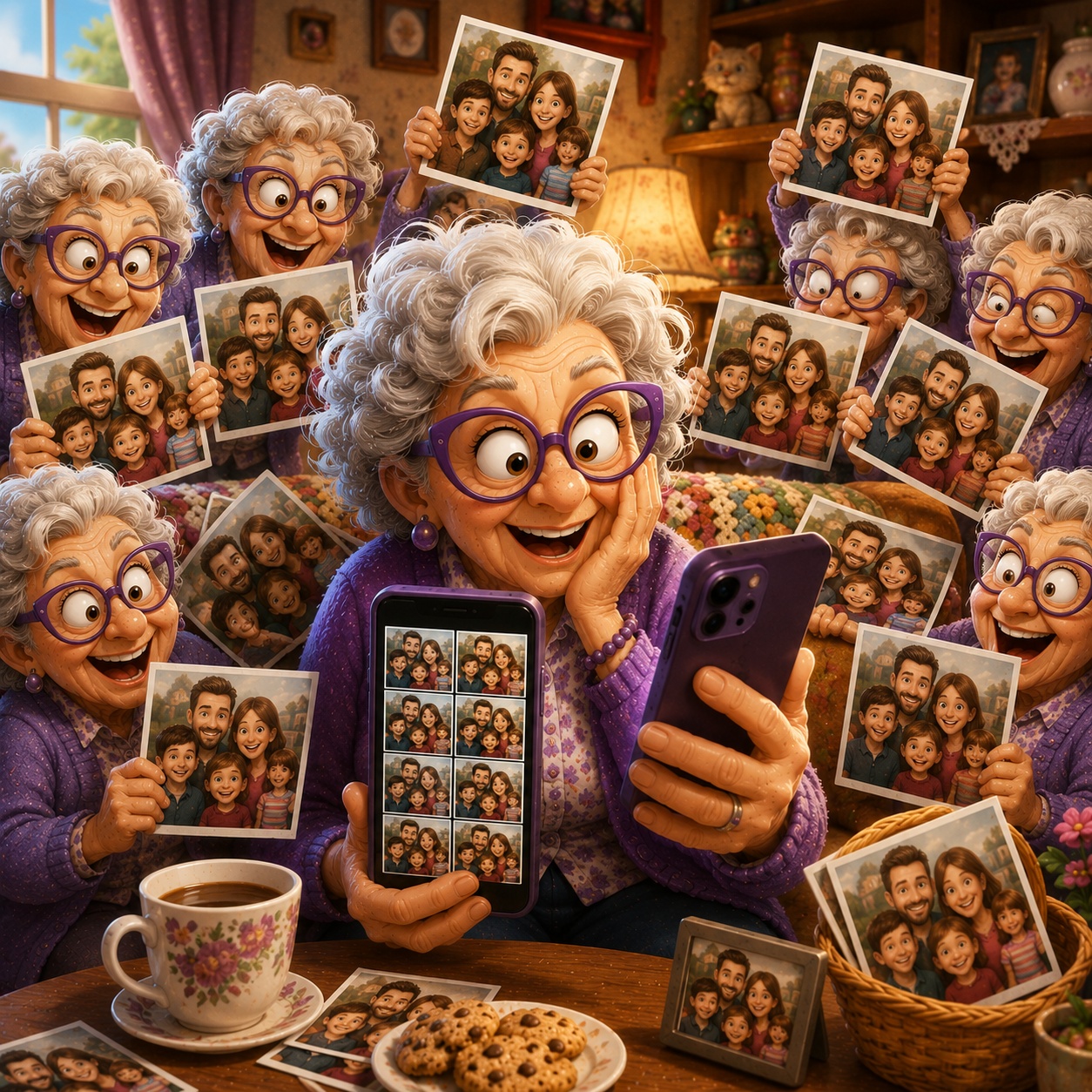
Why Do I Have So Many Duplicate Photos?
You open your photo library and notice something strange.
The same birthday photo appears twice.
That vacation picture is there three times.
And somehow you have several copies of the same family photo.
Where did they all come from?
Duplicate photos can build up surprisingly quickly, especially when pictures are saved, downloaded, edited, or shared between different apps.
Fortunately, your phone may already have tools to help you find and clean them up.
Imagine This Scenario
You're looking for a favorite family photo.
You scroll...
There's one copy.
Then another.
Then another.
You start wondering:
"Did my phone make these by itself?"
Usually, there's a simple explanation.
1. Photos Can Be Saved More Than Once
Duplicate pictures can appear when you:
download the same image twice
save a photo someone sent you
transfer pictures between devices
edit a photo and save another copy
receive the same picture through multiple apps
Each copy may look identical even though your phone treats it as a separate file.
2. Screenshots Can Add to the Clutter
Screenshots are useful.
But they're also easy to forget.
Maybe you took screenshots of:
a recipe
directions
a funny message
an order confirmation
Months later, they're still sitting among your regular photos.
They aren't technically duplicates, but they can make your photo library feel much more crowded.
3. Your iPhone Can Find Duplicates
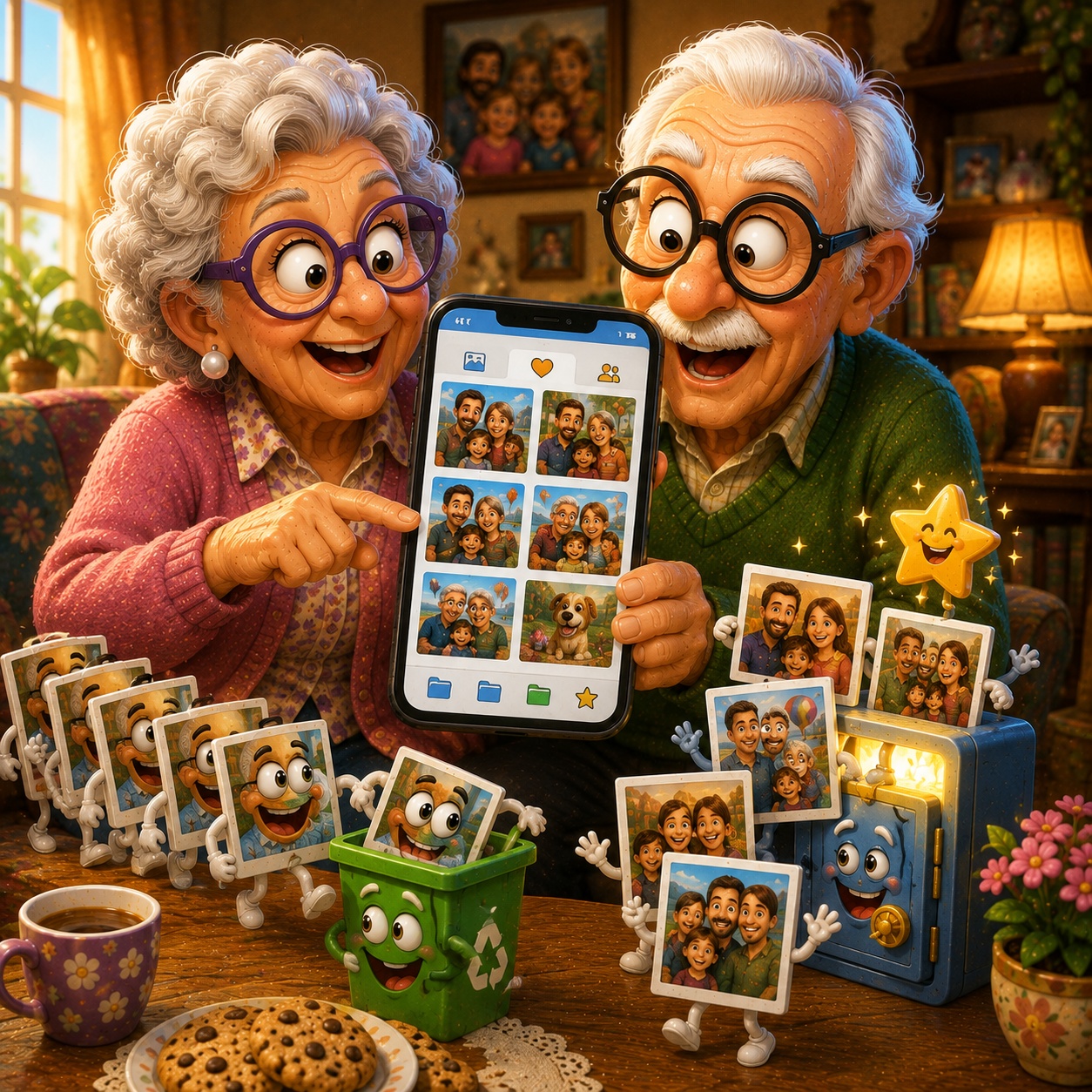
Recent iPhones can identify certain duplicate photos and videos automatically.
On iPhone
Open Photos
Scroll down to Utilities
Look for Duplicates
Review the items your iPhone found
Choose Merge for duplicates you want to combine
Depending on your iOS version, the exact layout may look slightly different.
Don't rush through the entire list.
Review the photos before making changes.
“Need a hand? Your friends at FriendlyHelp are just a click away—book your appointment
4. Android Options Vary
Android phones differ depending on the manufacturer and apps installed.
If you use Files by Google, its cleaning suggestions may help identify unnecessary or duplicate files.
You can also review your photo folders manually before deleting anything.
✔️ Good Habit:
When you're unsure whether two photos are truly identical, keep them until you've had a closer look.
“Need a hand? Your friends at FriendlyHelp are just a click away—book your appointment
5. Similar Doesn't Always Mean Duplicate
Here's where you should be careful.
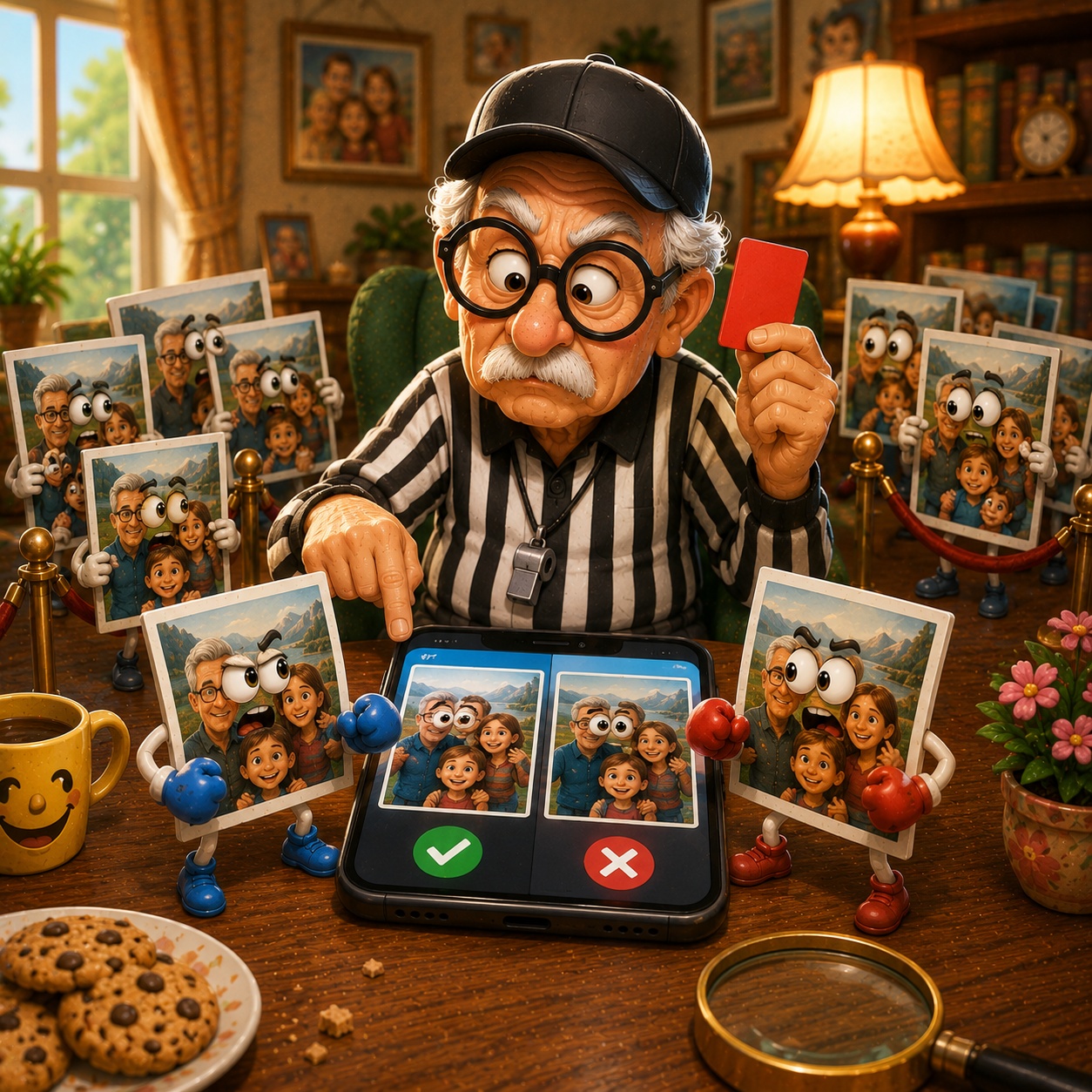
Imagine you took five family photos within a few seconds.
They may look almost identical.
But perhaps:
someone blinked in one
everyone smiled in another
one is slightly sharper
Don't automatically delete photos just because they look similar at first glance.
Zoom in and compare them.
6. Edited Photos May Be Worth Keeping
You might have:
the original photo
a cropped version
a brighter version
Those aren't necessarily unwanted duplicates.
Before deleting one, ask:
"Is there a reason I saved both?"
If there is, keep them.
7. Clean Up a Little at a Time
You don't need to organize 10 years of photos this afternoon.
Try spending five minutes occasionally reviewing:
duplicates
screenshots
accidental photos
pictures you no longer need
Small cleanups are much easier than one enormous project.
FAQ
Q1: Why does my phone have duplicate photos?
Photos can be saved multiple times through downloads, messaging apps, transfers, editing, and other everyday activities.
Q2: Is it safe to delete duplicates?
Usually, but review them first to make sure they really are unnecessary copies.
Q3: Does deleting duplicates give me more storage?
Yes. Removing unnecessary copies can free some storage space.
Q4: Should I delete every similar-looking photo?
No. Similar photos may contain small differences you want to keep.
The 6 Smarter Photo Habits
• Review duplicates occasionally
• Clean out old screenshots
• Compare similar photos carefully
• Don't automatically delete edited versions
• Use built-in cleanup tools when available
• Clean a little at a time
FriendlyHelp helps make your digital memories easier to manage—because your favorite family photo doesn't need five identical twins.
