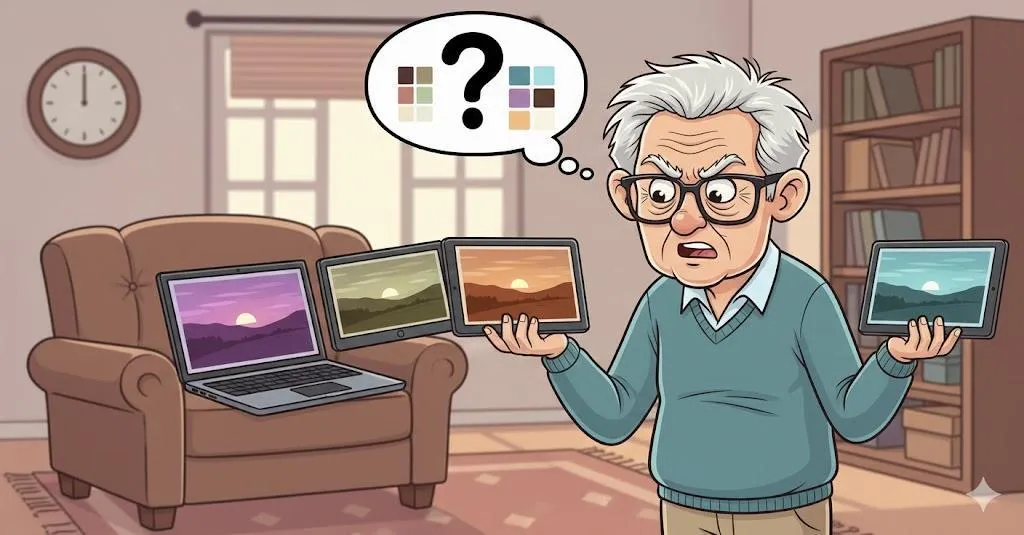
Why Do My Photos Look Different on Every Device? A Simple Guide to Photo Confusion
If your photos look brighter on your phone, darker on your computer, and different again on your tablet, you’re not imagining it. Devices display photos differently — and this guide explains why.
Imagine This Scenario
You take a beautiful photo.
On your phone: perfect.
On your computer: dull.
On the TV: strange colors.
You wonder which one is “right.”
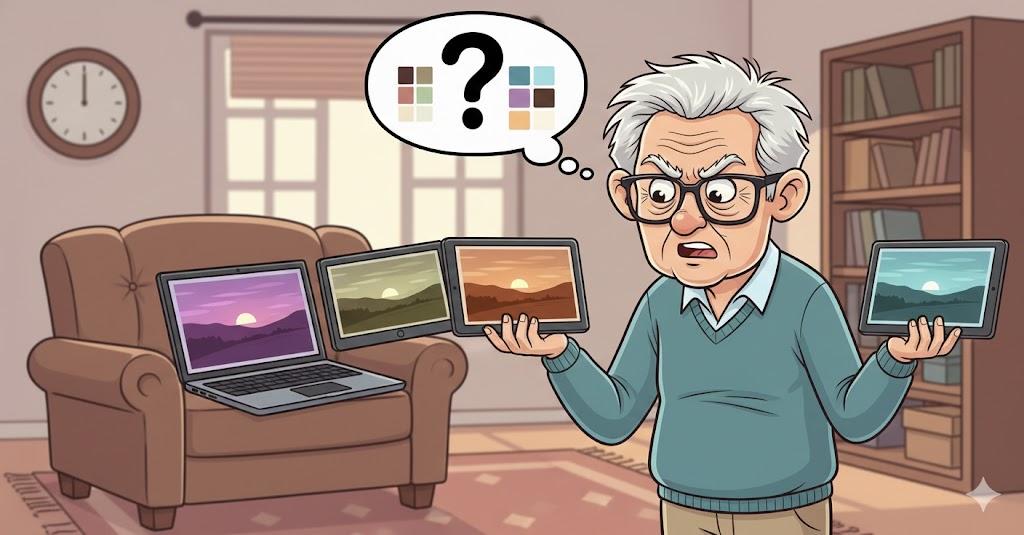
Let’s explain the mystery.
1. Screens Are Calibrated Differently
Summary: No two screens show colors the same.
Phones are designed to look vibrant.
Computers aim for accuracy.
TVs exaggerate contrast.
None are wrong — just different.
2. Brightness Settings Change Everything
Summary: Bright screens make photos pop.
If one screen is brighter, photos look better there.
Match brightness settings for fair comparison.
3. Night Mode and Blue Light Filters Affect Color
Summary: Warm filters change appearance.
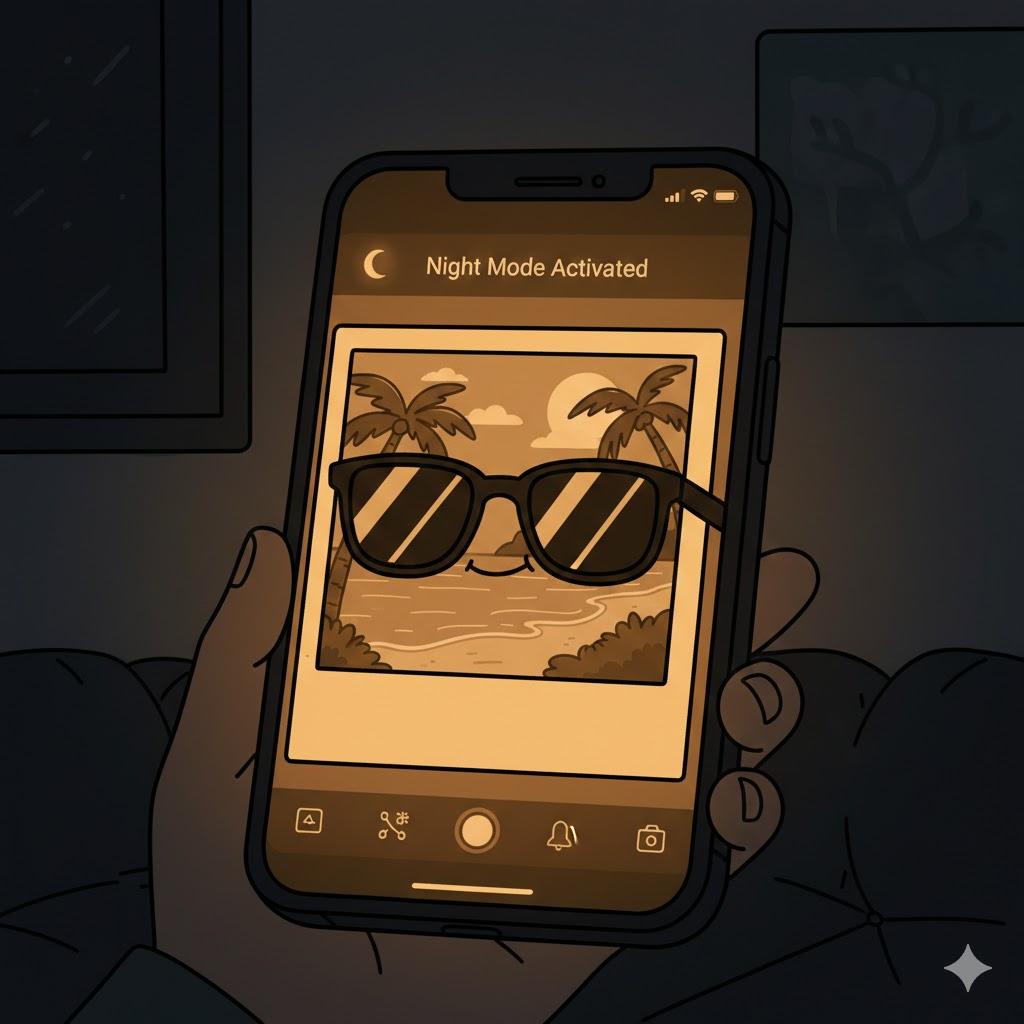
Night mode reduces blue light — great for eyes, bad for color accuracy.
4. Editing Happens Automatically
Summary: Phones secretly improve photos.
Phones apply automatic enhancements without asking.
Computers often show the original image.
“Need a hand? Your friends at FriendlyHelp are just a click away—book your appointment today!
5. Cloud Sync Can Slightly Adjust Images
Summary: Compression affects quality.
When photos sync through cloud services, slight changes occur.
Usually minor — but noticeable.
FAQ: Photo Differences
Q1: Which version is correct?
Usually the computer version is closest to the original.
Q2: Did I lose quality?
Not necessarily — just viewing differences.
Q3: Can I make them match?
Yes — adjust brightness and disable filters.
The 5 Golden Rules of Photo Consistency
Compare it to a similar brightness.
Turn off night mode.
Expect phones to enhance images.
Cloud sync can alter slightly.
Trust your eyes — not perfection.
Photo differences aren’t a mistake—they’re a display issue.
Phones, computers, and TVs each show images in their own way, often adding brightness or color behind the scenes. Once you understand that no single screen is the “truth,” the confusion fades fast. And if you want help adjusting settings or figuring out which version to trust, FriendlyHelp is here to explain it calmly and clearly—so your photos stop feeling mysterious and start making sense again.
