How to Reduce Daily Stress Using Simple Phone Settings
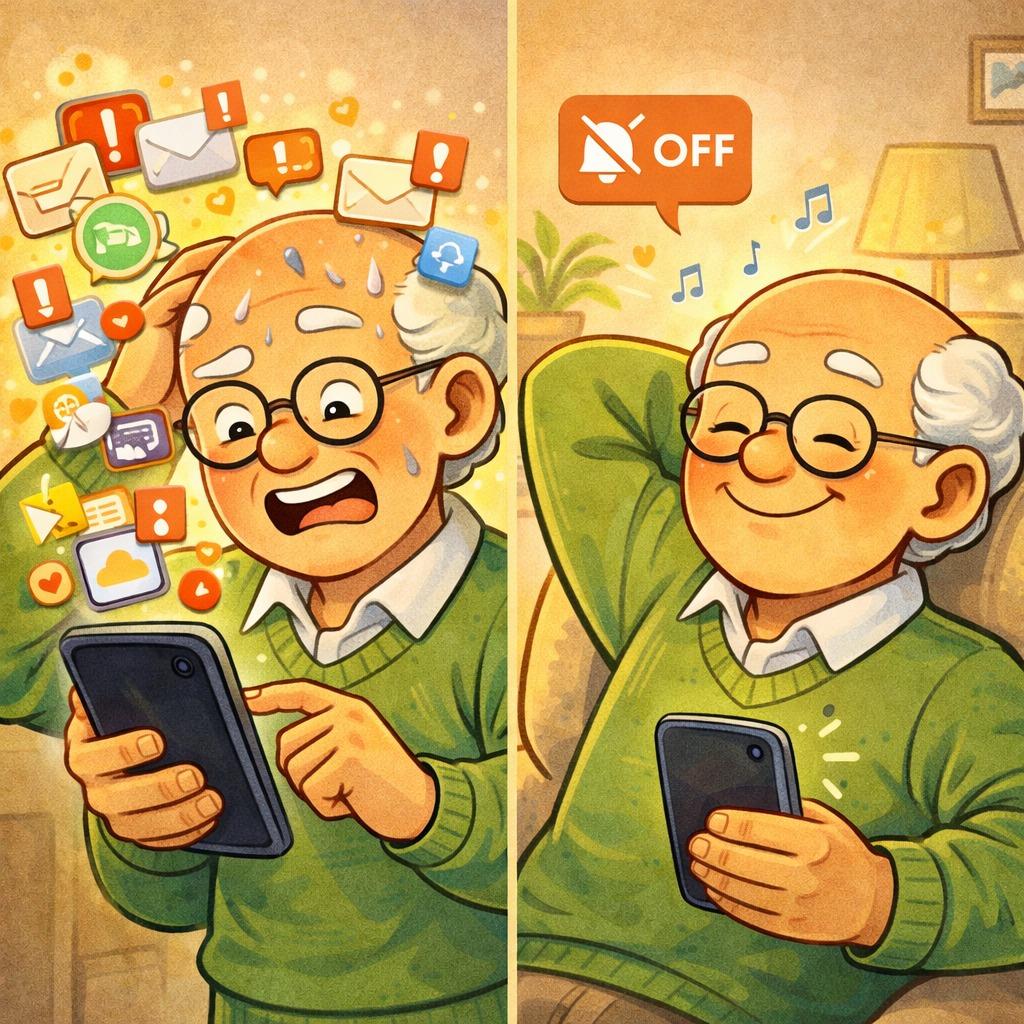
Your phone can either overwhelm you or support a calmer day. A few simple settings can reduce noise and distractions.
Imagine This Scenario
Your phone keeps lighting up.
Messages. Alerts. Notifications.
It feels nonstop.
Let’s fix that.
1. Turn Off Unnecessary Notifications
✔️ Try This (iPhone):
Open Settings
Tap Notifications
Select an app
Turn off Allow Notifications
✔️ Try This (Android):
Open Settings
Tap Notifications
Tap App notifications
Turn off apps you don’t need
“Need a hand? Your friends at FriendlyHelp are just a click away—book your appointment
2. Set “Do Not Disturb”
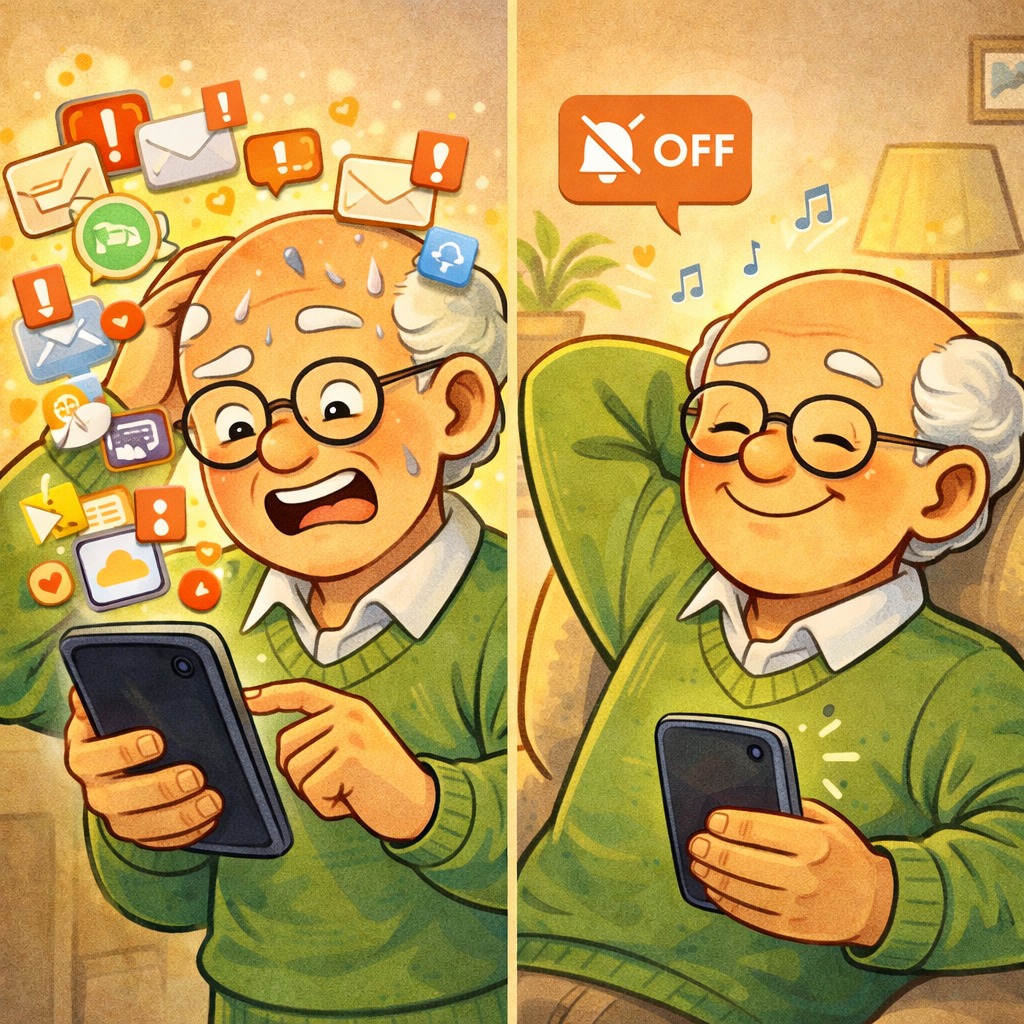
✔️ Try This (iPhone):
Open Settings
Tap Focus → Do Not Disturb
Set a schedule (e.g., 10 PM–7 AM)
✔️ Try This (Android):
Open Settings
Tap Do Not Disturb
Set schedule and exceptions
“Need a hand? Your friends at FriendlyHelp are just a click away—book your appointment
3. Simplify Your Home Screen
✔️ Try This (iPhone):
Press and hold app
Tap Remove App → Move to App Library
✔️ Try This (Android):
Press and hold app
Drag to Remove or Uninstall
4. Use Night Mode
✔️ Try This (iPhone):
Settings → Display & Brightness
Turn on Night Shift
✔️ Try This (Android):
Settings → Display
Turn on Night Light
“Need a hand? Your friends at FriendlyHelp are just a click away—book your appointment
FAQ
Q1: Will I miss important calls?
You can allow calls from favorites.
Q2: Is this safe to change?
Yes — all settings can be reversed.
Q3: Will this improve battery life?
Yes — fewer notifications can help.
The 4 Calm Tech Habits
• Reduce notifications
• Set quiet hours
• Simplify screen
• Use night mode
FriendlyHelp helps people create a calmer, more supportive relationship with technology.
Because your phone should work for you — not stress you.
