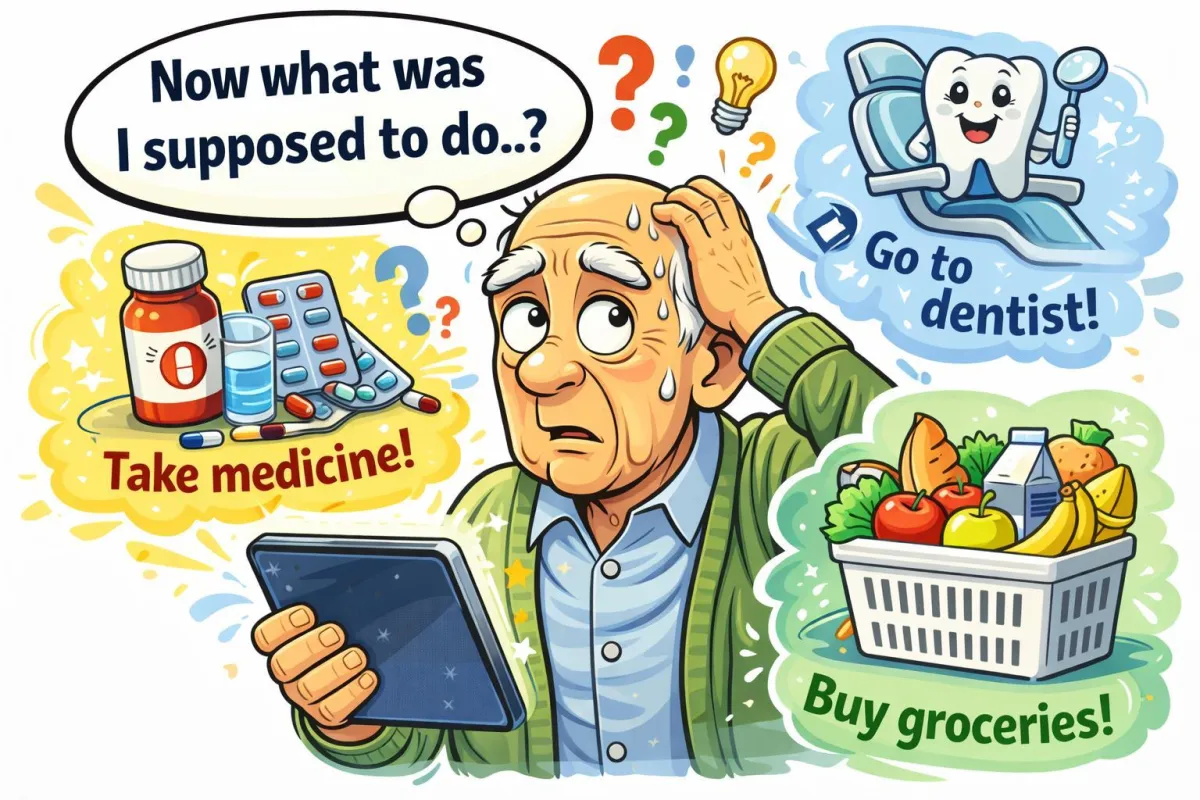
How Technology Can Help You Remember Medications and Appointments
If you’ve ever stared at your pill organizer thinking, “Did I take the blue one or the white one?”, you’re not alone! Fortunately, technology can lend a helping hand. From simple phone alarms to smart pillboxes that message your caregiver, here’s how today’s tools can keep your health routine on track—without any complicated tech talk.
Imagine This Scenario
You sit down to watch your favorite TV show when your phone gently chimes:
“Time to take your evening medication.”
You smile—because for once, you didn’t forget. Ten minutes later, another friendly alert pops up:
“Doctor’s appointment tomorrow at 10 a.m.—bring your insurance card.”
No panic. No sticky notes covering the fridge. Just calm confidence. That’s the magic of using technology the simple, senior-friendly way.
Why It’s So Easy to Forget
Summary: Life is busy, and our brains juggle more than ever.
Managing multiple prescriptions and appointments can get confusing fast. Even the most organized people occasionally miss a pill or mix up dates. Technology doesn’t replace memory—it supports it, like a reliable digital assistant who never takes a day off.
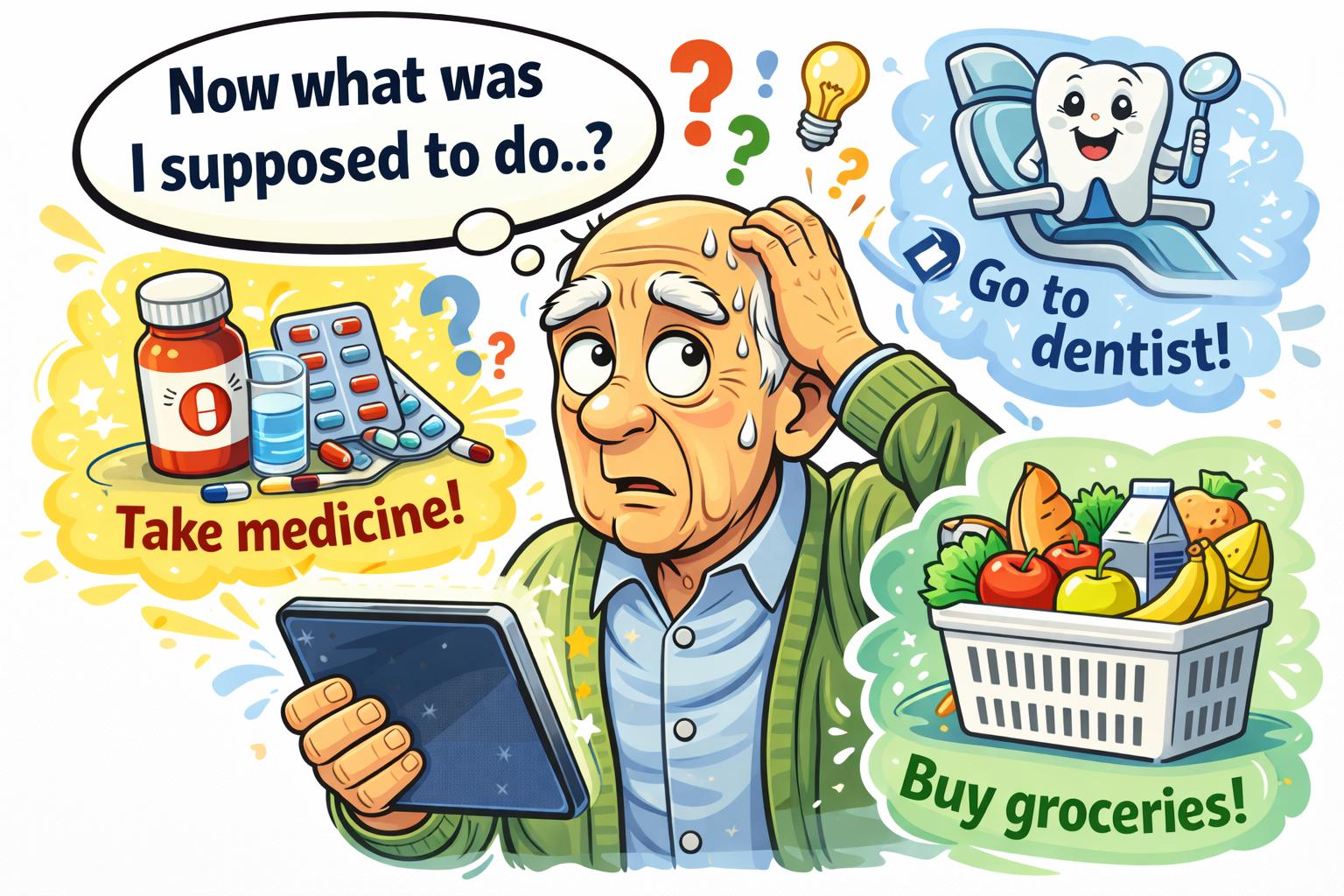
1. Phone Reminder Apps
Summary: Your phone can be your gentle, reliable helper.
Every smartphone already has a built-in reminder or alarm app:
iPhone: Try the Reminders app.
Android: Use Google Calendar or your phone’s Clock app.
You can:
Set alarms for each medication time.
Label them (“Morning Pill,” “Vitamin D”).
Pick a pleasant tone—no need for heart-stopping alarms!
Bonus tip: Add a small emoji (💊 or 🕒) to make it stand out.
“Need a hand? Your friends at FriendlyHelp are just a click away—book your appointment today!
2. Medication-Tracking Apps
Summary: Dedicated apps go beyond reminders.
These apps keep digital logs of when you took your medicine, and some even track refills. A few trusted options include:
Medisafe – Sends smart alerts and can notify loved ones if you forget.
MyTherapy – Combines medication tracking, health journaling, and mood notes.
CareClinic – Lets you record appointments, pills, and doctor notes all in one spot.
Each app is free (with optional upgrades) and designed with large fonts and easy buttons for older users.
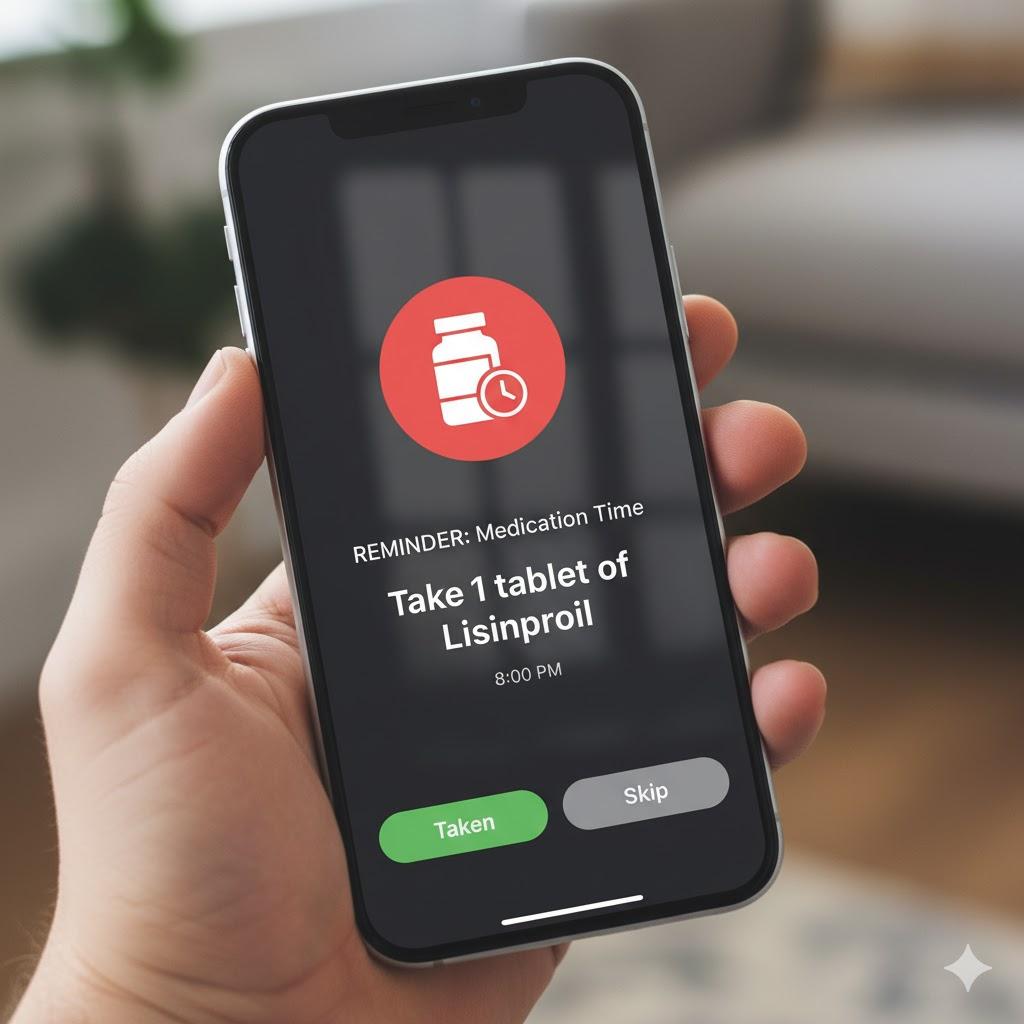
3. Smart Pillboxes
Summary: The pillbox that reminds you—and even your family.
Smart pillboxes light up, beep, or text you when it’s time for medicine. Some also message a caregiver if you miss a dose.
Top options include:
Hero – Automatically sorts and dispenses your pills.
MedMinder – Has flashing lights, sound alerts, and remote monitoring.
EllieGrid – Uses colorful lights to show which pills to take.
These are especially helpful if you take multiple medications daily or travel often.
“Need a hand? Your friends at FriendlyHelp are just a click away—book your appointment today!
4. Digital Calendars for Appointments
Summary: Goodbye paper planners, hello automatic reminders.
A digital calendar is your virtual day-planner that never gets lost. Use:
Google Calendar – Works on computers, Androids, and iPhones.
Apple Calendar – Syncs across all Apple devices.
Outlook Calendar – Great if you already use email on your computer.
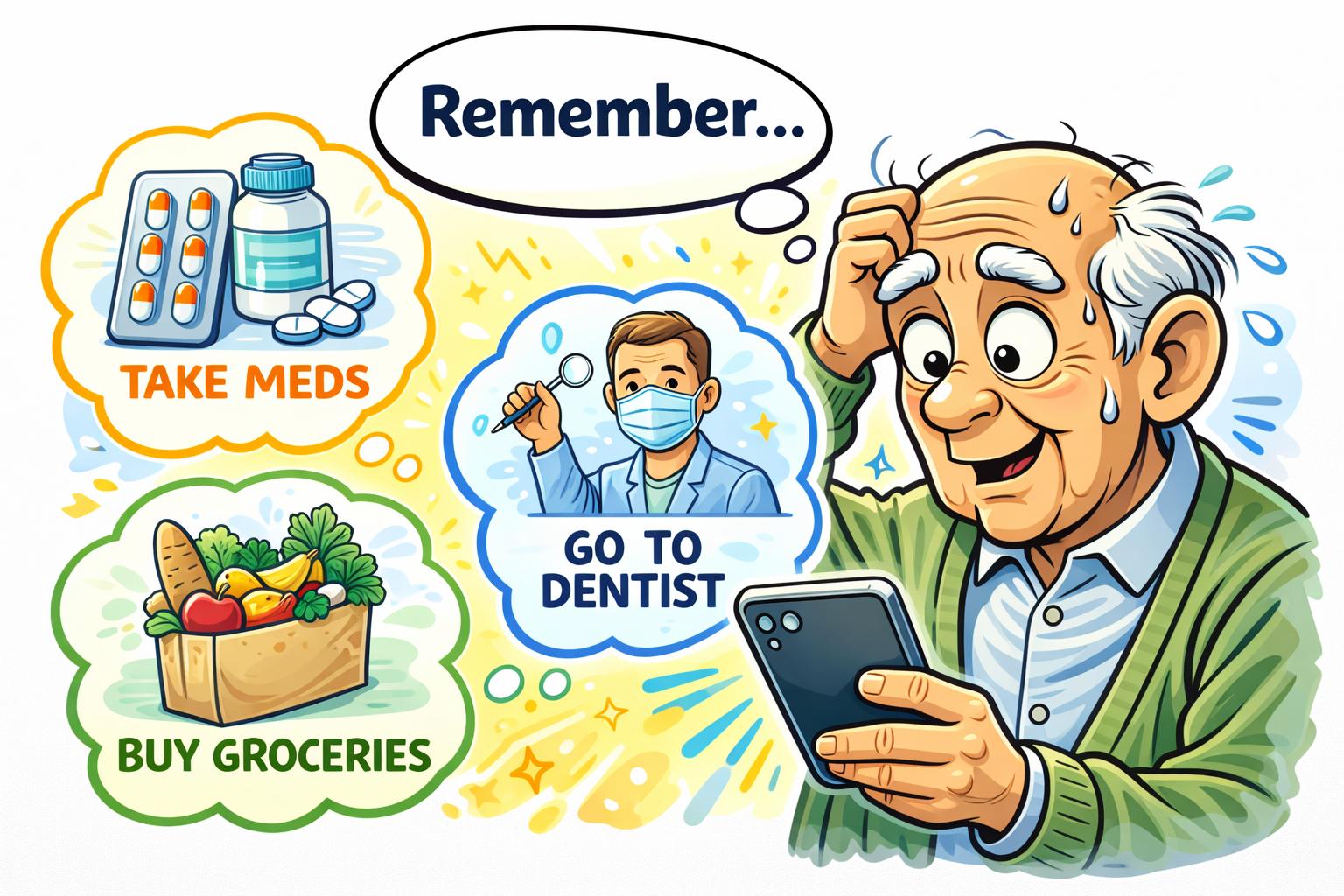
Add your appointments with times, locations, and reminders a day before and one hour before. You can even share your calendar with your spouse or caregiver so everyone stays in sync.
“Need a hand? Your friends at FriendlyHelp are just a click away—book your appointment today!
5. Virtual Assistants (Alexa, Siri, Google)
Summary: Just say it out loud.
Voice assistants can set reminders, timers, or appointments using only your voice:
“Alexa, remind me to take my medicine at 8 p.m.”
“Hey Siri, remind me to call Dr. Lopez tomorrow at 9.”
“Hey Google, add ‘pharmacy pickup’ to my calendar.”
These helpers are great if typing feels difficult. You can also connect Alexa to Amazon Pharmacy reminders for automatic prompts.
“Need a hand? Your friends at FriendlyHelp are just a click away—book your appointment today!
6. Simple PC and Phone Safety Tips 💻
Summary: Keep your reminders and data secure.
Use a lock-screen password or PIN.
Download apps only from official stores like Google Play or the Apple App Store.
Keep your device updated—updates patch security holes.
Back up important info so you don’t lose your data.
Don’t post your schedule publicly on Facebook or other social media.
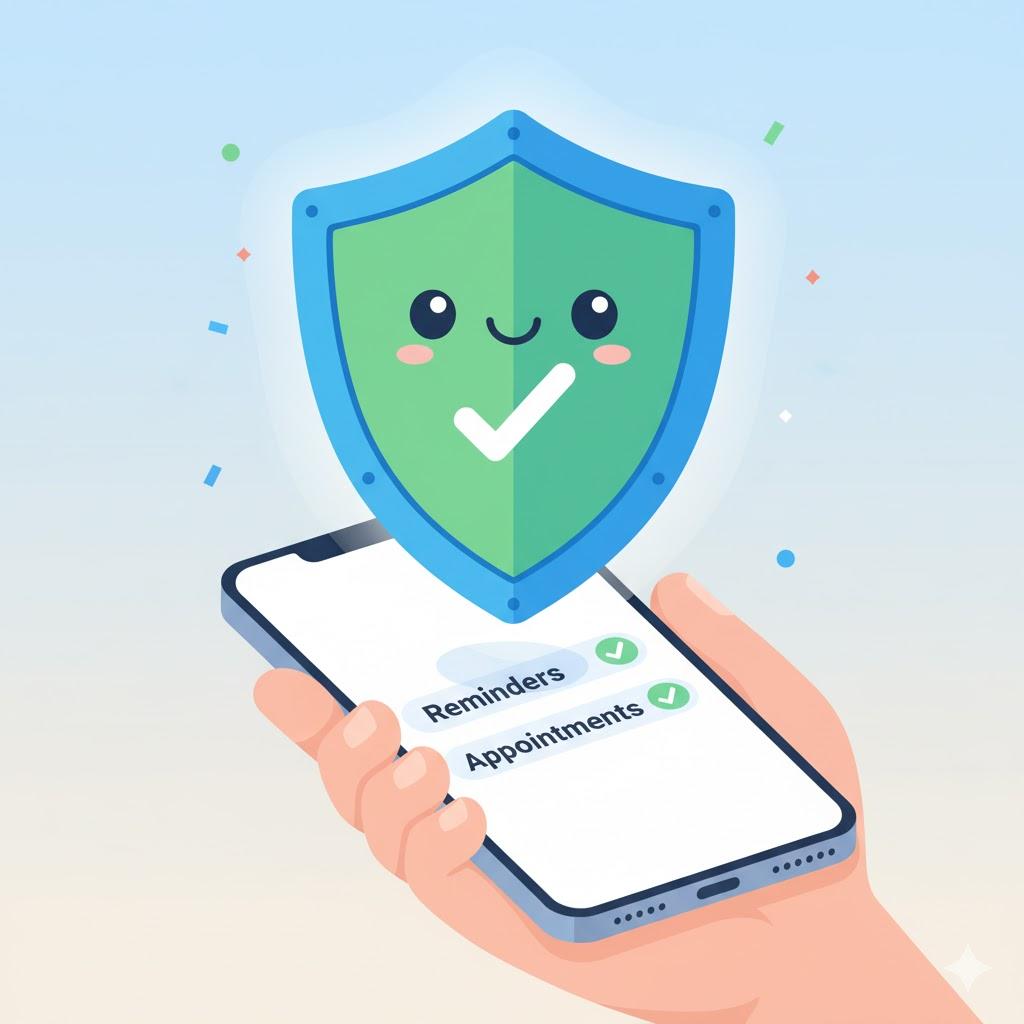
“Need a hand? Your friends at FriendlyHelp are just a click away—book your appointment today!
Step-by-Step: Setting a Medication Reminder
For iPhone:
Open Reminders.
Tap New Reminder → type “Take medicine.”
Tap the calendar icon → set date and time.
Turn on Repeat daily.
Tap Add → Done.
For Android (Google Calendar):
Open Calendar.
Tap + Create → Reminder.
Type “Take evening pill.”
Pick the time and frequency.
Tap Save.
✅ Done! Your phone will buzz gently when it’s time—no extra apps required.
“Need a hand? Your friends at FriendlyHelp are just a click away—book your appointment today!
7. Wearables and Smartwatches ⌚
Summary: Reminders you can’t miss, even without your phone.
Smartwatches like the Apple Watch, Fitbit, and Samsung Galaxy Watch can vibrate gently on your wrist when it’s time for your pills or appointments.
They’re ideal if you tend to leave your phone charging in another room. Many can also track steps, heart rate, and sleep—great bonus for healthy habits.
FAQ: Medication & Appointment Reminders
Q1: Do I need to buy special gadgets?
No. Start with the free apps on your phone. If you like them, you can explore smart pillboxes later.
Q2: What if I don’t like loud alarms?
Choose soft sounds or vibration. You can even make reminders silent but visible as pop-ups.
Q3: Can my caregiver or child get alerts too?
Yes! Apps like Medisafe and MyTherapy let you share your schedule with trusted contacts.
Q4: Are these apps safe to use?
Yes—if you install them from the official stores linked above and keep your phone updated.
Q5: I’m not tech-savvy—can someone set it up for me?
Absolutely. A family member, friend, or FriendlyHelp coach can set it up once; after that, it runs automatically.
The 5 Golden Rules for Using Technology to Stay on Track ⏰
Start small – Set one medication or appointment reminder first.
Keep it simple – Use tools already on your phone before downloading new ones.
Check reminders daily – Make it part of your breakfast or bedtime routine.
Share your schedule – Let a loved one or caregiver see your appointments.
Update when things change – Adjust reminders if times or medications shift.
Technology isn’t meant to replace memory—it’s meant to support it.
Gentle reminders, simple tools, and a few trusted habits can take the pressure off remembering every pill and appointment. And if setting things up feels confusing or you’d rather not do it alone, FriendlyHelp is here to help you get everything in place calmly and clearly—so staying on track feels easier, not stressful.
