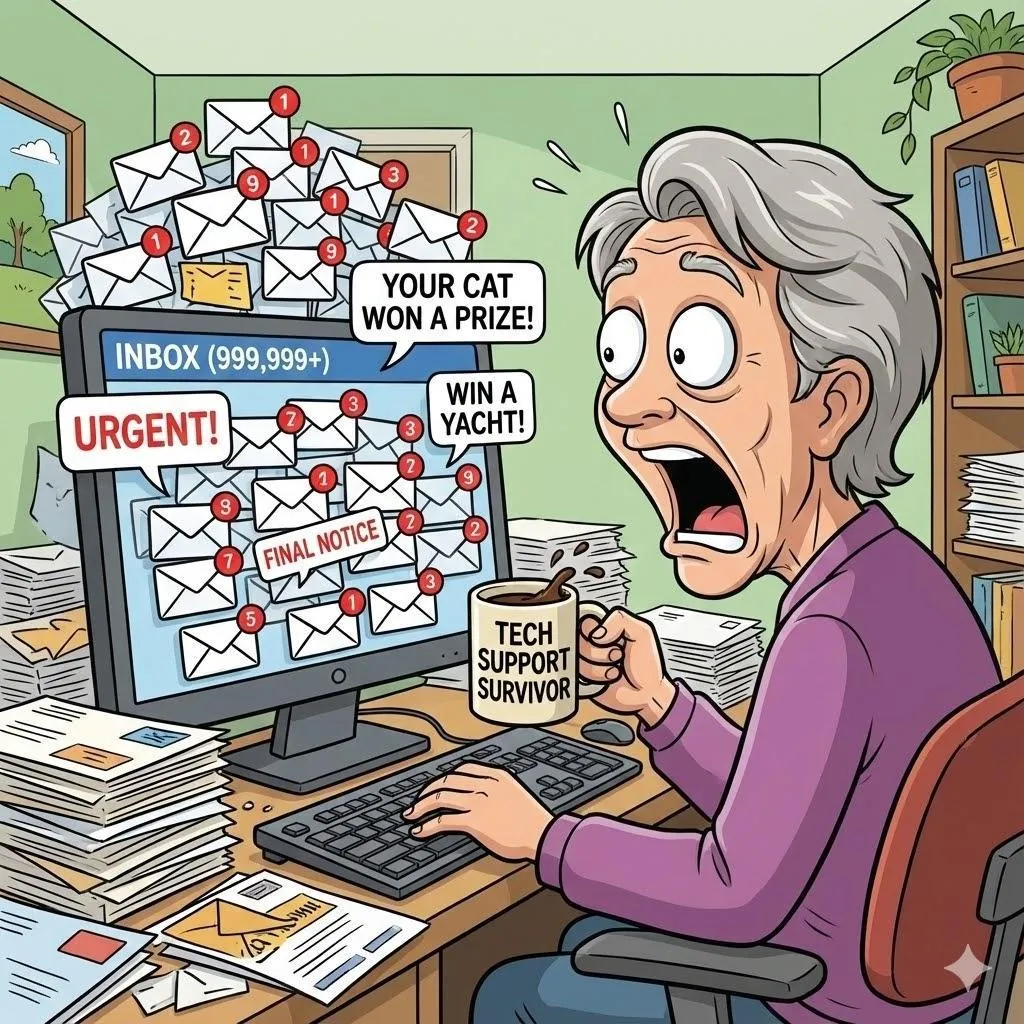
Why Am I Getting So Much Spam Email
Quick Summary
If your inbox is overflowing with ads, fake messages, and emails you don’t remember signing up for, you’re not alone. Spam is annoying—but the good news is you can greatly reduce it with a few simple steps.
Imagine This Scenario
You open your email to look for a message from your family.
Instead, you see:
“You WON a prize!”
“Urgent account warning!”
“Hot singles in your area!” (…excuse me?)
You didn’t ask for any of this, yet here it is—multiplying like rabbits.\
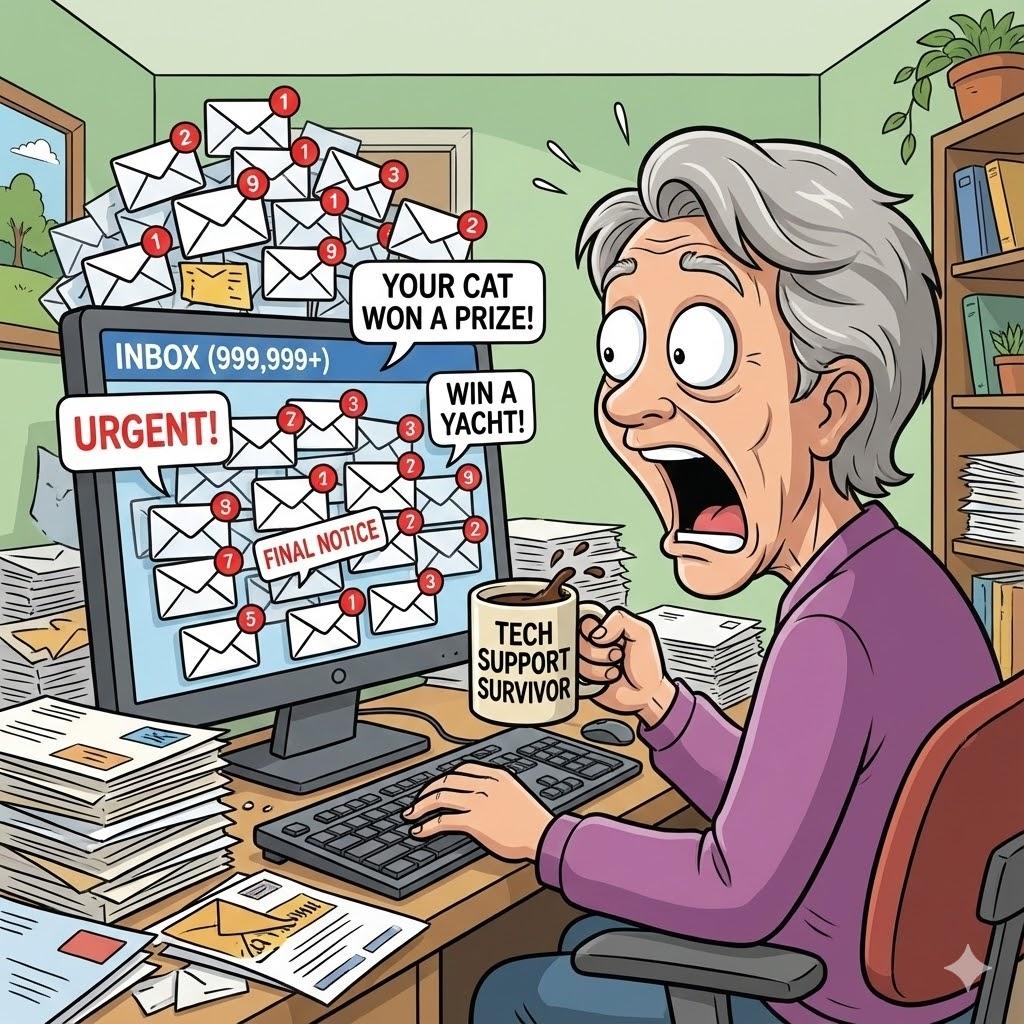
Let’s calm the chaos.
1. What Spam Email Really Is
Summary: Spam is unwanted email—often harmless, sometimes dangerous.
Spam includes:
Ads
Fake warnings
Scam messages
Old newsletters
Promotions from stores you forgot about
Some spam is just annoying.
Some try to scare you into clicking.
2. How Spam Finds You
Summary: It’s not personal—your email just wandered.
Spam usually comes from:
Online forms
Shopping sites
Old accounts
Public postings
Data leaks
You didn’t do anything “wrong.” This happens to everyone.
3. Use the “Spam” or “Junk” Button (It Really Works!)
Summary: Email providers learn from you.
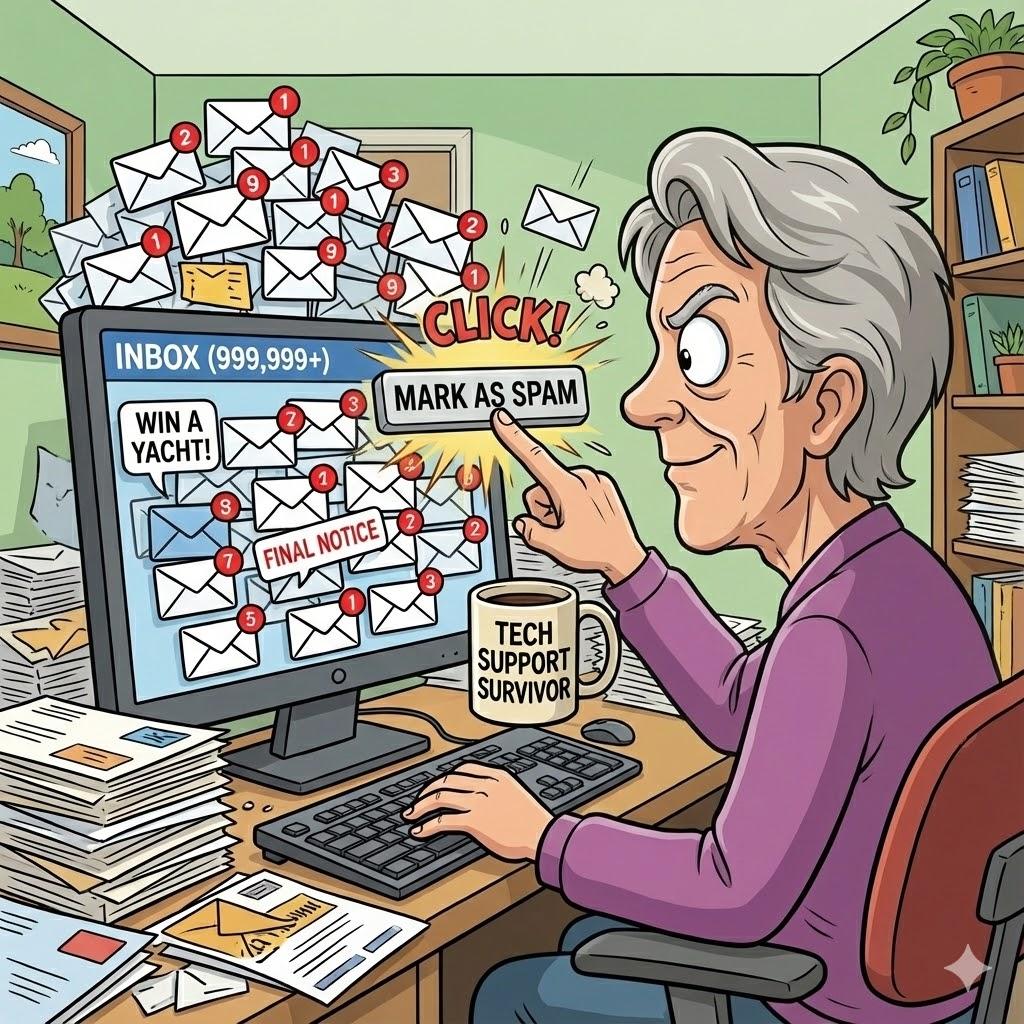
When you mark an email as spam, you’re teaching your email service what to block.
Do this instead of deleting:
✔️ Click Spam or Junk
✔️ Do it consistently
Over time, your inbox gets much quieter.
“Need a hand? Your friends at FriendlyHelp are just a click away—book your appointment today!
4. Unsubscribe the RIGHT Way
Summary: Some emails are safe to unsubscribe from—others are not.
Safe to unsubscribe:
Store emails you recognize
Newsletters you signed up for
NOT safe to unsubscribe:
Emails with scary warnings
Messages you never signed up for
Anything that feels fake
If it looks suspicious, mark it as spam instead.
5. Never Click Links in Scary Emails
Summary: Fear is the scammer’s favorite tool.
Emails saying things like:
“Your account will be closed!”
“Suspicious activity detected!”
Don’t click.
Instead, open the website manually in your browser.
“Need a hand? Your friends at FriendlyHelp are just a click away—book your appointment today!
6. Create a “Clean Inbox” Habit
Summary: A little cleanup goes a long way.
Try this once a week:
Delete junk
Mark spam
Unsubscribe from 1–2 old lists
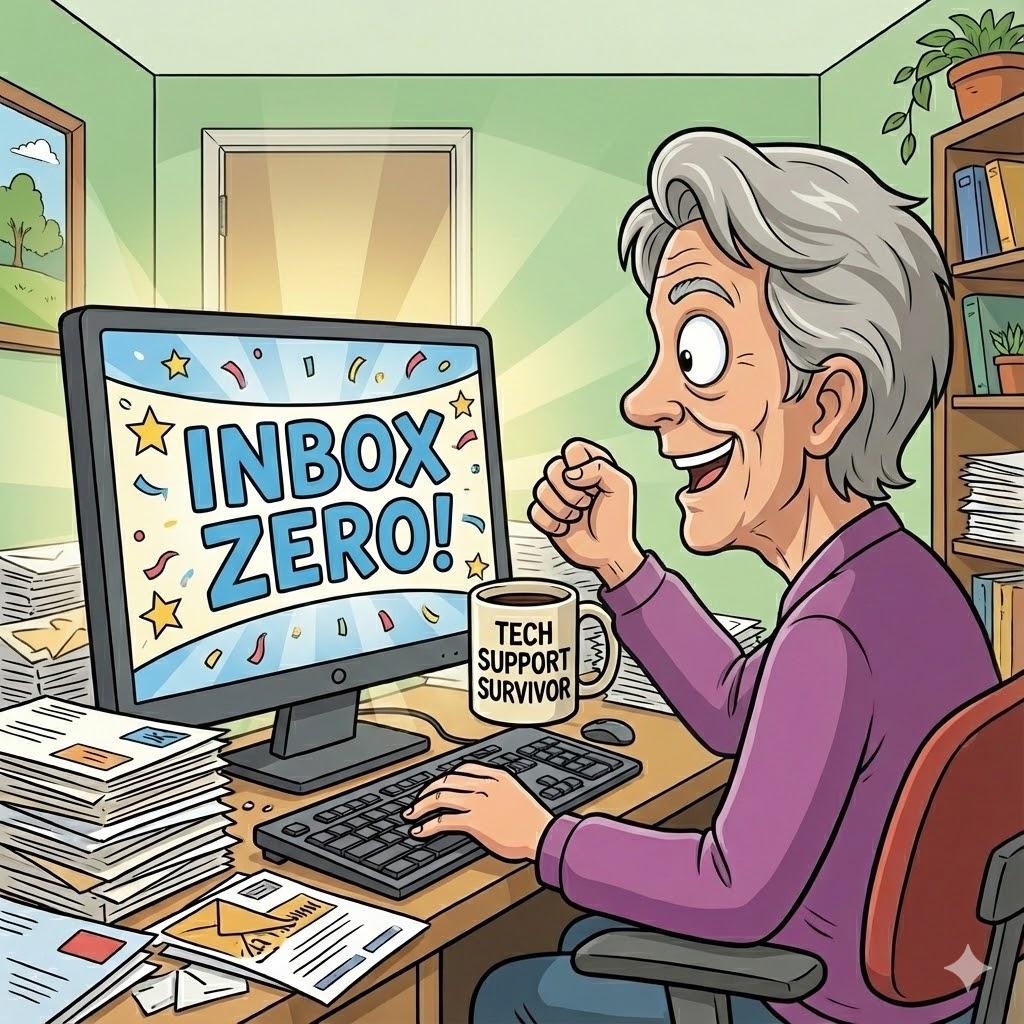
Five minutes = much less stress.
“Need a hand? Your friends at FriendlyHelp are just a click away—book your appointment today!
FAQ: Spam Email
Q1: Can spam emails hack me just by opening them?
No—only clicking links or downloading files is risky.
Q2: Should I reply to spam and ask them to stop?
Never. That confirms your email is active.
Q3: Will spam ever stop completely?
No—but you can reduce it dramatically.
The 5 Golden Rules of Email Peace
Mark spam instead of deleting.
Don’t click scary links.
Unsubscribe only from trusted senders.
Never reply to spam.
Check email calmly—nothing is urgent.
Spam email can feel overwhelming, but it’s rarely a sign that something is wrong. Most inbox clutter builds up slowly over time—and it can be reduced just as gently. By marking spam, unsubscribing safely, and staying calm around scary messages, you take back control of your inbox instead of reacting to it. And if email ever starts to feel stressful or confusing, FriendlyHelp is always here to help you clean things up patiently—so your inbox feels useful again, not exhausting.
